Client Contact Information Tell us who is completing this form so Lacy.ai can associate the warm transfer requirements with the right company, team, and contact person.
A First Name Provide the first name of the person completing this form.
B Last Name Provide the last name of the person completing this form.
C Company Name Provide the company name these transfer rules belong to.
D Email Address Provide the best email address for follow-up.
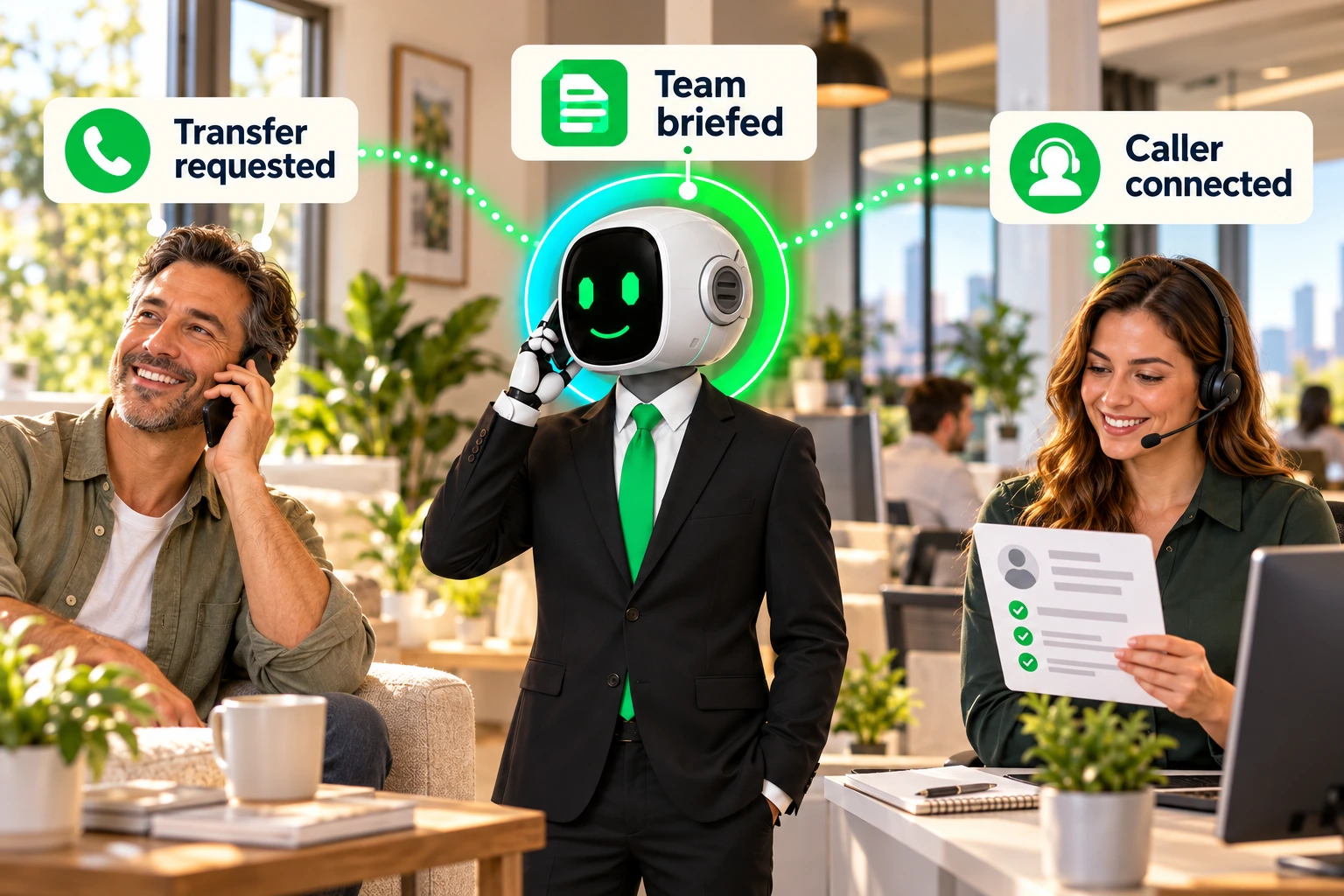
Transfer Setup Name the transfer rule and identify how Lacy.ai should reach the right person, team, department, or phone system.
1 Transfer Name Provide a clear internal name for this transfer rule.
2 Supervisor Name or Department Name Provide the person, role, team, or department the AI Agent should transfer the caller to.
3 Supervisor Phone Number Provide the number the AI Agent should call when initiating the warm transfer.
4 Custom SIP or Internal Extension Use this if your team routes calls through an internal phone system, PBX, or call center.
5 Outbound Phone Number Identify the number Lacy.ai should use to place the outbound call.
6 Caller ID Shown to Supervisor Confirm what number the receiving party should see.
Caller ID
Select preference
Outbound phone number
Customer's phone number
Custom number
Choose what the supervisor or department should see when the AI Agent calls them.
7 Hold Music and Volume Select the caller audio experience while Lacy.ai attempts the transfer. Recommended volume is 40%.
Hold Music
Select preference
Default hold music
Silence, no music
Select what the caller should hear while the AI Agent attempts to reach the supervisor or department.
Transfer Logic Define when Lacy.ai should transfer, when it should collect information, and what should happen after hours.
9 Business Hours Transfer Logic Confirm when warm transfers should be attempted.
Business Hours Rules
Select timing
Business hours only
Business hours and after hours
Never transfer after hours, collect information and notify team
Use different rules by day, time, department, or scenario
Choose whether the AI Agent should transfer calls only during open hours, after hours as well, or follow different rules by scenario.
10 After-Hours Handling Define what the AI Agent should do if no transfer should happen after hours.
After-Hours Alternative
Explain how the caller should be handled when a live transfer is unavailable.
Messages and Briefing Language Confirm what the AI Agent should say to the caller and to the supervisor.
11 Hold Message What should the Agent say before placing the caller on hold?
Hold Message
Write the exact sentence the AI Agent should say before placing the caller on hold.
12 Supervisor Summary Instructions Define what context the Agent should provide before connecting the caller.
Summary Instructions
Include caller name, reason for calling, urgency, and any details already collected.
13 Briefing Initial Message The first message the Agent says when the supervisor answers.
Briefing Message
Write the first message the AI Agent should say to the supervisor or department before it gives the call summary.
14 Connected Message The message the Agent says when the supervisor joins the call.
Connected Message
Write the message the AI Agent should say once the supervisor or department is ready to join the live call.
CRM, Notifications, and Follow-Up Tell Lacy.ai how every transfer attempt should update your CRM and notify your team.
16 Failed Transfer Handling What should the Agent do if the supervisor or department does not answer?
Failed Transfer Rules
Explain how the AI Agent should recover if the transfer fails.
17 Priority or Emergency Transfer Rules Identify urgent scenarios that need faster handling.
Priority Rules
List high-priority scenarios that should follow a different path, trigger faster notification, or route to a specific person or department.
18 Approved Escalation Contacts List people, departments, phone numbers, and routing logic.
Escalation Contact List
List every person, department, number, or queue that can receive a transfer.
 TM
TM