API Guidance
Review technical documentation for connecting Lacy.ai with your business systems.
Access API support documentation for Lacy.ai AI Phone Agents, call automation, workflow automation, CRM sync, webhooks, and connected customer workflows.
Use the API docs to understand how Lacy.ai can connect phone conversations to your systems, trigger workflows, pass structured data, and support automation across sales, support, operations, and customer intake.
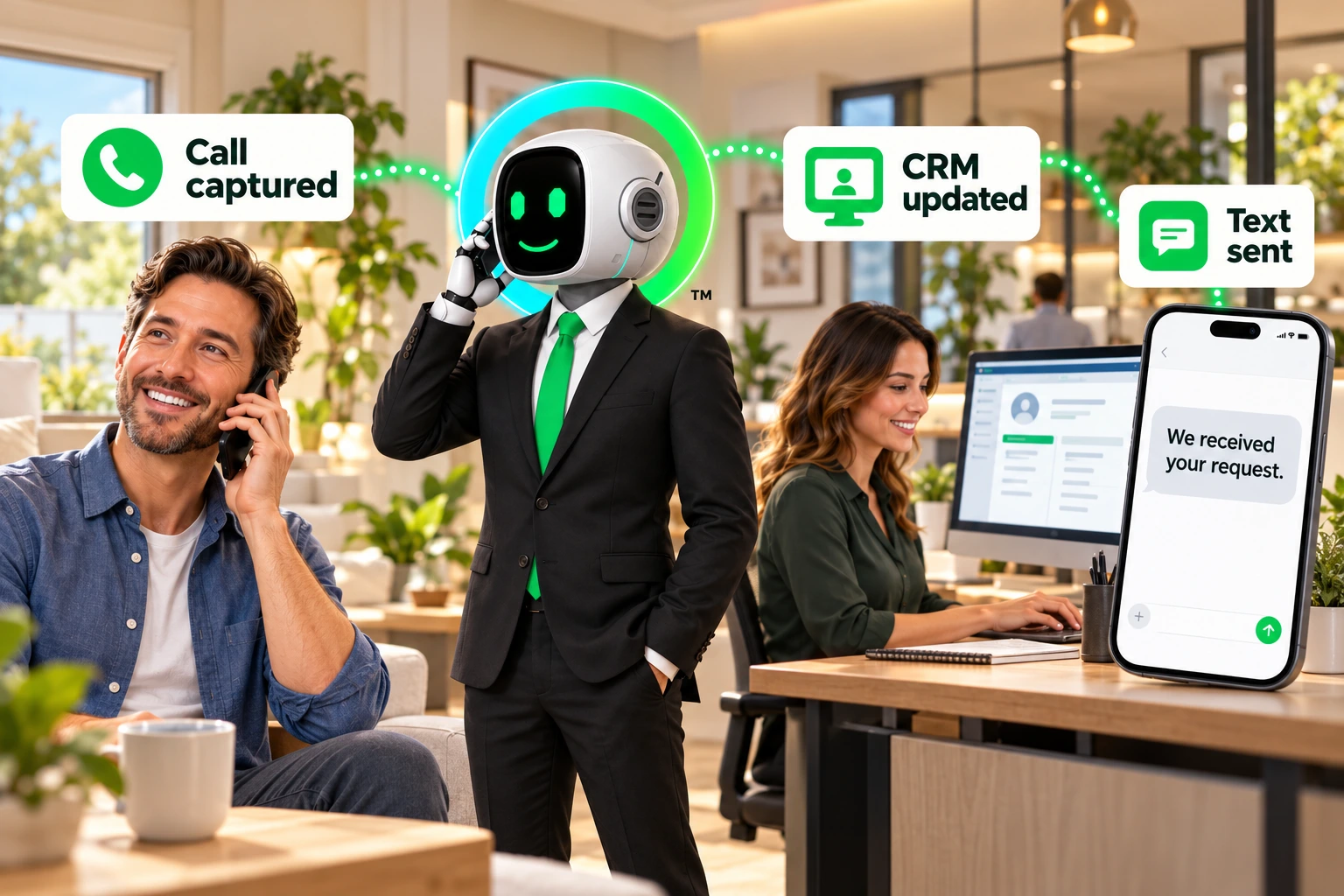

Connect business systems to Lacy.ai, pass structured data, trigger actions, and move call outcomes into the workflows your team already uses.
/leads/create
Push a new lead into a campaign or connected workflow.
/calls/get-calls
Review call activity, call outcomes, and structured records.
/sms/send-sms
Trigger SMS follow-up from customer conversations.
/user/me
Confirm authenticated account and API access context.
Use these direct links to open the specific API support documentation pages inside the Lacy.ai docs hub.
Review technical documentation for connecting Lacy.ai with your business systems, webhooks, CRM workflows, lead intake, support routing, and operational automation.
Review technical documentation for connecting Lacy.ai with your business systems.
Learn how call events, post-call data, and workflow triggers can connect to external tools.
Explore how AI Phone Agent data can support CRM sync, lead intake, support routing, and operations workflows.
Understand how structured call data can move from conversation to workflow.
Connect AI Phone Agent data to the systems your team uses to manage leads, customers, support, operations, dispatch, and workflow automation.
Use APIs and webhooks to connect calls to lead intake, appointment workflows, customer records, dispatch alerts, and follow-up tasks.
Use APIs and webhooks to support commercial accounts, technical support intake, order workflows, delivery requests, CRM updates, and operational routing.
Lacy.ai API and webhook workflows help connect phone conversations to CRM records, support workflows, operations alerts, and automation systems.
The API support docs are available through the Lacy.ai documentation hub at https://docs.lacy.ai.
Lacy.ai API and webhook workflows can support CRM sync, workflow automation, call data pass-through, post-call variables, customer intake, support routing, and operational notifications.
Yes. The API docs are designed for technical teams, developers, implementation partners, and operators who need to connect Lacy.ai with business systems.
Lacy.ai can support CRM-connected workflows depending on your system, available APIs, webhooks, and implementation scope.
Non-technical users should start with the Help Center or AI Phone Agents page before reviewing the API docs.
Lacy.ai helps Home Services and B2B Services teams connect AI Phone Agents to the systems that run their business. Start with the API docs, then see how Lacy.ai can support your call automation workflows.

Lacy.ai API docs help teams connect AI Phone Agents to CRM records, workflow automation, customer intake, support routing, call data, and business systems.
The call creates the data. The API helps move it into action.