Call Performance
Track call volume, bookings, lead qualification, and AI phone agent outcomes from one executive performance view.
Follow up faster. Reactivate more leads. Turn more homeowner conversations into booked jobs.
Book a Free 30-Minute Demo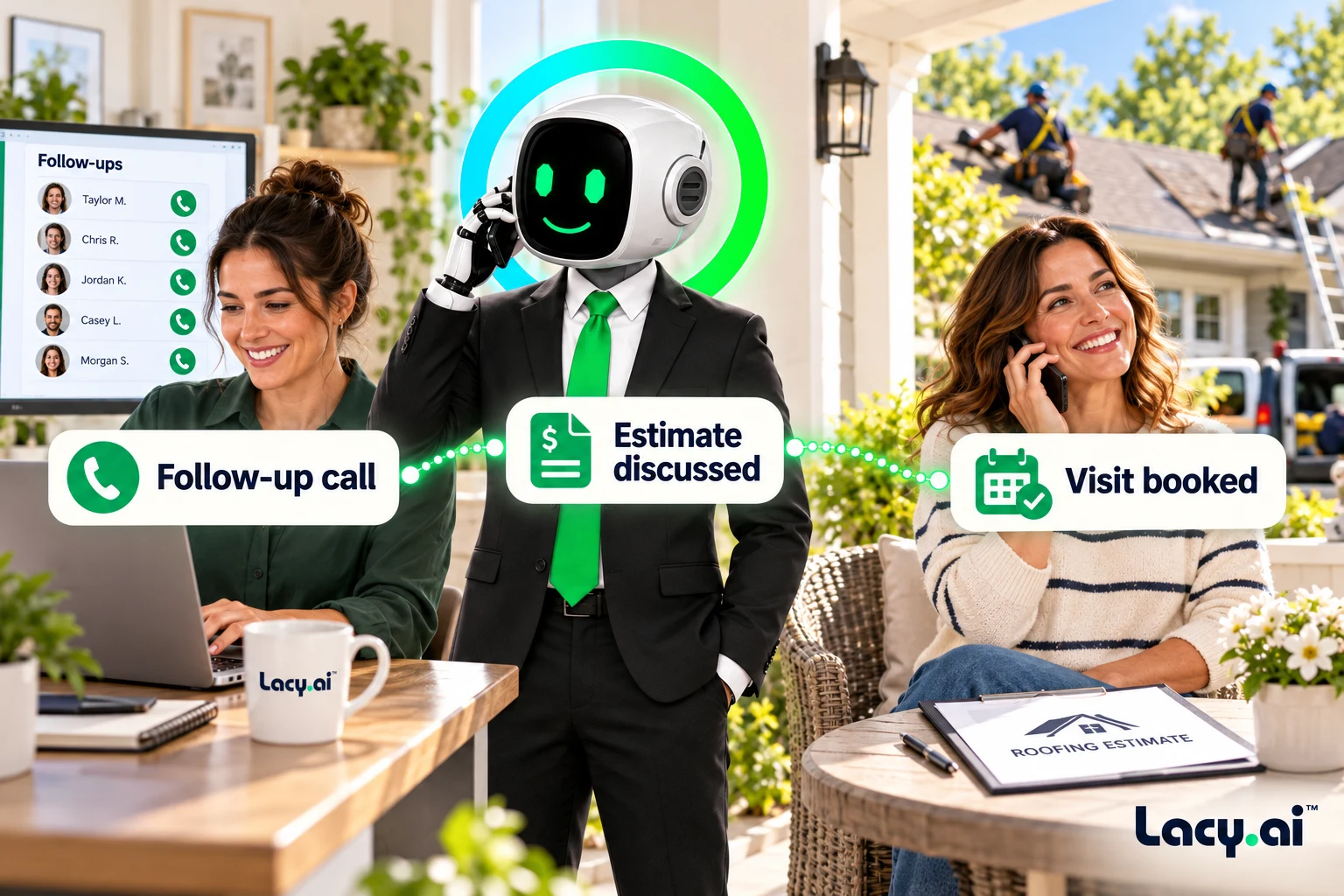
Explore six connected views, from call handling to the work that follows.
Platform illustrations with sample data. Explore the live platform in your demo.
A new inquiry. An open estimate. An upcoming visit. Give every conversation a clear reason and a useful next step.
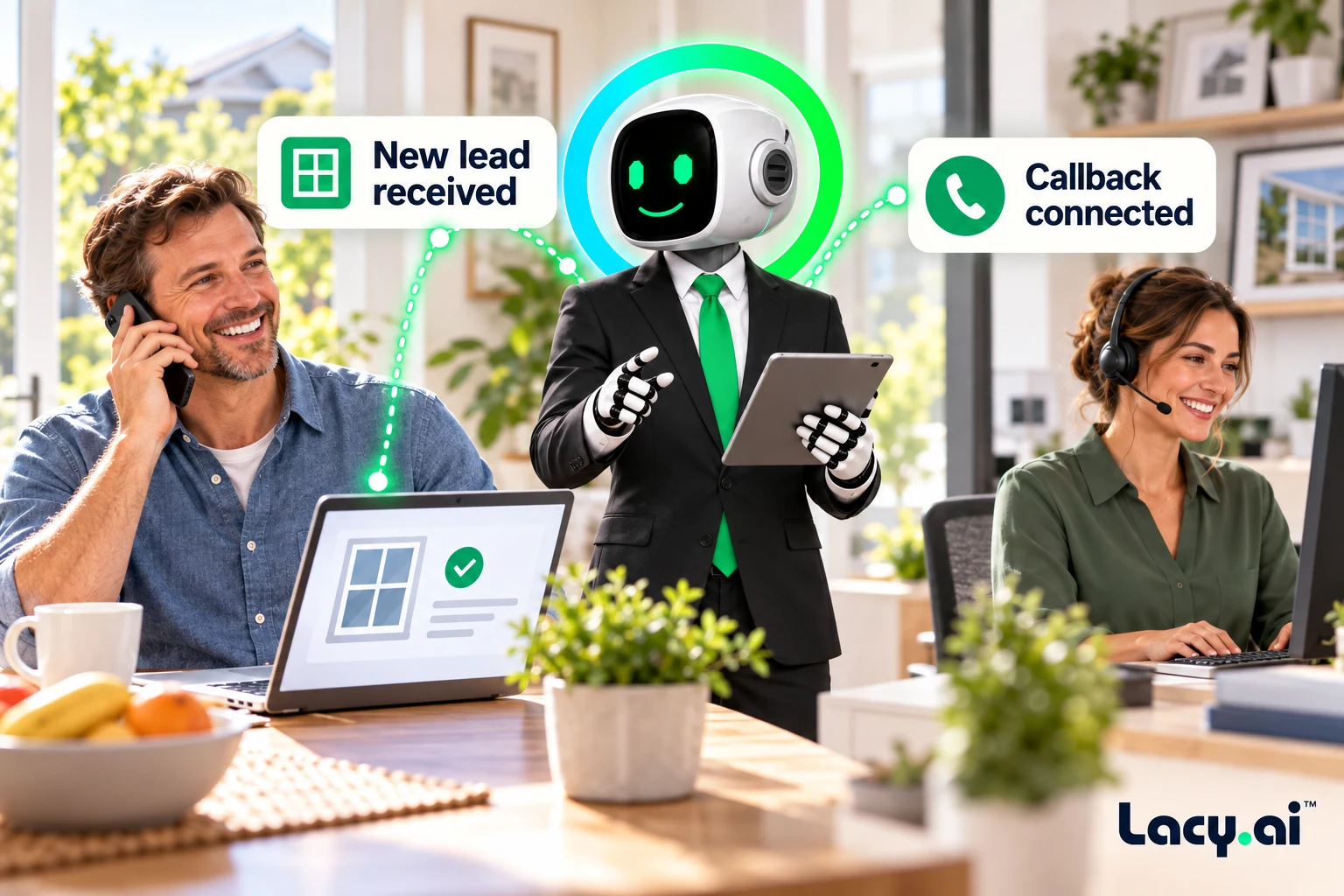
Call new web, ad, and CRM leads quickly so your business can respond while the homeowner is still actively looking.
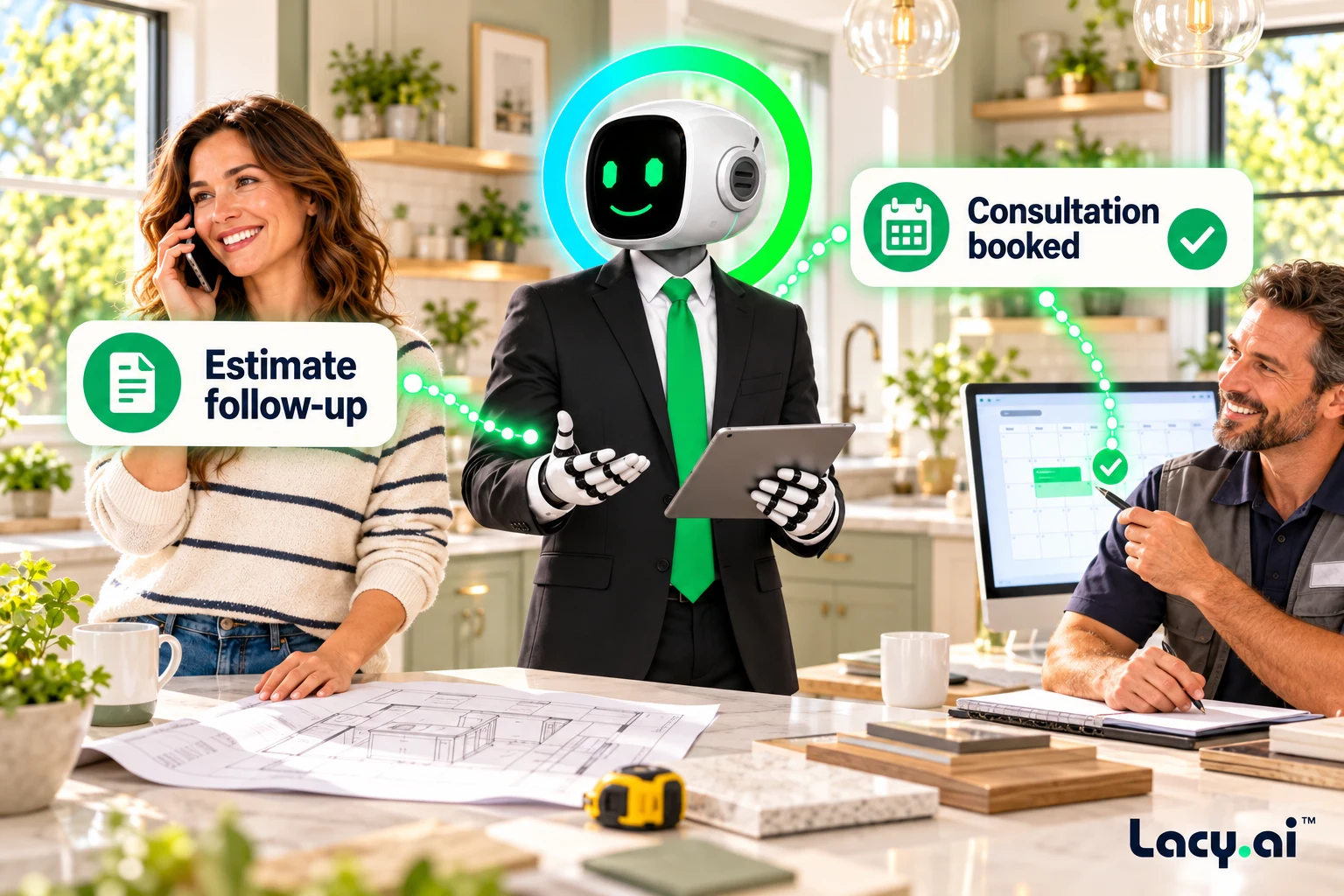
Recover open proposals by calling homeowners who received an estimate but have not moved forward.
Confirm availability, reduce no-shows, capture reschedule requests, and keep your calendar cleaner.
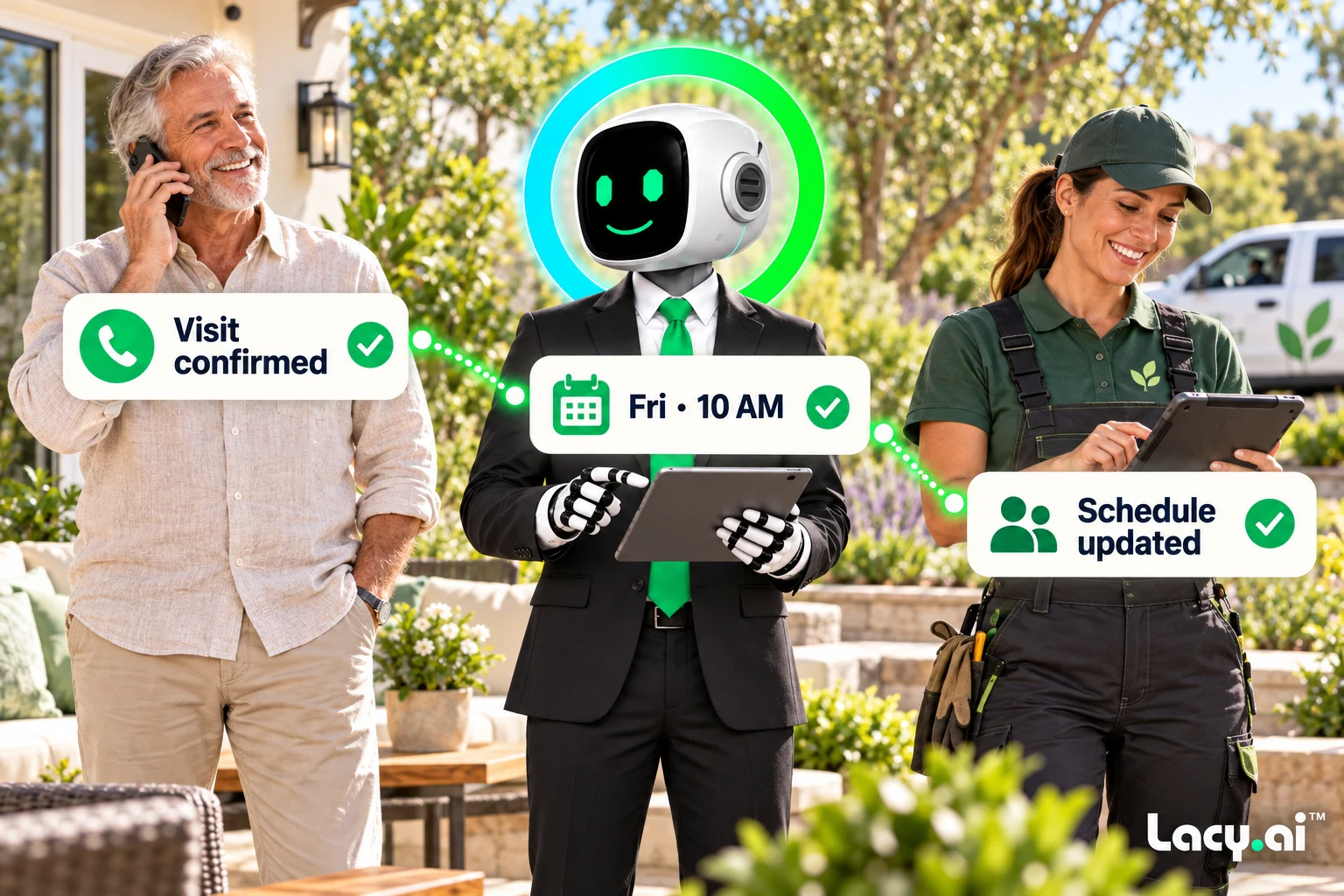
Example workflows. Actions depend on your connected systems and configured business rules.
Book a Free 30-Minute DemoGive every campaign a clear purpose, contact rules, and a useful outcome.
Start with a new inquiry, an open estimate, or an upcoming visit. Give the agent the relevant customer context and reason for calling.
Configure the conversation path, objection handling, service policies, and brand-specific conversation style.
Define eligible contacts, calling times, retry limits, stop conditions, and when a person should take over.
Use the call outcome to decide whether another attempt is appropriate, when it should happen, or when contact should stop. Configure these rules before launching.
Map booking requests, callbacks, and declined offers to your connected calendar, CRM, and team workflows.
Review call summaries, recordings, transcripts, dispositions, retry attempts, and booking outcomes to identify where your campaign needs attention.
Illustrative workflow. Actions depend on your configuration and connected systems.
Explore the connected steps: appointment scheduling, CRM sync, and workflow automation.
Listen to real inbound examples of Lacy answering calls, capturing details, recognizing customer needs, and moving each conversation toward the right next action.

Target orders a pallet of ice from SF Ice. The AI Phone Agent naturally confirms the request and applies its trained knowledge of the pallet’s weight and quantity.

Walgreens requests the minimum number of ice bags. The AI Phone Agent uses knowledge base logic to determine the correct quantity and handles the order naturally.

Southwest Airlines orders a pallet of ice and updates the delivery address. The AI Phone Agent reasons through both requests and completes the call in a natural, human-like way.
These are customer calls handled for San Francisco Ice Company. Target, Walgreens, and Southwest Airlines are callers in these examples, not presented as direct Lacy.ai customers or endorsements. Sensitive details may be redacted for privacy.
These inbound customer recordings demonstrate call handling. They are not recordings of outbound campaigns or a demonstration of every Mid-Call integration.
Lacy.ai helps home service businesses launch outbound AI call campaigns for lead follow-up, estimate reminders, appointment confirmations, reactivation, seasonal outreach, and CRM-driven workflows.
Listen to real inbound examples of Lacy answering calls, capturing details, recognizing customer needs, and moving each conversation toward the right next action.
Most home service companies do not lose revenue because they lack demand. They lose revenue because follow-up is slow, inconsistent, or too manual to scale.
A homeowner fills out a form. A lead comes in from an ad. A past customer has not booked in months. An estimate was sent but never accepted. An appointment needs confirmation. A no-show needs to be rescheduled.
Bring dormant customers, seasonal maintenance lists, and service plan opportunities back into the business.
Create an outbound campaign with an assigned assistant and phone number. Add leads manually, by CSV, or through connected sources such as GoHighLevel and Google Sheets. Set calling hours, days and retry rules; scheduling uses the assistant’s timezone. See the campaign setup guide.
Lacy.ai documents this post-call workflow: AI call ends → process conversation insights → update the HubSpot contact → schedule the next AI interaction. See the documented CRM workflow.
Configure the connection, field mapping and follow-up rules for your deployment, then verify a test call’s saved CRM outcome and next action. This documented workflow is not a customer performance result or a guarantee of immediate lead-trigger timing. Documentation reviewed October 14, 2026.
Lacy.ai helps turn outbound AI calls into structured operational data so your team gets summaries, transcripts, outcomes, booking status, callback requests, dispositions, retry attempts, and workflow triggers.
If the homeowner wants to book, the call can move toward scheduling. If they request a callback, your team can be notified. If they are not interested, the CRM can be updated. If they need more information, the lead can move into the correct follow-up path.
New lead, open estimate, missed call, or past customer list.
Outbound call starts with campaign-specific context.
Intent, interest, callback, appointment, and disposition.
CRM sync, team alert, retry, booking, or follow-up.
Lacy.ai is more than an outbound calling tool. It is an AI Phone Agent platform supported by an implementation team that helps configure call campaigns around how your home service business actually operates.
You get the platform to create and manage AI Phone Agents, call campaigns, workflows, call records, outcomes, and performance. You also get AI Optimization support to help configure campaigns, test the call experience, refine the agent, and improve performance over time.
Use insights and optimization recommendations to improve scripts, qualification logic, retry strategy, and campaign outcomes.
If your team is manually dialing leads, chasing open estimates, missing follow-up windows, or struggling to reactivate old customers, Lacy.ai gives you a better way forward.
Answers for home service companies evaluating outbound AI calls, campaign automation, CRM workflows, retry logic, and implementation support.
Outbound AI calls are becoming a core growth layer for home service businesses. They help improve speed to lead, reduce manual dialing, recover open opportunities, confirm appointments, reactivate past customers, and turn campaign activity into structured business data.
Lacy.ai gives your team the AI Phone Agent platform, outbound campaign tools, workflow automation, call intelligence, and implementation support needed to scale customer outreach without overwhelming your office staff.
Reach more homeowners. Follow up faster. Book more jobs with Lacy.ai.
Outbound AI calls are automated phone calls made by AI Phone Agents to prospects, leads, customers, or past contacts. For home service businesses, they can be used for lead follow-up, appointment reminders, estimate follow-up, reactivation campaigns, customer outreach, and CRM-triggered workflows.
Home service businesses can use outbound AI call campaigns to follow up with new leads, call missed inquiries, confirm appointments, reactivate past customers, follow up on unsold estimates, reduce no-shows, and collect customer feedback after service.
Yes. Lacy.ai can support outbound workflows where new leads from your CRM, forms, or campaigns are used to trigger follow-up call campaigns based on your implementation scope and business rules.
Yes. Lacy.ai can support outbound appointment reminder campaigns that call customers before scheduled appointments, confirm availability, capture reschedule requests, and trigger next-step workflows.
Yes. Lacy.ai can help home service teams call customers with open estimates to confirm interest, answer basic questions, identify objections, capture outcomes, and route interested homeowners to the right next step.
Yes. Lacy.ai can support campaign structures that include retry logic, call attempt tracking, outcomes, dispositions, and workflow triggers based on whether a customer answers, requests a callback, books, declines, or requires follow-up.
Yes. Lacy.ai can support CRM-connected workflows that sync outbound call outcomes, call summaries, extracted variables, booking status, lead status, dispositions, and follow-up triggers into the systems your team uses.
No. Lacy.ai provides both the AI Phone Agent platform and implementation support. That means your team gets the software plus AI Optimization services to help configure outbound campaigns, call scripts, workflows, CRM logic, testing, and performance improvements for your home service business.
Lacy.ai supports outbound AI campaigns for new leads, missed inquiries, open estimates and approved customer follow-up. Configured CRM, form or campaign workflows can trigger calls, capture qualification details and route the result to booking, a callback or a sales task. Available triggers and actions depend on your connected systems and implementation.
Define eligible contacts, the reason for calling, approved contact rules, timing, retry limits, stop conditions and human handoffs. Map interest, objections, callback preferences and call outcomes to the CRM. Test a completed booking, unanswered call, declined offer and failed system update before expanding the campaign.
Lacy.ai helps home service businesses reach more homeowners, follow up faster, recover more opportunities, and turn outbound conversations into structured business outcomes.
Book a Free 30-Minute Demo