Call Performance
Track call volume, bookings, lead qualification, and AI phone agent outcomes from one executive performance view.
Turn every phone call into the next business action.
Book a Free 30-Minute Demo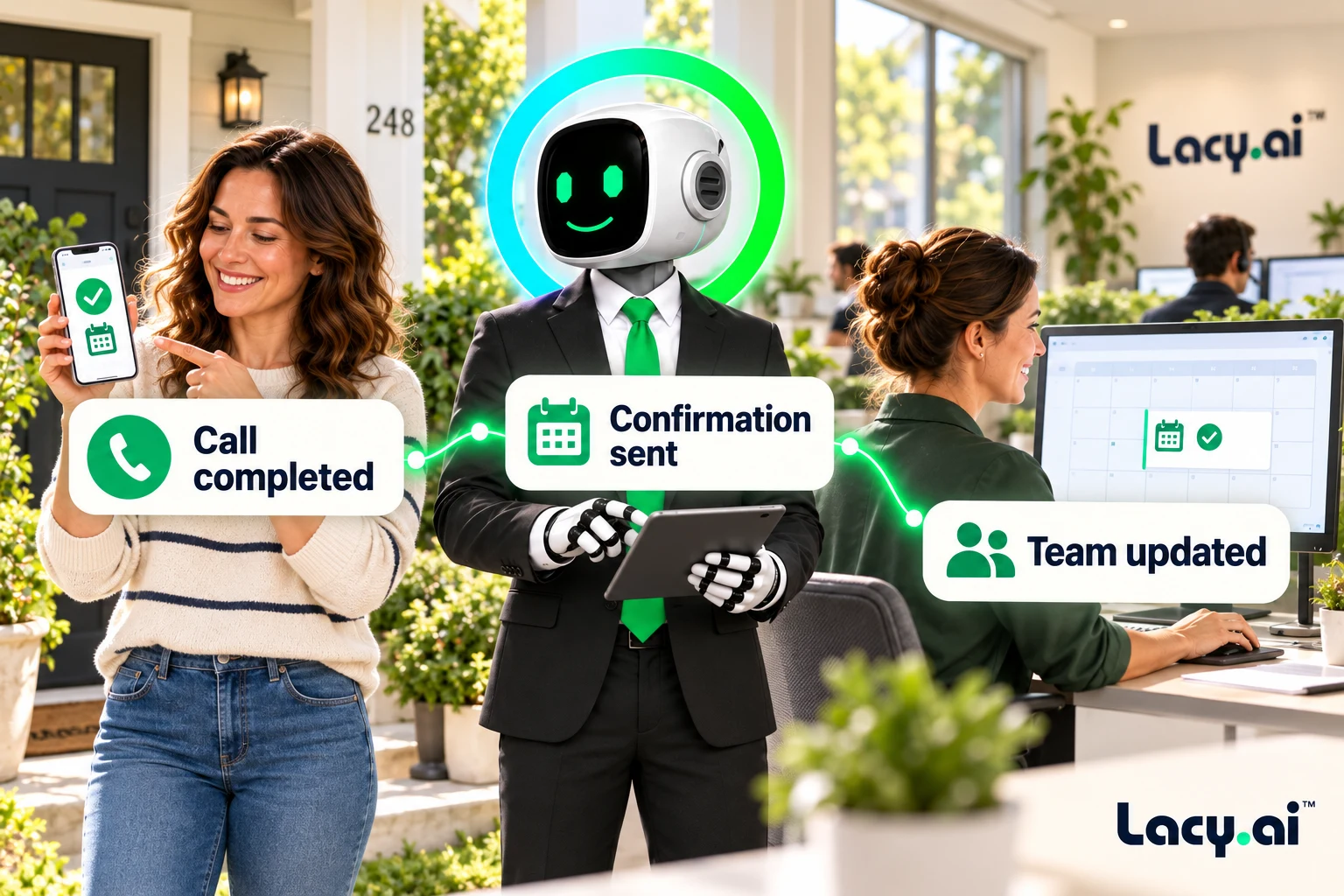
Explore six connected views, from call handling to the work that follows.
Platform illustrations with sample data. Explore the live platform in your demo.
Turn the outcome into CRM updates, customer confirmations, tasks, and internal alerts, with the context your team needs.
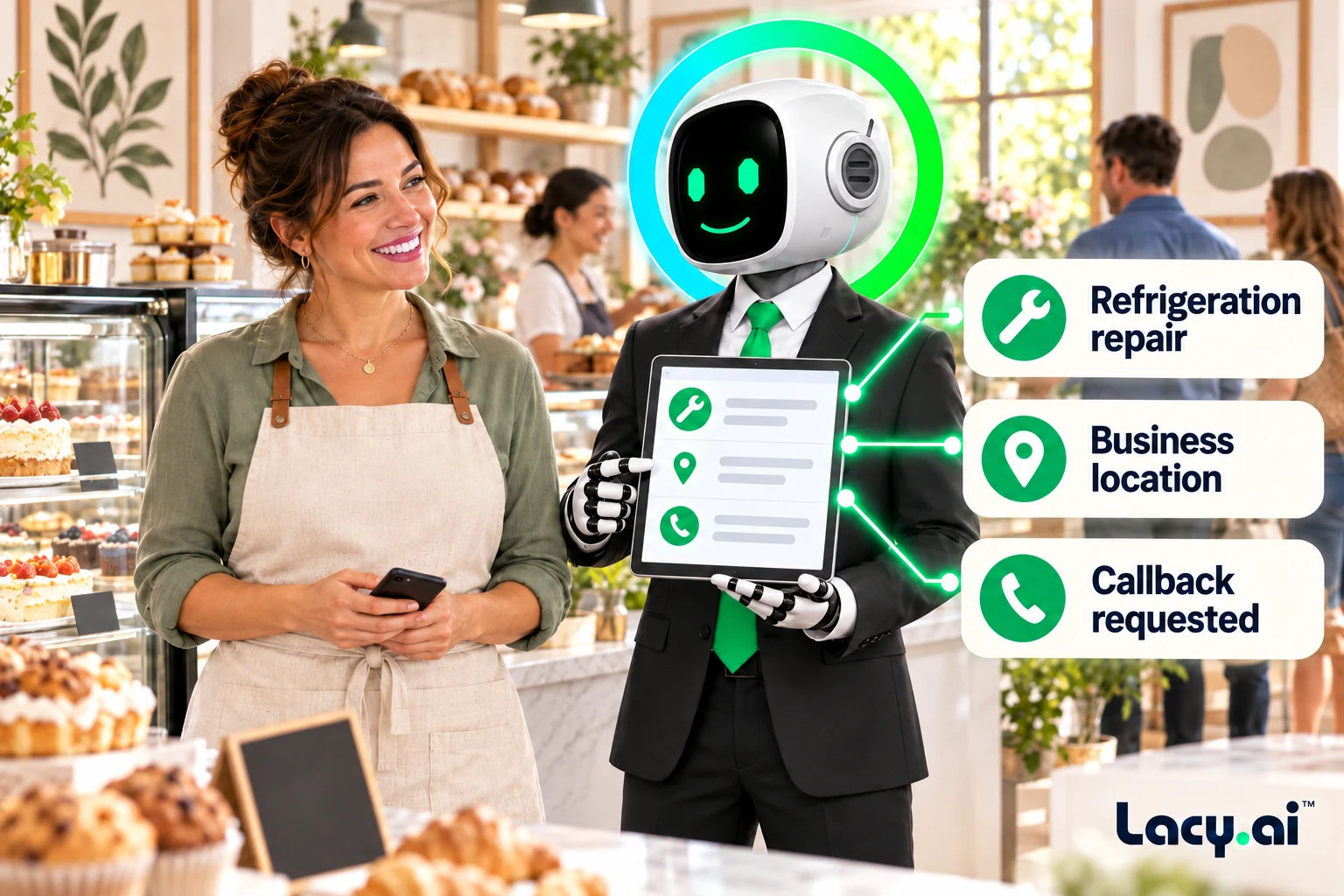
Lacy captures the customer request, call outcome, and details that tell your workflow what needs to happen next.
Your configured rules turn that outcome into CRM updates, confirmations, tasks, and internal alerts.
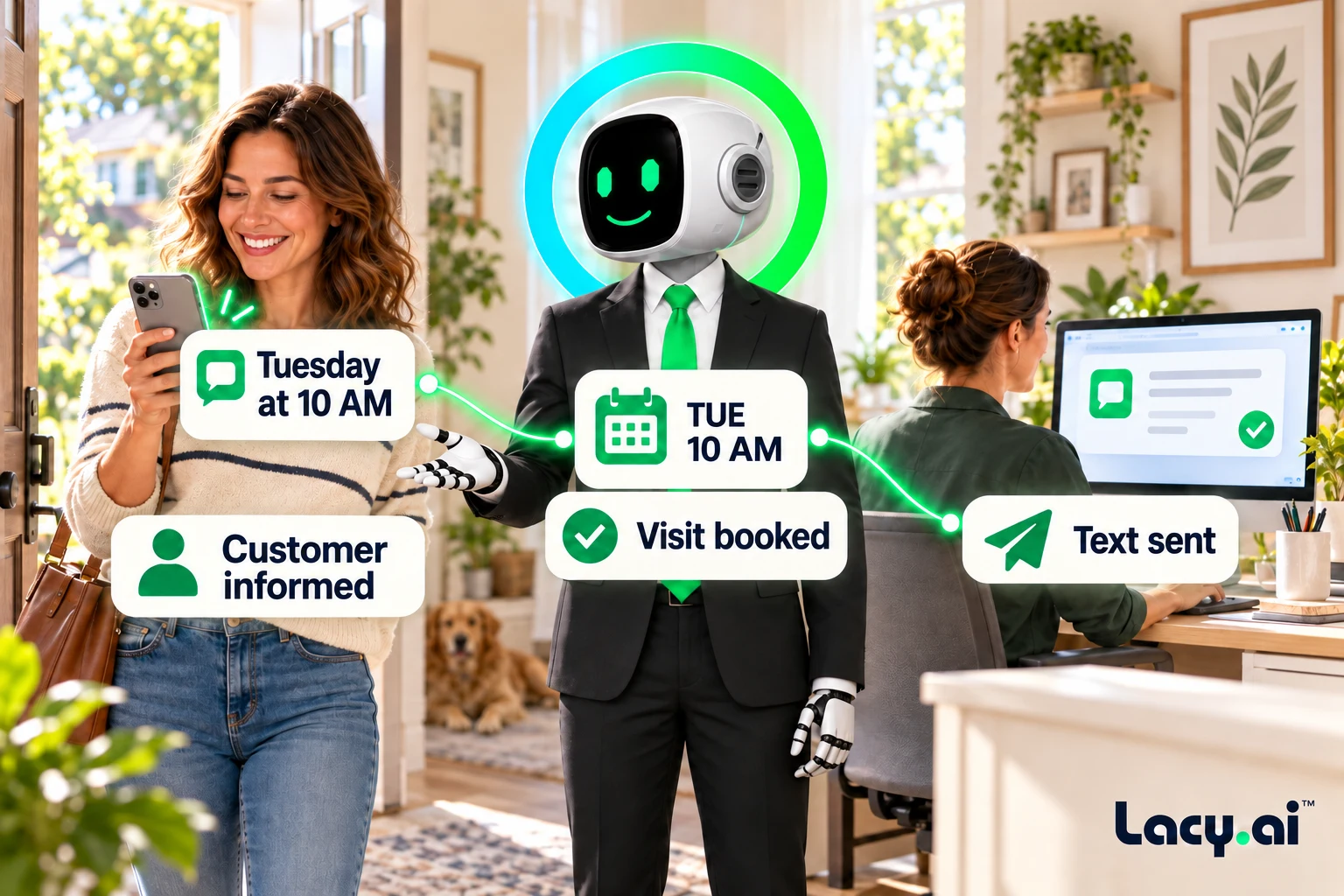
The right people receive the context and next step, so work moves forward without another manual handoff.
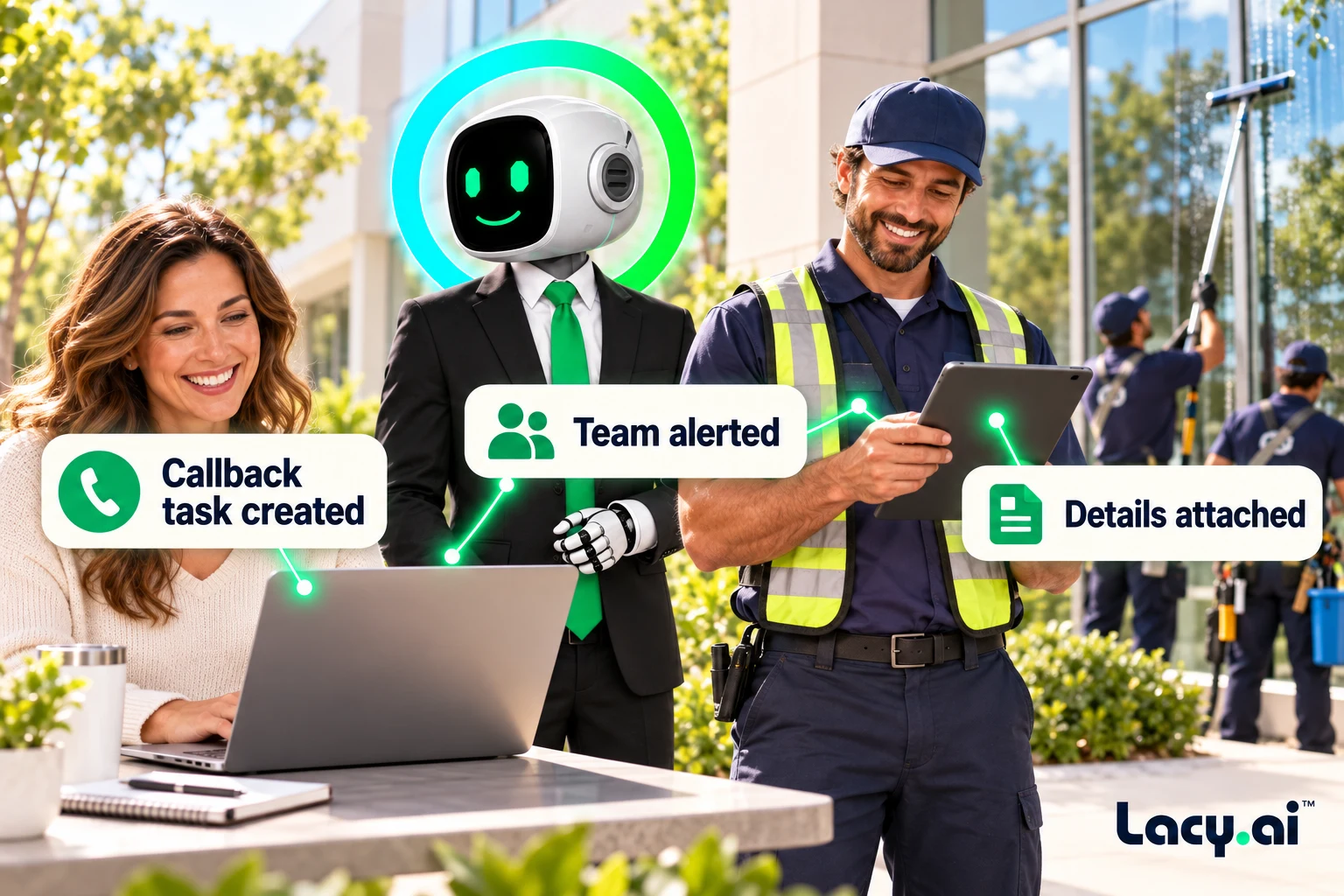
Example workflows. Actions depend on your connected systems and configured business rules.
Book a Free 30-Minute DemoKeep the customer and calendar in sync.
Update the calendar, send SMS and email confirmations, notify the team, and log the call summary.
Give the request an owner and a next step.
Create a callback task, alert the right team member, update lead status, and track completion.
Get the context to the team that can act.
Flag the request, notify dispatch, summarize the issue, and move the customer into an escalation path.
Move a service inquiry into your sales process.
Create an opportunity, capture service interest, trigger sales follow-up, and update the pipeline.
Listen to real inbound examples of Lacy answering calls, capturing details, recognizing customer needs, and moving each conversation toward the right next action.

Target orders a pallet of ice from SF Ice. The AI Phone Agent naturally confirms the request and applies its trained knowledge of the pallet’s weight and quantity.

Walgreens requests the minimum number of ice bags. The AI Phone Agent uses knowledge base logic to determine the correct quantity and handles the order naturally.

Southwest Airlines orders a pallet of ice and updates the delivery address. The AI Phone Agent reasons through both requests and completes the call in a natural, human-like way.
These are customer calls handled for San Francisco Ice Company. Target, Walgreens, and Southwest Airlines are callers in these examples, not presented as direct Lacy.ai customers or endorsements. Sensitive details may be redacted for privacy.
These real inbound recordings demonstrate Lacy’s call handling for San Francisco Ice. Workflow availability depends on your connected systems and configured rules.
Lacy.ai helps service businesses and home service companies turn call outcomes into automated follow-ups, CRM updates, SMS messages, email notifications, task creation, appointment confirmations, internal alerts, and downstream operations workflows.
Trigger workflows from call outcomes
Sync call data to CRM and systems
Send SMS, email, and team alerts
Automate callbacks, dispatch, and follow-up
Example workflow. Supported actions depend on your connected systems and configured business rules.
Every call creates work. A homeowner calls about an HVAC repair. A property manager calls about a maintenance issue. A roofing lead asks for an estimate. A plumbing customer requests a callback. A commercial account needs urgent support.
Lacy.ai helps capture the outcome of the call and trigger the right workflow. Instead of relying on manual notes, memory, or disconnected systems, your AI Phone Agent can create structured call data that moves into your CRM, calendar, inbox, task system, workflow engine, reporting dashboard, or team alert process.
A phone call can create a CRM update, task, dispatch alert, SMS confirmation, email notification, appointment workflow, reporting event, or follow-up sequence.
Lacy.ai helps service businesses connect the call outcome to the operational action, so sales, dispatch, operations, marketing, and customer support are not waiting on manual notes or delayed handoffs.
Your team should not have to manually move call details across systems. Use call outcomes to trigger confirmations, updates, internal alerts, tasks, and follow-up.
A call summary alone is helpful. Structured call data is more powerful. Lacy.ai can help capture specific variables from each call, then use that data to trigger workflows across your business.
If the call outcome is appointment booked, your workflow can trigger a confirmation. If urgency is high, dispatch can be notified. If the caller requested a callback, your team can receive an alert.
Start with the workflows that remove the most manual work. Lacy.ai helps turn repetitive post-call steps into repeatable workflows that happen after each call. Learn how AI workflows support service business growth.
Capture the lead, update the CRM, assign the opportunity, send confirmation, and notify sales.
Update the calendar, send confirmation, add call notes, notify dispatch, and trigger reminder workflows.
Send follow-up messages, satisfaction checks, review requests, or reactivation workflows.
Configure the agent, build workflows around call outcomes, and review what happened across your service operation.
Configure how the AI Phone Agent collects information, follows business rules, captures workflow fields, and prepares call outcomes for automation.
Create workflows for CRM updates, appointment confirmations, dispatch alerts, callback tasks, SMS, email, reporting, and operations actions.
Track call outcomes, structured variables, workflow triggers, appointment results, callback requests, and follow-up needs.
Use optimization recommendations to improve call handling, variable capture, workflow logic, follow-up consistency, and business outcomes.
Lacy.ai is more than AI workflow automation software. It is an AI Phone Agent platform supported by an implementation team that helps configure call workflows around how your service business actually operates.
Most businesses do not just need automation tools. They need workflow strategy, trigger logic, CRM mapping, field definitions, post-call variables, notification rules, testing, and ongoing optimization.
AI workflow automation for customer calls uses AI Phone Agents and workflow logic to turn call outcomes into automated actions, such as CRM updates, SMS confirmations, email notifications, task creation, dispatch alerts, and follow-up workflows.
Post-call workflows are automated actions that happen after a customer call. They can include updating a CRM, creating a callback task, sending a confirmation, notifying a team member, logging a call summary, or triggering a follow-up sequence.
Lacy.ai can help capture structured variables from phone conversations, such as caller name, phone number, service address, service type, urgency, appointment status, callback request, lead status, and disposition.
Yes. Lacy.ai can support CRM-connected workflows that update contacts, leads, opportunities, pipeline stages, notes, call summaries, appointment status, and follow-up fields based on call outcomes.
Yes. Lacy.ai can support workflows that send SMS confirmations, email confirmations, reminders, follow-up messages, and internal notifications based on your implementation scope and business rules.
Yes. Lacy.ai can support task creation workflows for callbacks, sales follow-up, dispatch review, support issues, urgent requests, rescheduling, and other operational needs.
Yes. Lacy.ai can support workflow automation for HVAC, roofing, plumbing, electrical, remodeling, windows, flooring, landscaping, pest control, restoration, garage doors, pool service, and other home service businesses.
Lacy.ai is not just call answering. It helps connect AI Phone Agents to structured data capture, post-call workflows, CRM updates, alerts, confirmations, reporting, and implementation support.
No. Lacy.ai provides both the AI Phone Agent platform and implementation support. Your team gets the software plus AI Optimization services to help configure call flows, structured variables, workflows, integrations, testing, and performance improvements.
Map your call outcomes, connected systems, and follow-up rules in a focused demo.
Book a Free 30-Minute Demo