01
Routine inquiry
Make the call
Ask about a service you actually offer in your service area.
Check the outcome
The request is captured accurately and reaches the intended next step.
Practical guide / Before you go live
10 calls for a home-service business. Check what callers hear, what gets recorded, and what your team receives.
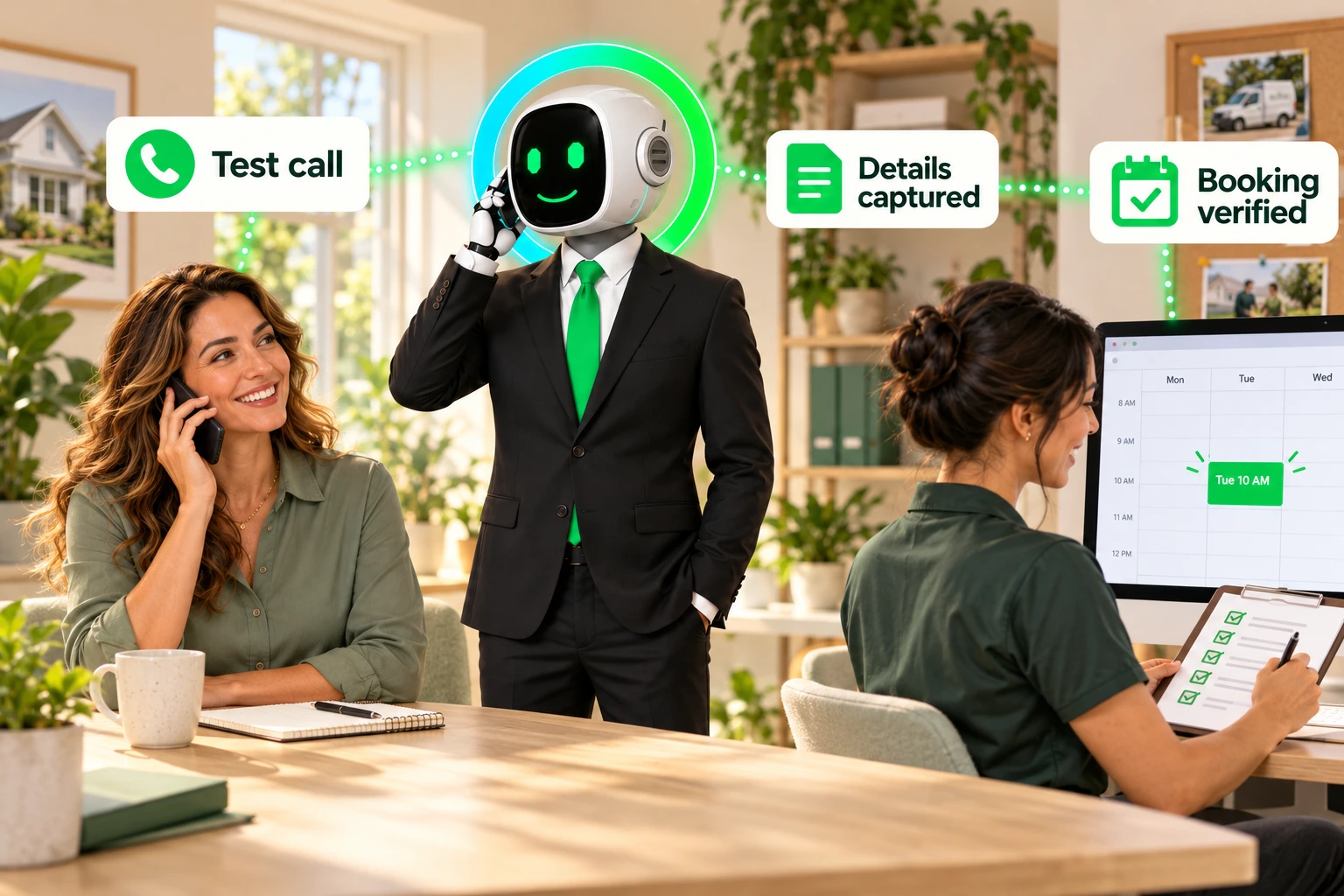

A natural conversation is only one part of a successful call. The appointment, callback request, or handoff needs to match what the caller was told.
Write down your service area, supported job types, opening hours, approved booking rules, and callback owner. Decide what the assistant should do when information or availability is missing. Define the fallback when a person or connected system cannot be reached.
Use fictional customer details and a designated test calendar or queue. Agree on the expected outcome before each call. Record the call time and resulting record so you can compare the conversation with the actual outcome.
THE CALL CHECKLIST
Test one situation at a time. Compare the expected outcome with what actually happened.
Selections reset when you reload this page. Use the printable result sheet to keep your record.
Ask about a service you actually offer in your service area.
The request is captured accurately and reaches the intended next step.
Give a location your business does not serve.
The answer follows your boundary and does not promise an appointment your team cannot fulfill.
Ask for a job your business does not perform.
The assistant explains the limitation without inventing a service or referral.
Request an estimate but say you do not know your budget.
The outcome follows your qualification policy. Missing budget information is recorded accurately.
Ask for a slot you have deliberately made unavailable.
The assistant does not confirm that slot. Any alternative or callback request matches your approved process.
Call just after the configured closing time.
The correct after-hours path runs using the business's timezone. Callback wording matches the team's actual coverage.
Ask for a person while the designated test recipient is unavailable.
The fallback captures the request and routes it to an accountable owner without claiming a transfer succeeded.
Give a fictional address or callback number, then correct it.
The final record contains the correction and the assistant confirms the essential details.
Call again about the same fictional request.
The second interaction follows your repeat-contact policy. Check for conflicting bookings, records, or follow-up tasks.
In an isolated test setup, simulate an unavailable calendar or CRM if that connection is in scope.
The caller hears the approved fallback. No booking or record update is claimed unless it succeeded.
An AI receptionist is a call-facing type of AI Agent. An AI Phone Agent may also take configured actions during or after a conversation. Test the actions your setup actually supports—not just whether its answers sound natural. The Lacy.ai platform overview provides product context; your configured rules define the expected result.
Build one unusual request from a routine scenario. Change a single condition, such as the service location, a missing detail, or a caller asking for a person. Write down the expected response and downstream action before calling. Then repeat the same scenario with different wording to check whether the rule still holds.
“I need a visit tomorrow, but I can only confirm the address later.”
If an address is required for booking, record an incomplete request and the approved follow-up action. Do not treat a requested time as a confirmed appointment.
This is a test design example, not an observed product result. In your result sheet, record the actual response, destination record and call reference. A useful failure report states exactly which rule was broken and which record proves it.
A caller hanging up does not tell you whether a booking was saved. Test disconnection before required details are complete, after a time is offered, during the save action, and after saving but before confirmation. Use a designated test calendar and inspect its actual state before retrying.
Keep the request incomplete or uncertain, according to the evidence. Assign the approved follow-up owner. Do not promise the caller that a booking exists.
Preserve the single appointment. Separately check whether confirmation reached the customer. A retry must not create another booking for the same request.
See the interrupted-call booking checklist for the four test points. Compare the expected behavior with your configured appointment workflow; do not assume every calendar connection handles failures in the same way.
Record the configuration version, test time and timezone, expected outcome, actual outcome, call reference, destination record and final status. Where appropriate, keep a redacted screenshot or permitted call excerpt. Avoid putting unnecessary personal information into a shared scorecard.
Separate three checks: what the caller heard, what the connected system saved, and what the responsible person received. A correct summary does not prove the appointment exists. An internal notification does not prove the customer received a confirmation.
Rerun failed cases after changing instructions, business hours, routing or integrations. Keep the earlier result so the team can see what changed. Repeat a small set of previously passing calls to check that the fix has not broken a different path.
For a broader explanation of connected actions, read how a phone call connects to a business workflow. Bring one routine case and one exception to a demo so the conversation stays grounded in your operating rules.
For each test, inspect the destination your team actually uses. If the assistant says an appointment is confirmed, verify it in the calendar. If it promises a callback, verify the request has an owner and an agreed response window. Where a CRM connection is configured, compare the saved fields with the caller's final details.
An internal alert does not establish that a customer was contacted. Track attempted callbacks and completed conversations separately.
Use Pass, Needs work, or Not applicable. A pass means the observed conversation and downstream outcome match the expectation you wrote before the call. An untested scenario stays Not tested.
Record what failed, who will fix it, and when it will be retested. As a suggested launch gate, resolve false booking confirmations, lost callback requests, and failed handoffs before routing real callers into the affected path. Repeat the relevant checks after changing prompts, hours, routing, or integrations.
YOUR WORKING COPY
A printable result sheet for all 10 calls. Record the expectation, observed outcome, status, fix owner, and retest date.
Lacy's testing guide explains how to test incoming calls by calling the number assigned to an assistant, and outgoing calls through the assistant's test-call control. Its automation documentation describes post-call actions, including contact updates and follow-up workflows. Verify the actions configured for your deployment; documentation alone does not establish that your account has a working connection.
Keep the result sheet with your agreed deployment scope. Assign an owner to configuration, integration checks, test approval and launch. Record unresolved issues and the retest result before approving the affected call path; agree how post-launch tuning requests will be reviewed.
LACY.AI · HOME SERVICE PLAYBOOK
Business: ____________________ Tester: ____________________
Date / timezone: ____________________ Configuration version: ____________________
Write the expected outcome before each call. Record Pass, Needs work, Not applicable, or Not tested. Keep call references free of unnecessary personal information.
| Test | Expected outcome | Observed outcome / call reference | Status | Fix owner / retest date |
|---|---|---|---|---|
| 1 | ||||
| 2 | ||||
| 3 | ||||
| 4 | ||||
| 5 | ||||
| 6 | ||||
| 7 | ||||
| 8 | ||||
| 9 | ||||
| 10 |
Release decision and remaining issues: ___________________________________________
Lacy.ai provides AI Phone Agents with implementation support for home-service and B2B service companies. The deployment work configures call flows, knowledge, booking rules and CRM or workflow handoffs around the agreed scope. Use this guide to test the conversation and the actual downstream results before launch.
Lacy.ai offers implementation through its separately priced AI Deployment & Automation Setup. The scoped process covers call-flow mapping, prompt and knowledge-base configuration, booking rules, CRM or webhook handoffs, workflow testing and launch QA. After launch, annual AI Optimization Credits support approved tuning, QA and workflow improvements. Confirm the selected plan’s deliverables, required system access, test cases and launch owner before work begins. The one-time deployment fee is separate from monthly platform and usage charges; included work depends on your plan and scoped agreement.
Write the expected result, use fictional customer details and make the ten scenario calls in this guide. Test routine inquiries, service-area limits, unsupported work, unavailable appointments, after-hours routing, missing recipients, corrections, repeat callers and connected-system failures. Verify the calendar, CRM record or callback assignment against what the caller heard, then fix and retest failures.
Compare real call handling, custom intake questions, urgency and handoff rules, calendar behavior, CRM field mapping, failure recovery, implementation ownership and total cost. Run the same scenarios with each provider and inspect the resulting records. Confirm setup fees, usage, contract term and ongoing support before choosing a plan.
Explore the next step for your service business with Lacy.ai.
Book a Free 30-Minute Demo →