General Product Information
Documentation Hub
Use the Lacy.ai documentation hub for product guidance, AI Phone Agent setup, workflow concepts, platform features, and implementation basics.
Go to Docs →Find the right support path for Lacy.ai AI Phone Agents, call automation, workflow setup, customer intake, CRM sync, and platform guidance.
Use the documentation hub for general product information, setup guidance, and AI Phone Agent resources. If you are an active customer and need help from the Lacy.ai team, use the customer portal to submit a support ticket.
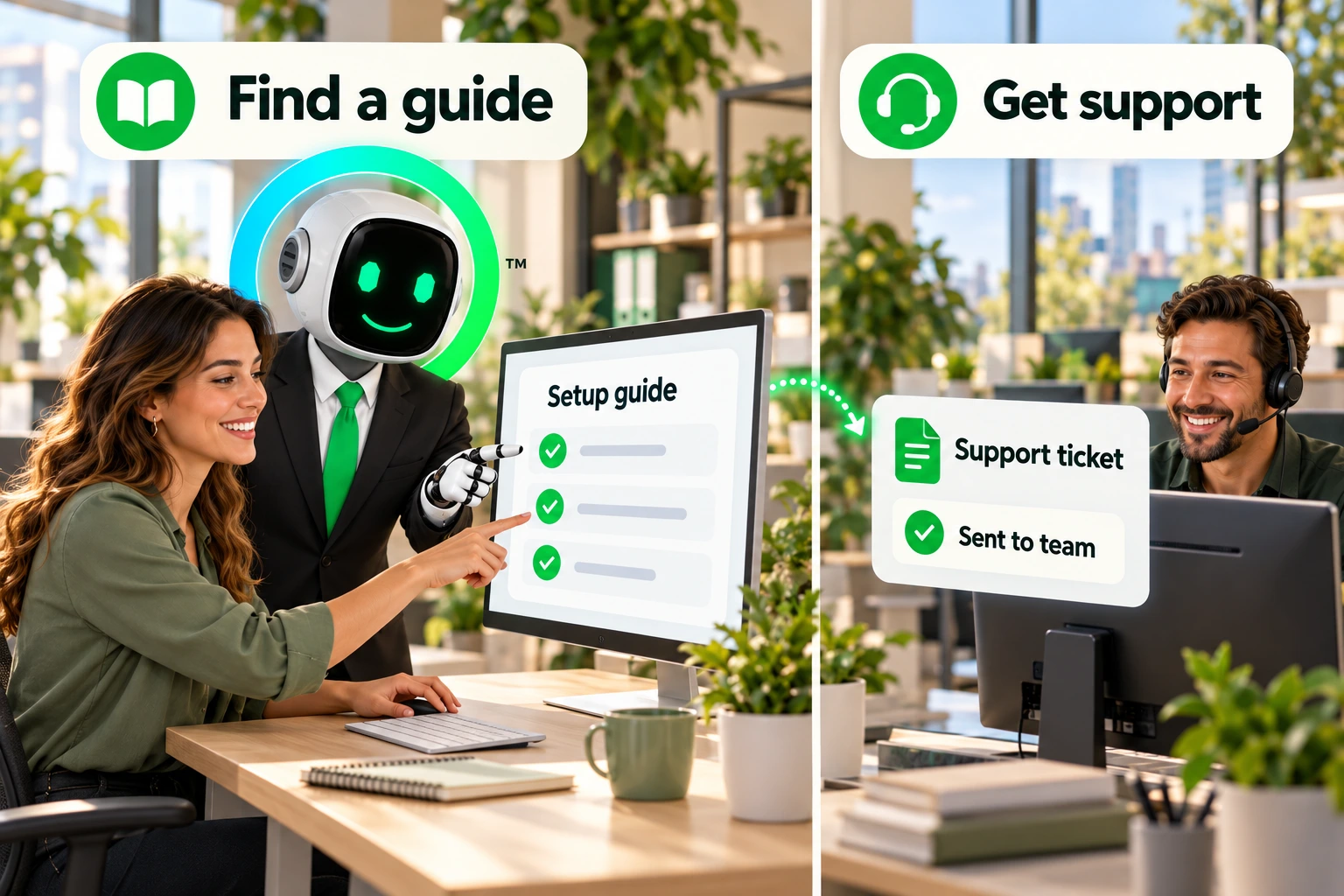

Start with self-serve documentation, move to customer support when you need help, or explore Lacy.ai resources to understand how AI Phone Agents work.
Use docs for general guidance, the customer portal for support tickets, or product resources to learn how Lacy.ai supports service-business phone workflows.
Use the Lacy.ai documentation hub for product guidance, AI Phone Agent setup, workflow concepts, platform features, and implementation basics.
Go to Docs →Active Lacy.ai customers can log in to the customer portal to submit tickets, upload files, review communication history, and manage support requests.
Submit a Ticket →New to Lacy.ai? Learn how AI Phone Agents help Home Services and B2B Services teams answer calls, automate workflows, capture customer details, and improve response.
Explore AI Phone Agents →The Lacy.ai Help Center connects service teams to documentation, setup guidance, customer support, platform education, and helpful resources for AI call automation.
Find AI Phone Agent resources for service businesses that use phone calls to manage sales, support, operations, dispatch, scheduling, and customer intake.
Find resources for AI Phone Agent workflows across HVAC, roofing, plumbing, electrical, pest control, garage doors, landscaping, restoration, and other appointment-driven service businesses.
Find resources for commercial account calls, technical support intake, dispatch coordination, delivery requests, recurring customer workflows, customer support, and operations automation.
Start with the topic closest to the workflow you are building, troubleshooting, or evaluating.
Learn how Lacy.ai AI Phone Agents answer calls, capture details, classify requests, and move conversations into workflows.
Explore how calls can trigger CRM updates, support tickets, dispatch alerts, appointment workflows, and follow-up actions.
Review how call data, customer details, summaries, and workflow outcomes can connect back to customer records.
Active customers can submit support requests through the Lacy.ai customer portal.
Visit https://docs.lacy.ai for general product information, AI Phone Agent documentation, setup guidance, and platform resources.
Active customers can submit support tickets through the Lacy.ai customer portal at https://deploy.lacy.ai.
Both. Prospects can use the Help Center to find documentation and product resources. Customers can use it to access the support portal and submit tickets.
Customers can submit support requests, upload files or assets, review communication history, and manage active support conversations.
Start with the documentation hub, then explore AI Phone Agents, Sample AI Calls, Customer Stories, Pricing, and Demo Center.
Lacy.ai helps Home Services and B2B Services teams answer more calls, capture customer details, automate workflows, and move every conversation toward action. Explore the docs, contact support, or see how AI Phone Agents can support your business.

The Lacy.ai Help Center connects teams to the resources they need to understand, launch, manage, and support AI Phone Agents.
For general product guidance, visit the documentation hub. For customer support, submit a ticket through the customer portal.
The right help path starts here.