
Target pallet order
Target orders a pallet of ice from SF Ice. The AI Phone Agent naturally confirms the request and applies its trained knowledge of the pallet’s weight and quantity.
Listen to customer feedback, coordinate review requests, and give service concerns a clear next step.
Connect post-service calls to your approved review, recovery, and CRM workflows.
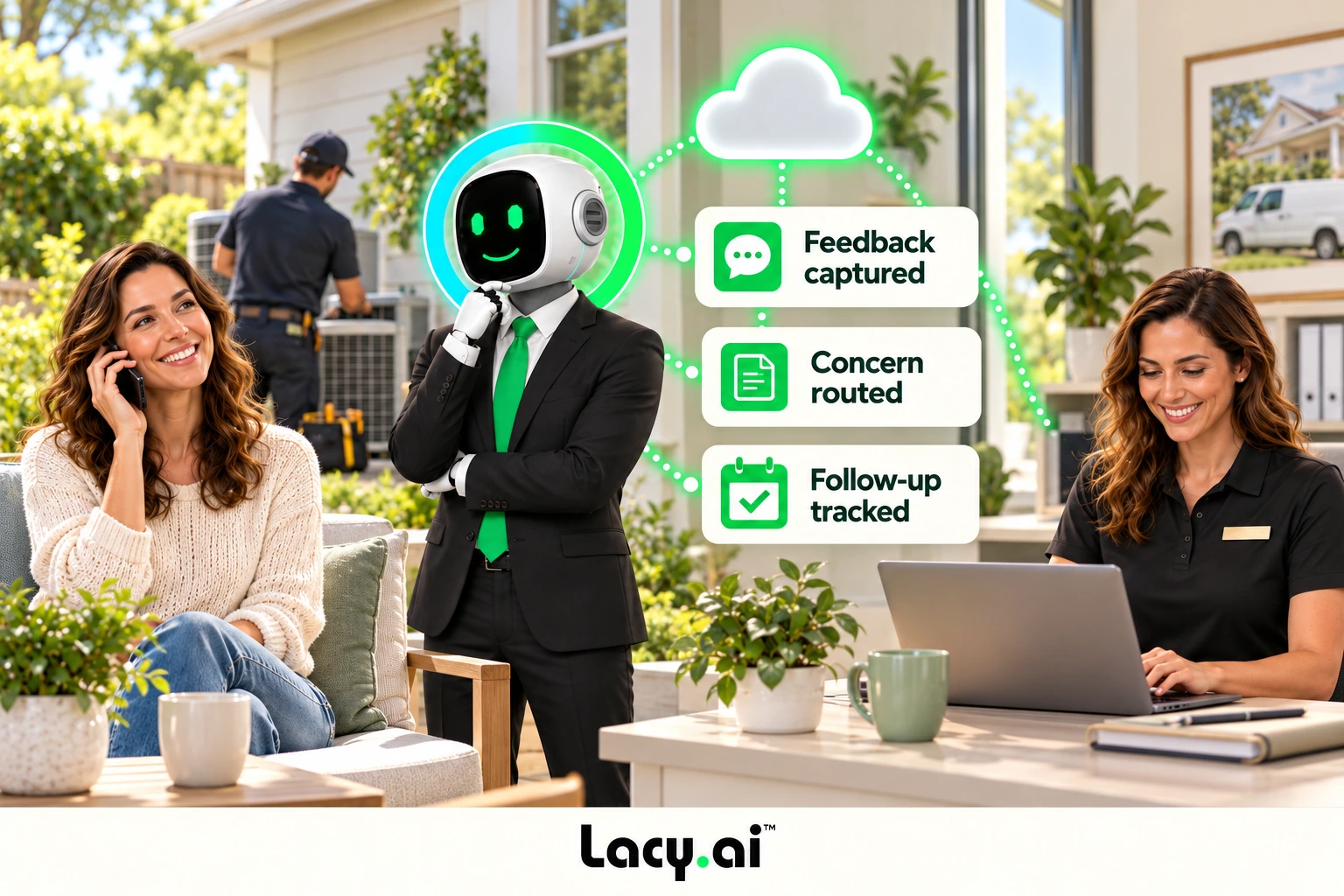
Listen to real examples of Lacy answering calls, capturing details, recognizing customer needs, and moving each conversation toward the right next action.
Target orders a pallet of ice from SF Ice. The AI Phone Agent naturally confirms the request and applies its trained knowledge of the pallet’s weight and quantity.

Walgreens requests the minimum number of ice bags. The AI Phone Agent uses knowledge base logic to determine the correct quantity and handles the order naturally.

Southwest Airlines orders a pallet of ice and updates the delivery address. The AI Phone Agent reasons through both requests and completes the call in a natural, human-like way.
These are customer calls handled for San Francisco Ice Company. Target, Walgreens, and Southwest Airlines are callers in these examples, not presented as direct Lacy.ai customers or endorsements. Sensitive details may be redacted for privacy.
Use an approved follow-up call to understand what went well and what still needs attention.
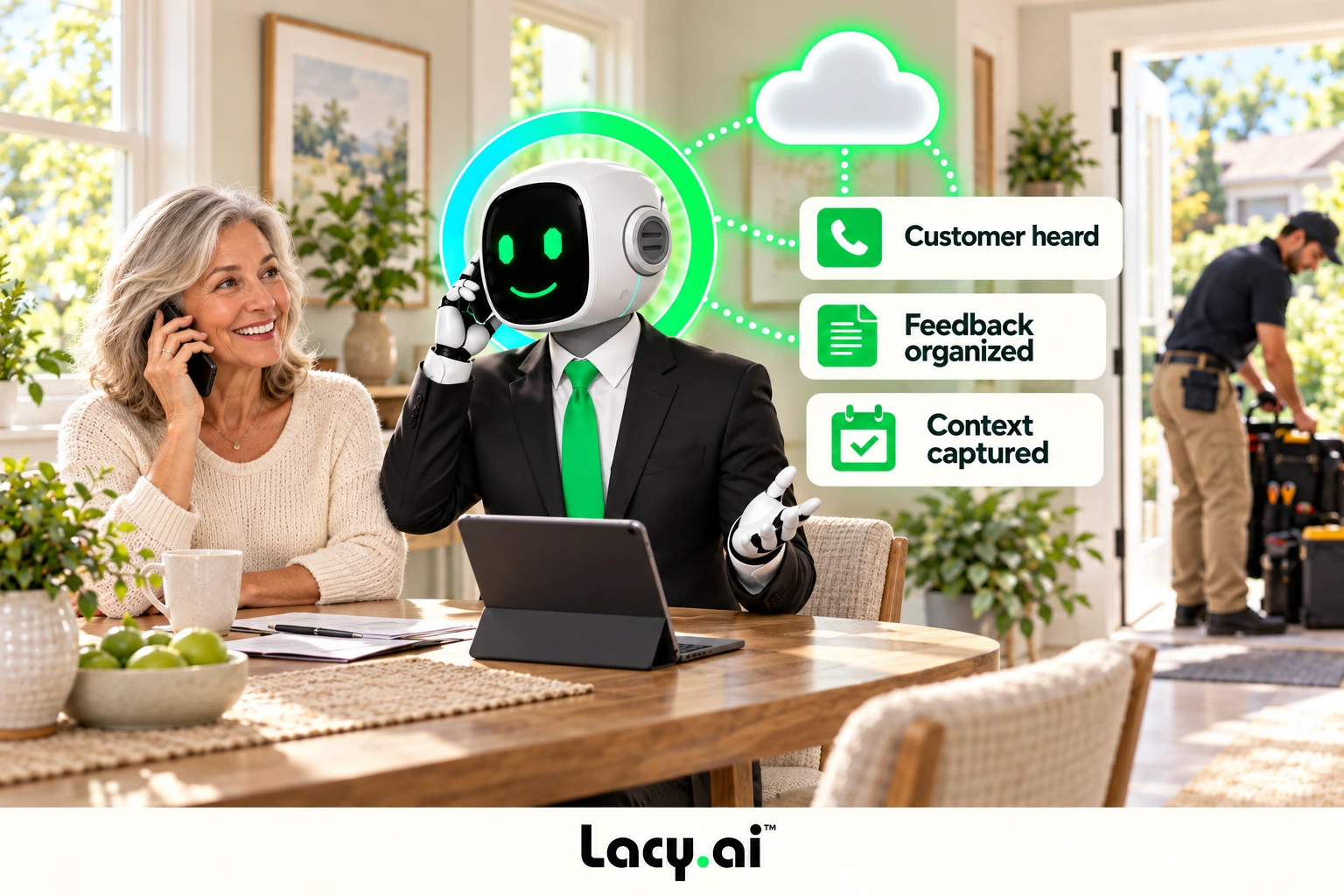
Capture the concern and service context, then route a callback or recovery task to the right person.
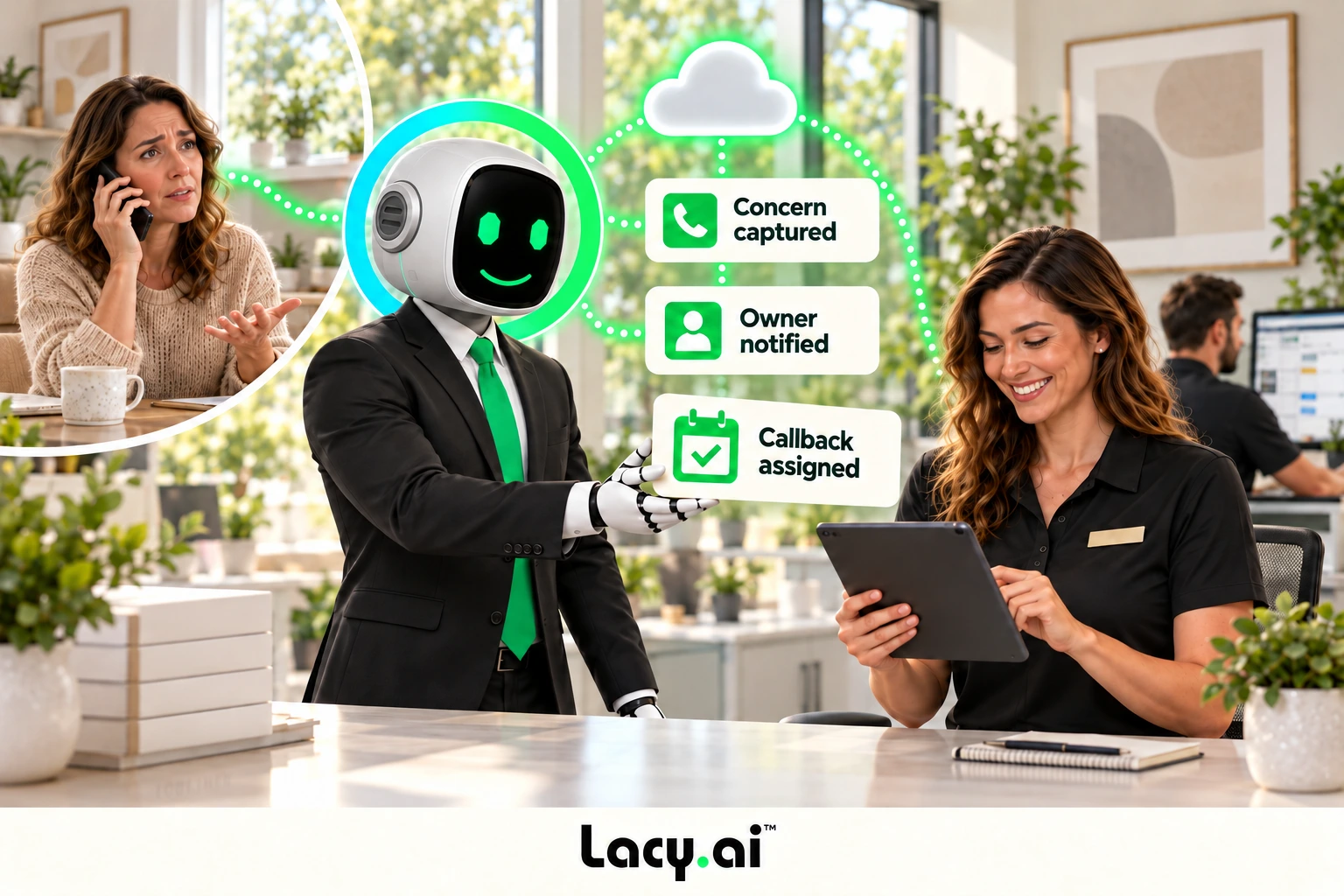
Preserve feedback, assigned tasks, and follow-up status in connected records so your team has the context to act.
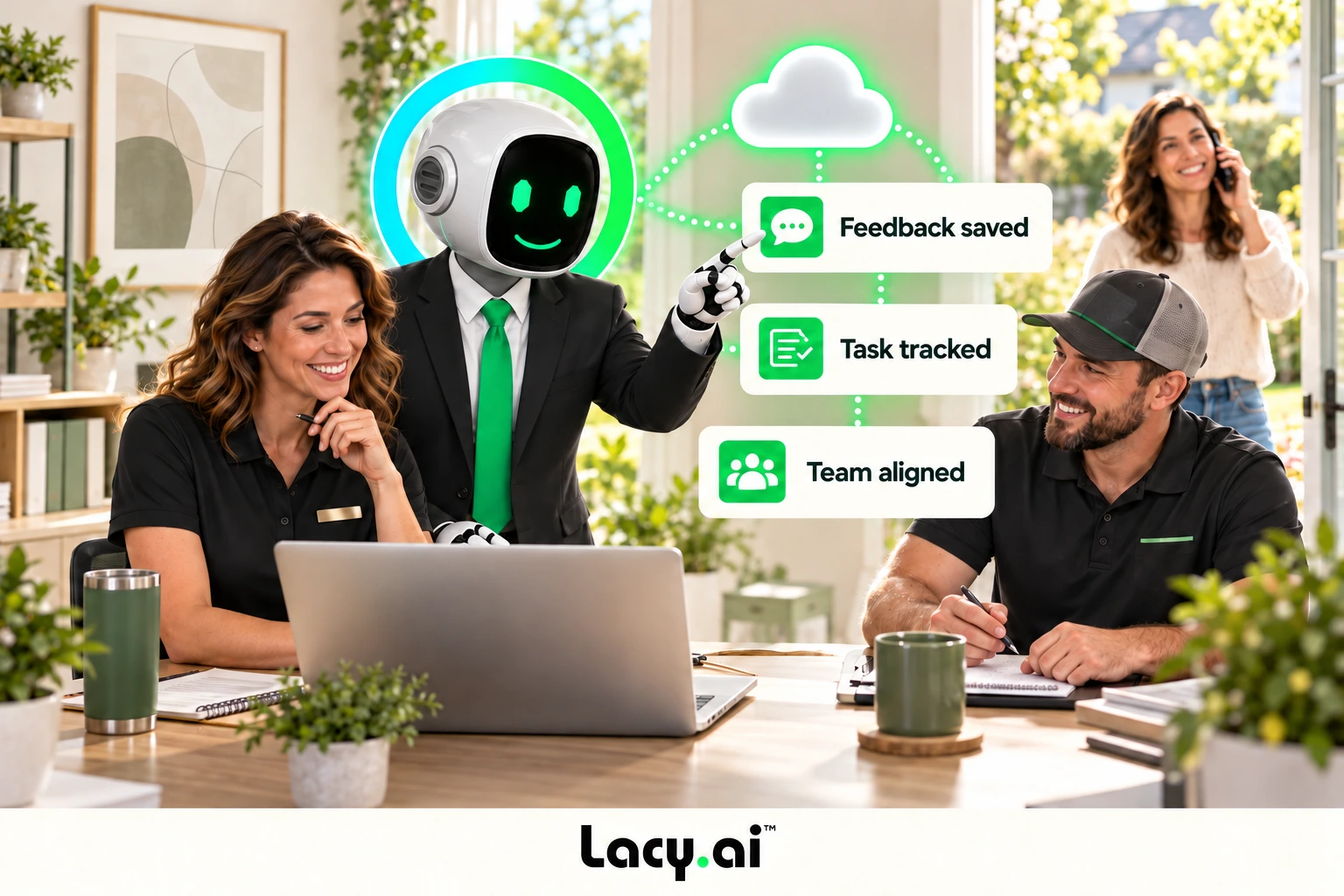
Example workflow. Actions depend on your connected systems, approved prompts, and configured business rules.
Book a Free 30-Minute Demo →Collect feedback, coordinate approved review requests, and act on concerns.
Reach customers after a completed service interaction and capture structured feedback about the experience.
Trigger an approved review-request action through the connected systems and timing rules your business uses.
Route concerns, unresolved issues, or urgent feedback to the right team before the experience is forgotten.
Keep locations, managers, and customer records aligned.
Notify the responsible employee, location, or department when a conversation needs human attention.
Apply brand, location, service area, team, and operating rules to each follow-up outcome.
Preserve feedback themes, dispositions, follow-up status, and operational outcomes in connected records.
Give the customer’s question a clear route to someone who can help.
A configured recovery task keeps the concern visible until the team can respond.
Service visit, booked job, support case, delivery, or appointment.
AI Phone Agent requests feedback using the approved conversation path.
Feedback, issue type, urgency, and disposition become structured data.
Review request, recovery task, alert, or follow-up action runs.
CRM, campaign, task, and reporting context stays connected.
When feedback becomes structured data, the same conversation can inform service recovery, coaching, campaign segmentation, workflow optimization, and customer-experience reporting.
Review and feedback practices should follow the policies, platform rules, and requirements that apply to the business. Lacy.ai helps operationalize the workflow the customer approves; it does not decide those obligations for the customer.
Use consistent happy-call, feedback, review-request, and escalation language that reflects the brand.
Apply service completion, business hours, delay windows, campaign status, and contact preferences.
Keep call summaries, structured fields, workflow actions, and human follow-up connected for review.
Lacy.ai helps map the happy call, qualification fields, review-request path, service-recovery route, CRM updates, campaign logic, exceptions, testing, and reporting before launch.
Define when feedback is requested, which outcomes matter, and which path each outcome should trigger.
Configure CRM records, tasks, messaging, campaigns, notifications, and approved review-request actions.
Validate prompts, dispositions, routing, exceptions, handoffs, and reporting using real operating scenarios.
It is a connected process that uses AI Phone Agent conversations and structured outcomes to support happy calls, approved review requests, service recovery, team alerts, CRM updates, and reporting.
This page does not claim native review-platform monitoring or public-response management. Lacy.ai coordinates calls, structured feedback, workflow logic, and connected actions; review-platform activity depends on the systems and processes configured for the deployment.
Yes. A configured happy-call or follow-up campaign can collect feedback, classify the outcome, and trigger the approved next step for the customer and the team.
The workflow can capture the issue, urgency, service context, and requested resolution, then create a task, notify the right team, update the CRM, or trigger another approved recovery step.
Yes. Deployments can apply location, brand, service area, department, campaign, and escalation rules so each outcome reaches the correct team and system record.
See how Lacy.ai can connect happy calls, review requests, service recovery, CRM updates, and reputation workflows for your service business.