
Target pallet order
Target orders a pallet of ice from SF Ice. The AI Phone Agent naturally confirms the request and applies its trained knowledge of the pallet’s weight and quantity.
Start with the context your business already has. Then listen to what has changed.
Lacy.ai can use connected customer records during the call to confirm details, understand the new request, and carry the conversation forward.
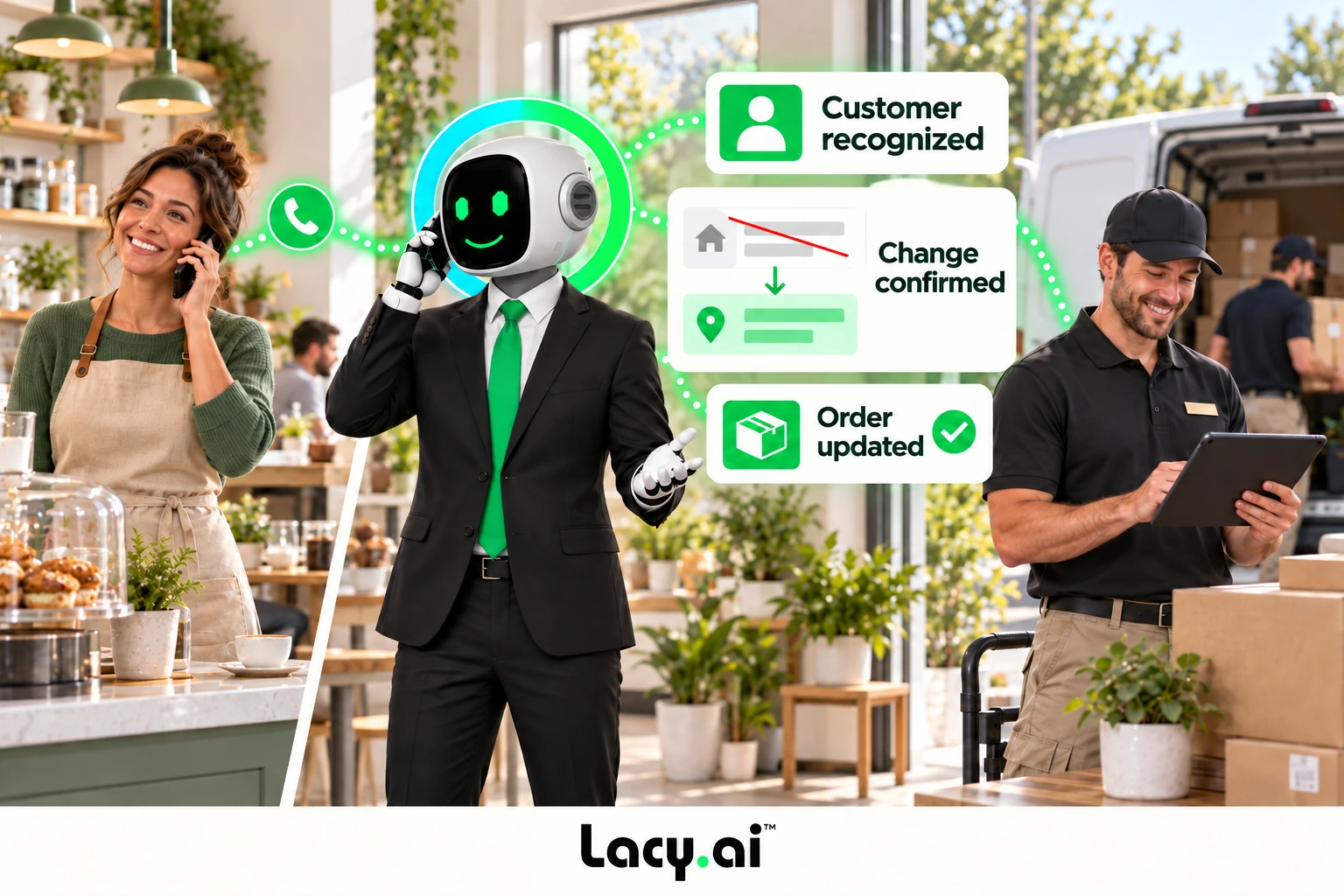
Listen to real examples of Lacy answering calls, capturing details, recognizing customer needs, and moving each conversation toward the right next action.
Target orders a pallet of ice from SF Ice. The AI Phone Agent naturally confirms the request and applies its trained knowledge of the pallet’s weight and quantity.

Walgreens requests the minimum number of ice bags. The AI Phone Agent uses knowledge base logic to determine the correct quantity and handles the order naturally.

Southwest Airlines orders a pallet of ice and updates the delivery address. The AI Phone Agent reasons through both requests and completes the call in a natural, human-like way.
These are customer calls handled for San Francisco Ice Company. Target, Walgreens, and Southwest Airlines are callers in these examples, not presented as direct Lacy.ai customers or endorsements. Sensitive details may be redacted for privacy.
Illustrative example. Actions depend on your configured systems and business rules.
Personalization means using relevant information and confirming that it still applies.
Name, business, service address, previous order, or appointment history.
A changed address, a different order, a new service issue, or a revised appointment.
A mid-call tool can retrieve approved information from connected systems while the caller is still on the phone.
Confirm the match, then reference the details relevant to the current request.
Capture the correction and pass it into the configured update workflow.
Collect the required details and continue through your standard intake path.
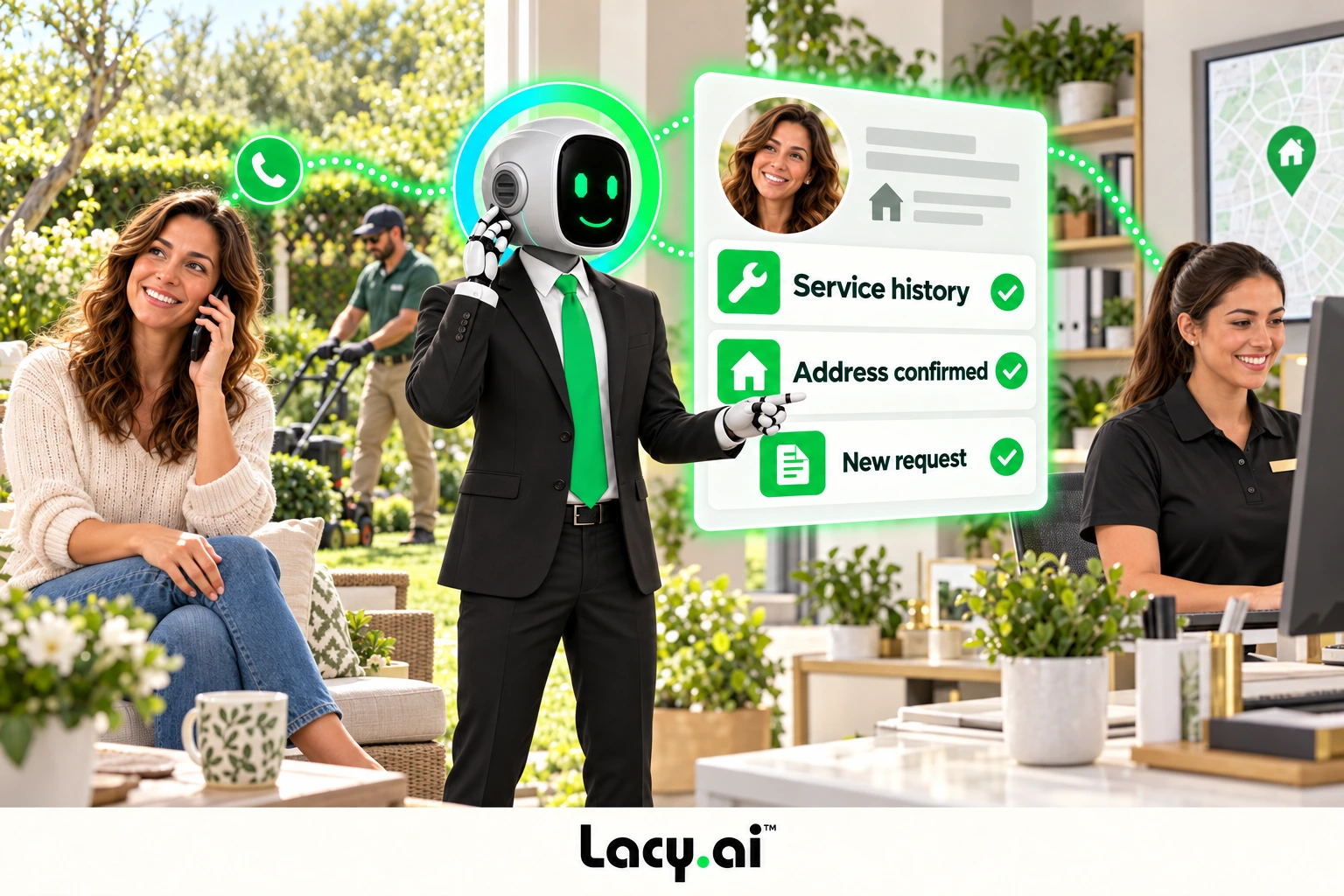
For a delivery business, connected order history can make a repeat request easier. Confirm the customer, quantities, delivery details, and any changes before triggering the approved workflow.
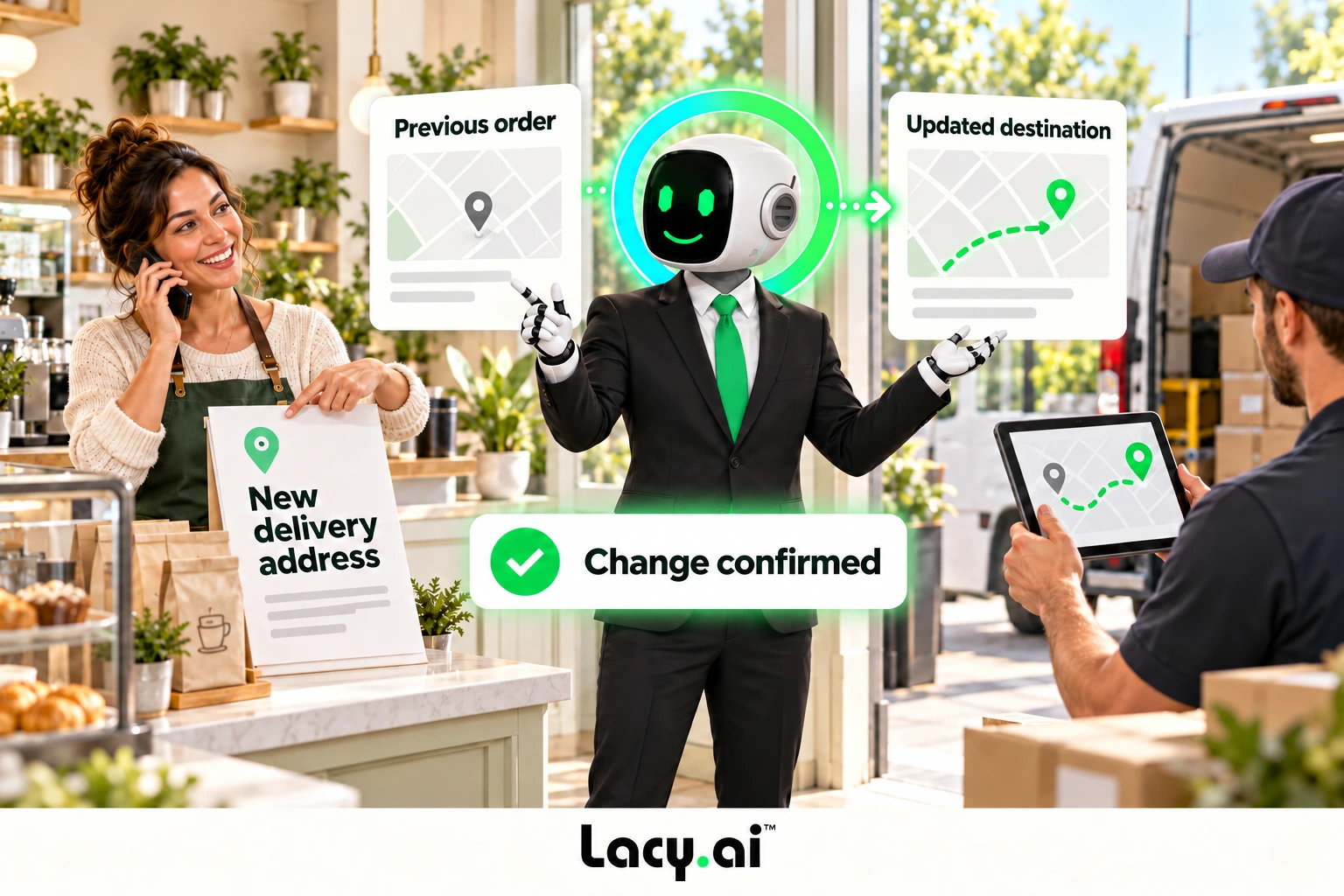
Available context depends on your data sources, permissions, and implementation.
Confirm the service address and capture the new problem. Use available service history where relevant.
Reference approved business details and capture the order, delivery, or support request.
Confirm the appointment context and route the requested change through your scheduling rules.
Post-call variables turn confirmed details into structured information your workflows can use.
Name, business, callback number, and service address.
Order changes, new request, corrected details, or appointment interest.
CRM update, order workflow, dispatch alert, callback, or team summary.
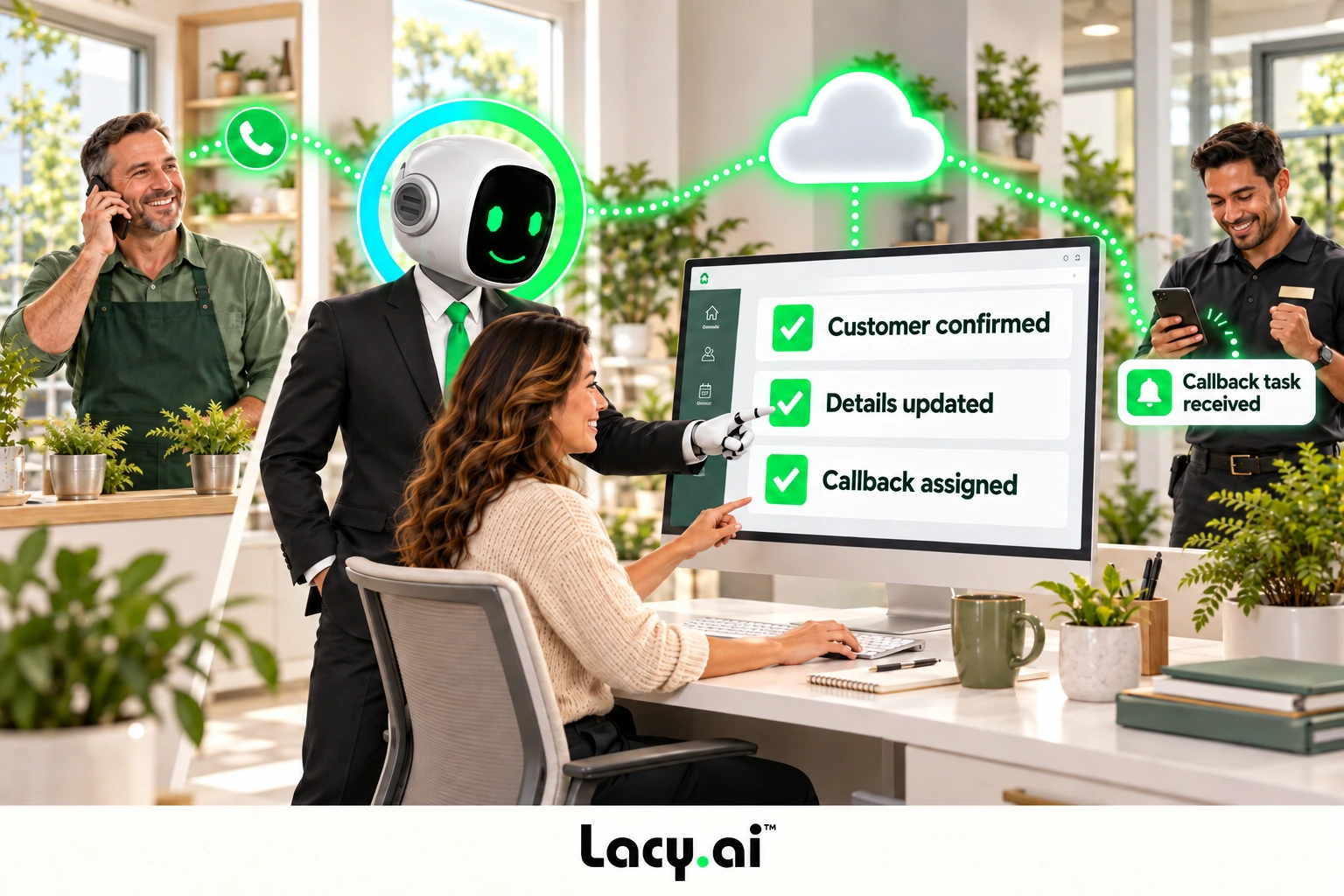
Start with one returning-customer workflow and test the exceptions.
Define lookup logic and the approved information your agent may use.
Mid-call toolsChoose post-call fields and the destination for updates and actions.
Variables + workflowsUse call history and implementation support to improve the experience.
AI Optimization