Call Performance
Track call volume, bookings, lead qualification, and AI phone agent outcomes from one executive performance view.
A customer asks a question. Lacy checks your systems, takes the approved action, and responds during the same call.
Book a Free 30-Minute Demo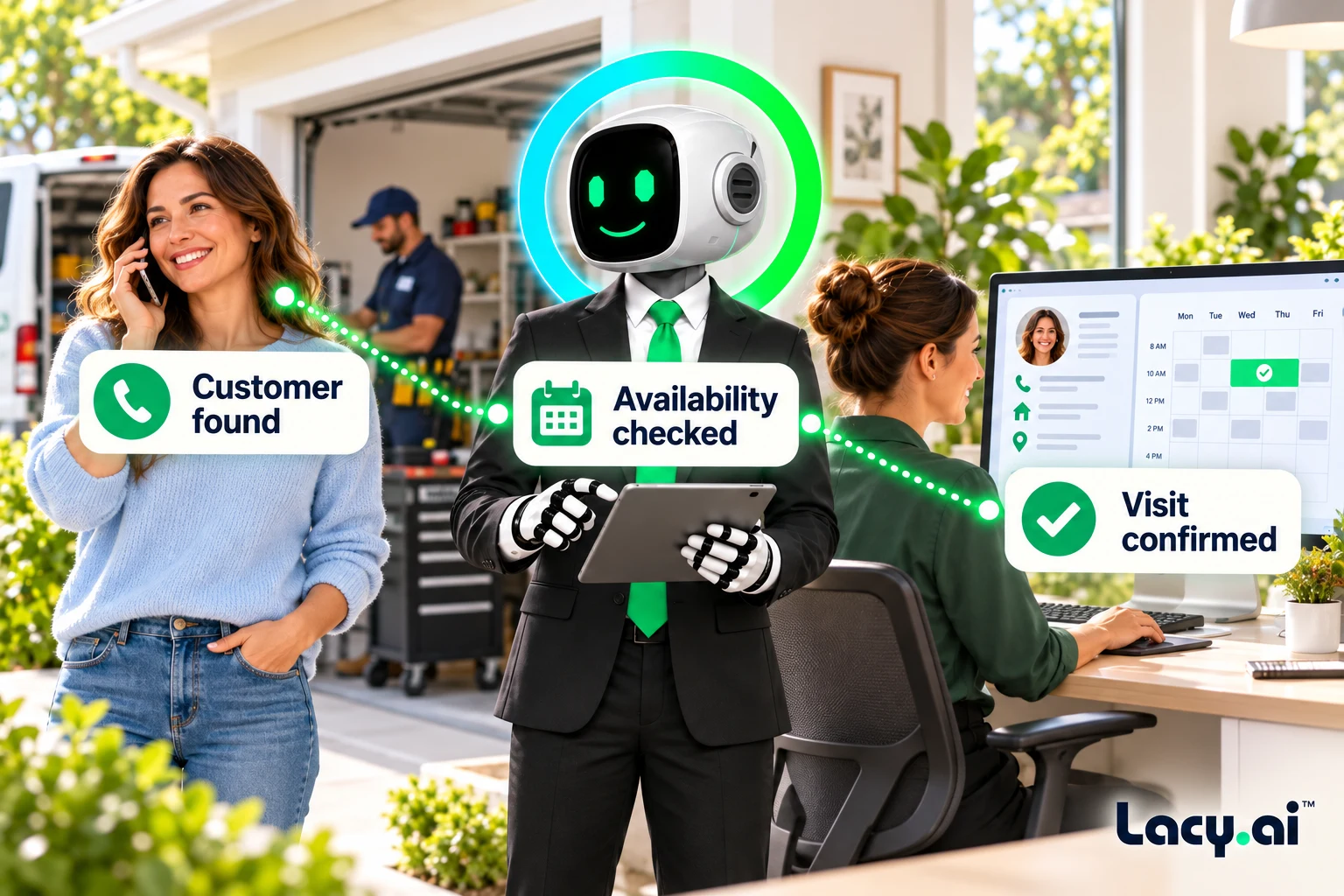
Explore six connected views, from call handling to the work that follows.
Platform illustrations with sample data. Explore the live platform in your demo.
The Mid-Call Tool gives your AI Phone Agent controlled access to live systems during the customer conversation, including CRM records, calendars, APIs, dispatch logic, and service workflows.
Lacy looks up the caller’s CRM record so the conversation starts with the right service history and account details.
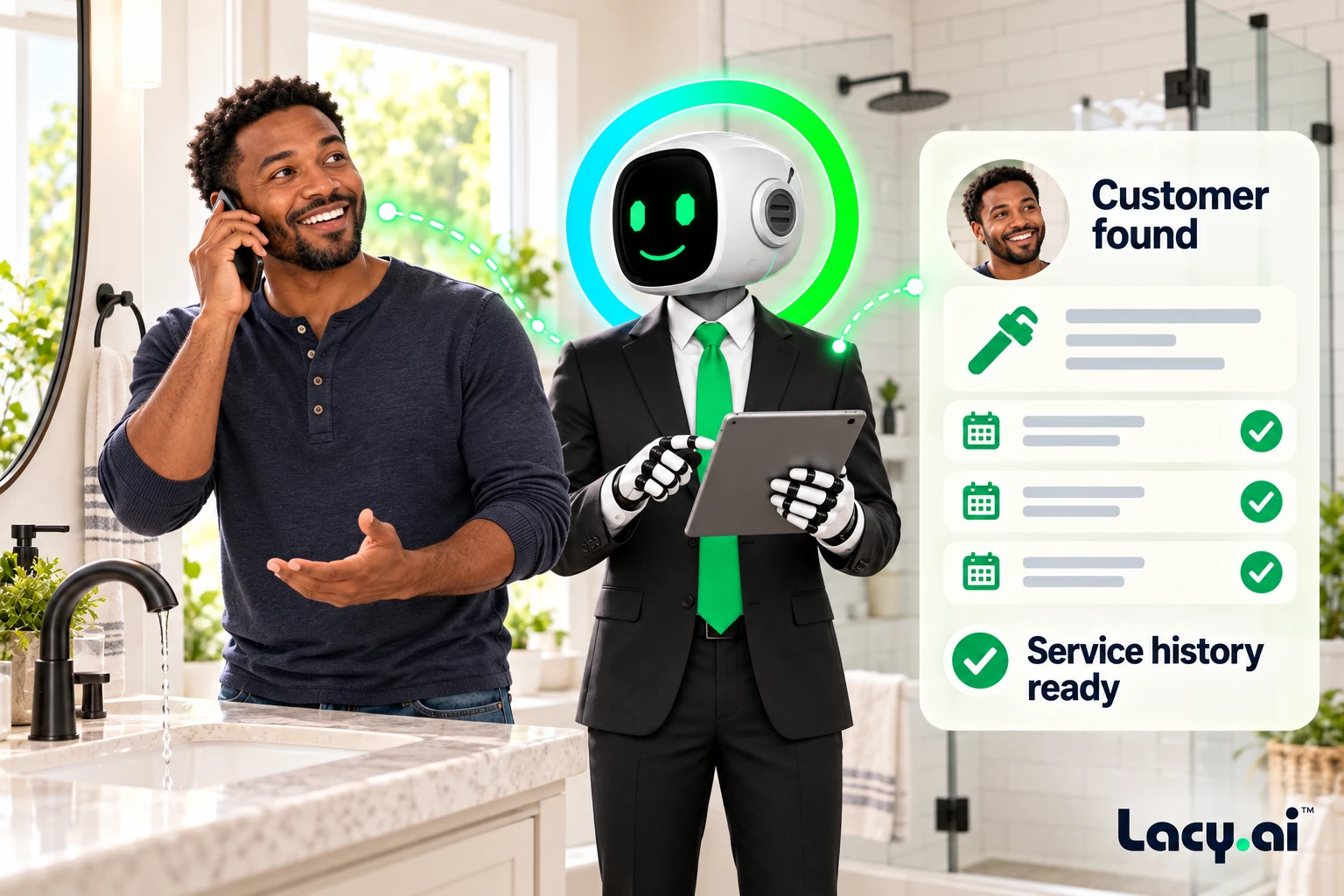
Lacy checks service rules and appointment availability while the customer is still on the line.
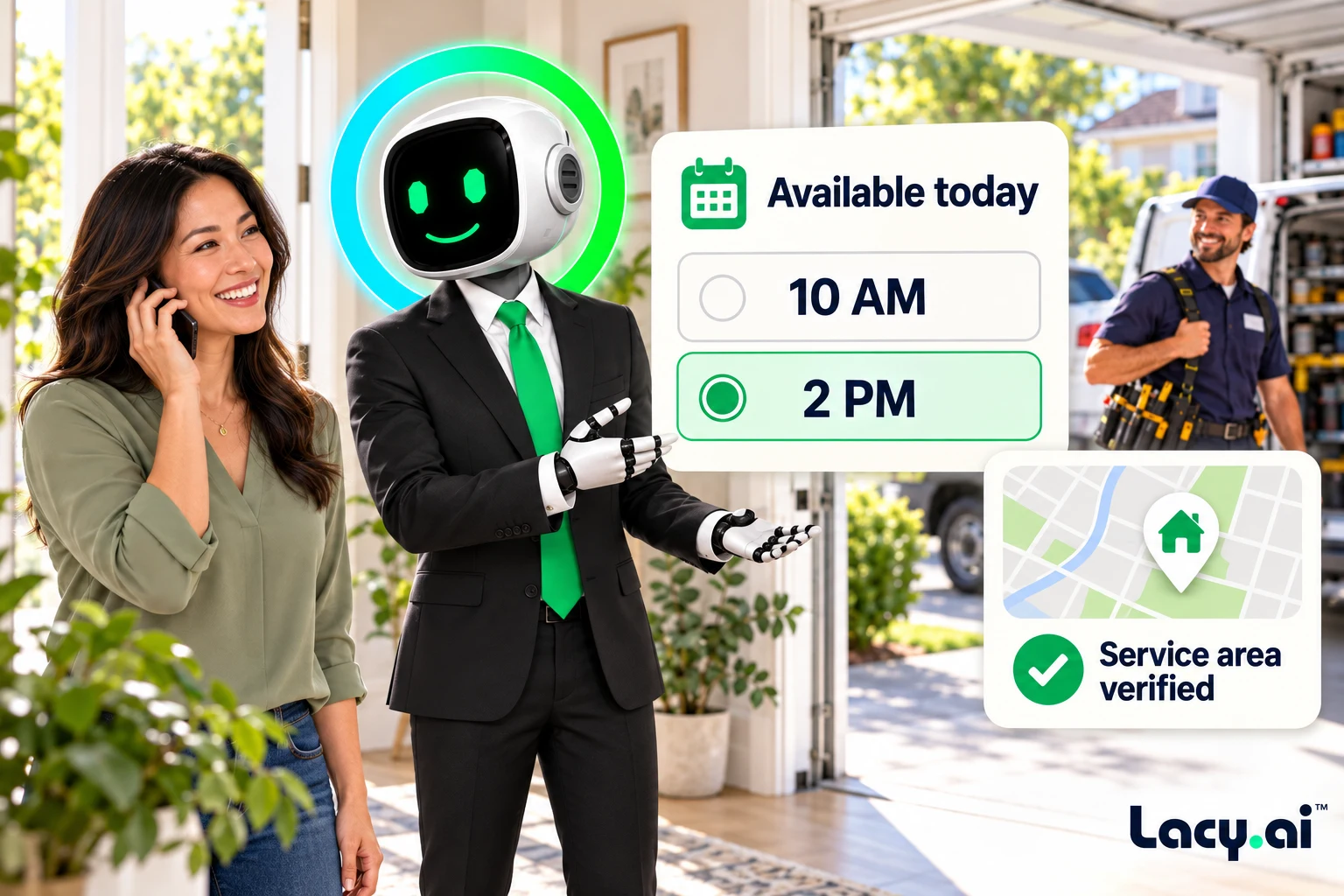
Lacy can confirm the appointment, update the CRM, and notify the team through your configured tools. The customer gets a clear next step before hanging up.
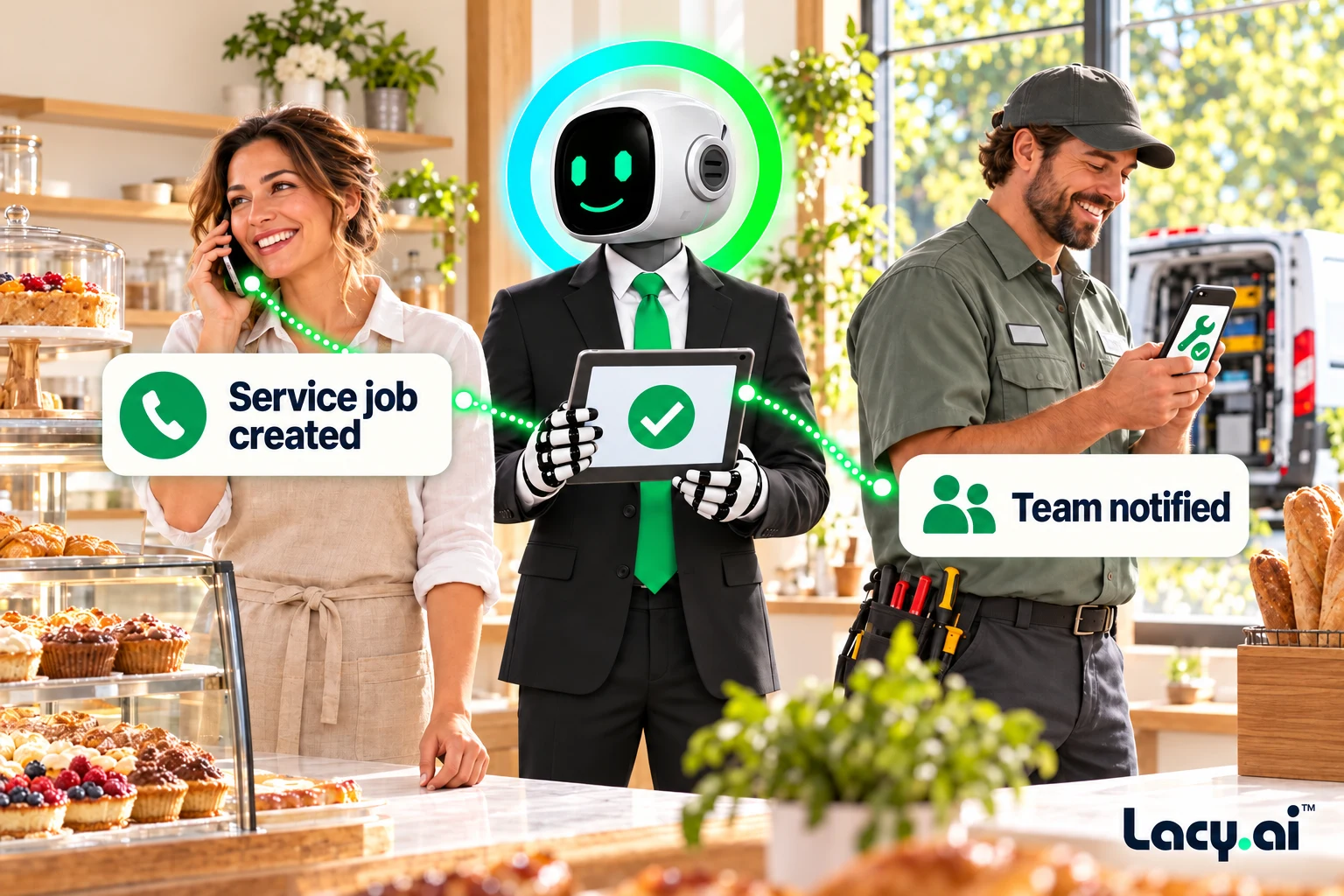
Example workflows. Actions depend on your connected systems and configured business rules.
Book a Free 30-Minute DemoGive Lacy controlled access to the actions your business needs.
Create controlled tools your AI Phone Agent can use during live calls, including CRM lookups, calendar checks, API calls, dispatch requests, and service-specific actions.
Start with the customer’s existing context.
Use Mid-Call Tools to pull CRM records, contact data, prior call context, customer status, lead source, service history, and job notes while the caller is still speaking.
Check availability and routing rules during the conversation.
Let your AI Phone Agent check availability, confirm service areas, apply dispatch rules, and prepare appointment or routing actions in the same conversation.
Connect the conversation to the work that follows.
Convert caller intent into structured action. Update systems, trigger workflows, send alerts, create jobs, route requests, and prepare summaries without waiting for manual follow-up.
Listen to real inbound examples of Lacy answering calls, capturing details, recognizing customer needs, and moving each conversation toward the right next action.

Target orders a pallet of ice from SF Ice. The AI Phone Agent naturally confirms the request and applies its trained knowledge of the pallet’s weight and quantity.

Walgreens requests the minimum number of ice bags. The AI Phone Agent uses knowledge base logic to determine the correct quantity and handles the order naturally.

Southwest Airlines orders a pallet of ice and updates the delivery address. The AI Phone Agent reasons through both requests and completes the call in a natural, human-like way.
These are customer calls handled for San Francisco Ice Company. Target, Walgreens, and Southwest Airlines are callers in these examples, not presented as direct Lacy.ai customers or endorsements. Sensitive details may be redacted for privacy.
These inbound customer recordings demonstrate call handling. They are not recordings of outbound campaigns or a demonstration of every Mid-Call integration.
Lacy.ai Mid-Call Tools let your AI Phone Agent call APIs, check appointment availability, look up CRM records, validate customer details, and trigger business actions while the customer is still on the phone.
Built for home service and service businesses that need calls to move faster than voicemail, manual lookups, and after-call data entry.
Example service workflow. Available actions depend on your connected systems and configured business rules.
How can I help you today?
My AC stopped working. It is really hot inside. Can someone come today?
I can check your account, service area, and available appointment times now.
HVAC repair, same-day urgency, appointment requested, customer record needed.
Existing customer. 7 prior jobs. Portland service area.
Each step fires while the customer is still on the phone.
Customer identified with service history, location, and prior job notes.
Address confirmed inside the active HVAC service area.
Next available same-day appointment window returned.
Urgent HVAC workflow prepared for office and field team.
Lacy.ai can now offer the appointment during the same live call.
Lacy.ai’s Mid-Call Tool connects live customer conversations to the systems behind your business. While the caller is still speaking, your AI Phone Agent can capture intent, check customer records, validate service rules, look up availability, trigger workflows, and move the call into the right next step.
Lacy.ai gives service teams a platform layer for designing AI Phone Agent tools, connecting live call logic, configuring API actions, and turning active customer calls into CRM, calendar, dispatch, and workflow activity.
The Mid-Call Tool is the bridge between natural language phone calls and the operational systems that run your business.
Lacy.ai Mid-Call Tools are designed for service businesses where customer calls need answers, context, booking logic, operational decisions, and system updates before the call ends.
Check availability, confirm service area, book appointments, and route urgent calls to the right workflow.
Find the caller, retrieve service history, validate contact details, and personalize the conversation.
Apply routing rules, identify urgency, send alerts, and prepare dispatch context while the caller is active.
Create service cases, escalation tasks, callback requests, and support handoffs from live conversations.
Use live tools during follow-up, reactivation, qualification, reminders, and appointment confirmation calls.
Connect your AI Phone Agent to internal APIs, webhooks, databases, and custom operating logic.
Check intent, service need, location, budget, urgency, readiness, and next-step fit in real time.
Sync outcomes, summaries, variables, dispositions, tasks, and workflow triggers to connected systems.
Answer the customer. Check the system. Trigger the next step. All inside the same live call.
Answers for service businesses evaluating AI phone agent mid-call tools, live CRM lookups, real-time call actions, APIs, workflows, and dispatch automation.
Lacy.ai Mid-Call Tools help service businesses use AI Phone Agents to take live action during customer calls. Connect calls to CRMs, calendars, business systems, APIs, webhooks, dispatch workflows, support tools, and post-call automation.
For home service teams, field service operators, call centers, and high-volume service businesses, this means faster answers, cleaner data, better routing, and fewer manual handoffs.
An AI phone agent mid-call tool is a live action layer that lets an AI Phone Agent access systems, retrieve data, check availability, trigger APIs, and perform business actions while a phone call is still active.
Lacy.ai can support live CRM lookups, calendar checks, service area validation, dispatch routing, support ticket creation, workflow triggers, API calls, and customer record updates depending on the connected systems and implementation scope.
Yes. Lacy.ai can connect AI Phone Agents to CRM data so caller records, prior jobs, service notes, lead status, customer details, and account context can be used during the live conversation.
Yes. Mid-Call Tools can support calendar and scheduling logic so the AI Phone Agent can check availability, confirm appointment rules, and help move callers toward booking while they are engaged.
Yes. Lacy.ai can trigger workflows based on live call intent, including follow-up tasks, team alerts, dispatch workflows, support tickets, CRM updates, and appointment-related actions.
Mid-Call Tools are valuable for home services, field services, delivery teams, dispatch teams, call centers, appointment-based businesses, logistics teams, and B2B service companies that need real-time call actions.
Some workflows can be configured with standard implementation patterns, while advanced workflows may require custom API, webhook, CRM, or business logic configuration. Lacy.ai provides implementation support to help define and deploy the right framework.
Yes. Mid-Call Tools can support outbound call workflows such as speed-to-lead, qualification, appointment confirmation, reactivation, follow-up, reminders, and account update calls.
Post-call automation happens after the call ends. Mid-Call Tools allow the AI Phone Agent to retrieve information and take action during the active conversation, which can improve speed, accuracy, and customer experience.
The main benefit is turning live phone conversations into real-time action. Instead of waiting for a human to manually check systems or update records later, Lacy.ai can help the AI Phone Agent act while the customer is still on the phone.
Lacy.ai Mid-Call Tools help service teams connect active phone conversations to CRMs, calendars, dispatch systems, support tools, APIs, and workflow automation.
Book a Free 30-Minute Demo