Call Performance
Track call volume, bookings, lead qualification, and AI phone agent outcomes from one executive performance view.
Turn every customer call into structured CRM data.
Book a Free 30-Minute Demo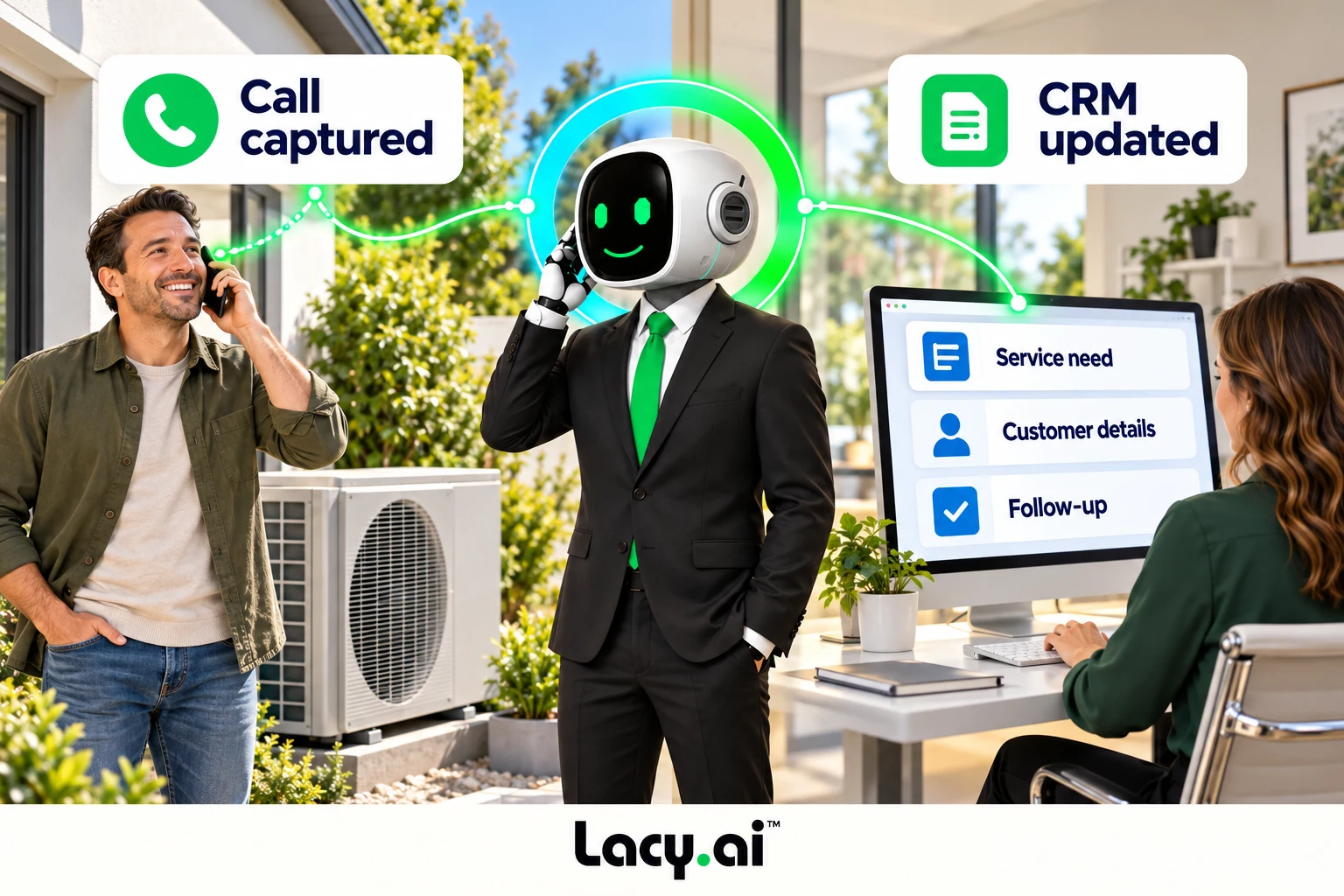
Explore six connected views, from call handling to the work that follows.
Platform illustrations with sample data. Explore the live platform in your demo.
The details arrive with the conversation.
Lacy collects the service need, customer details, urgency, and requested next step during the call.
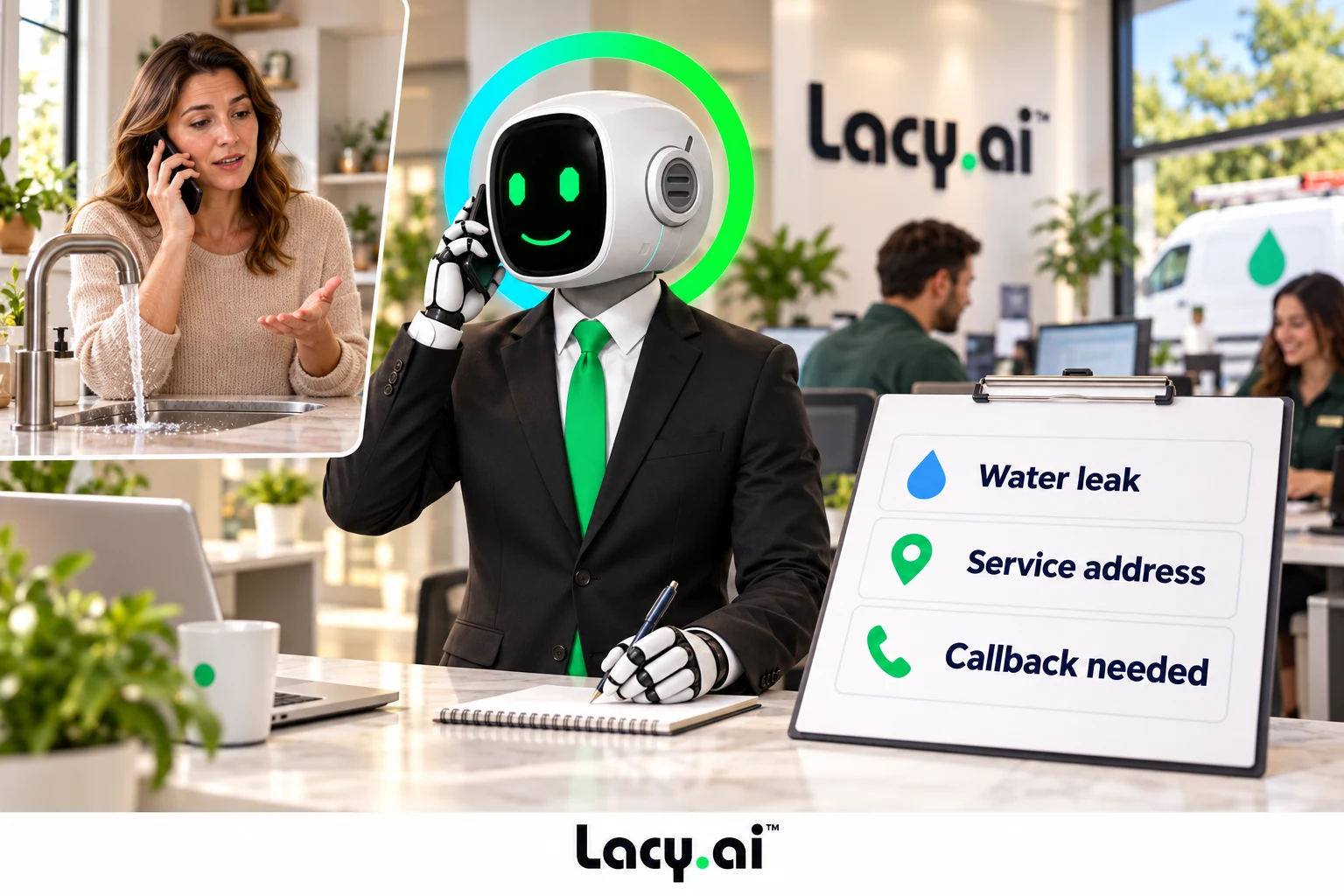
Captured details map to your CRM fields, so the request becomes structured information your team can use.
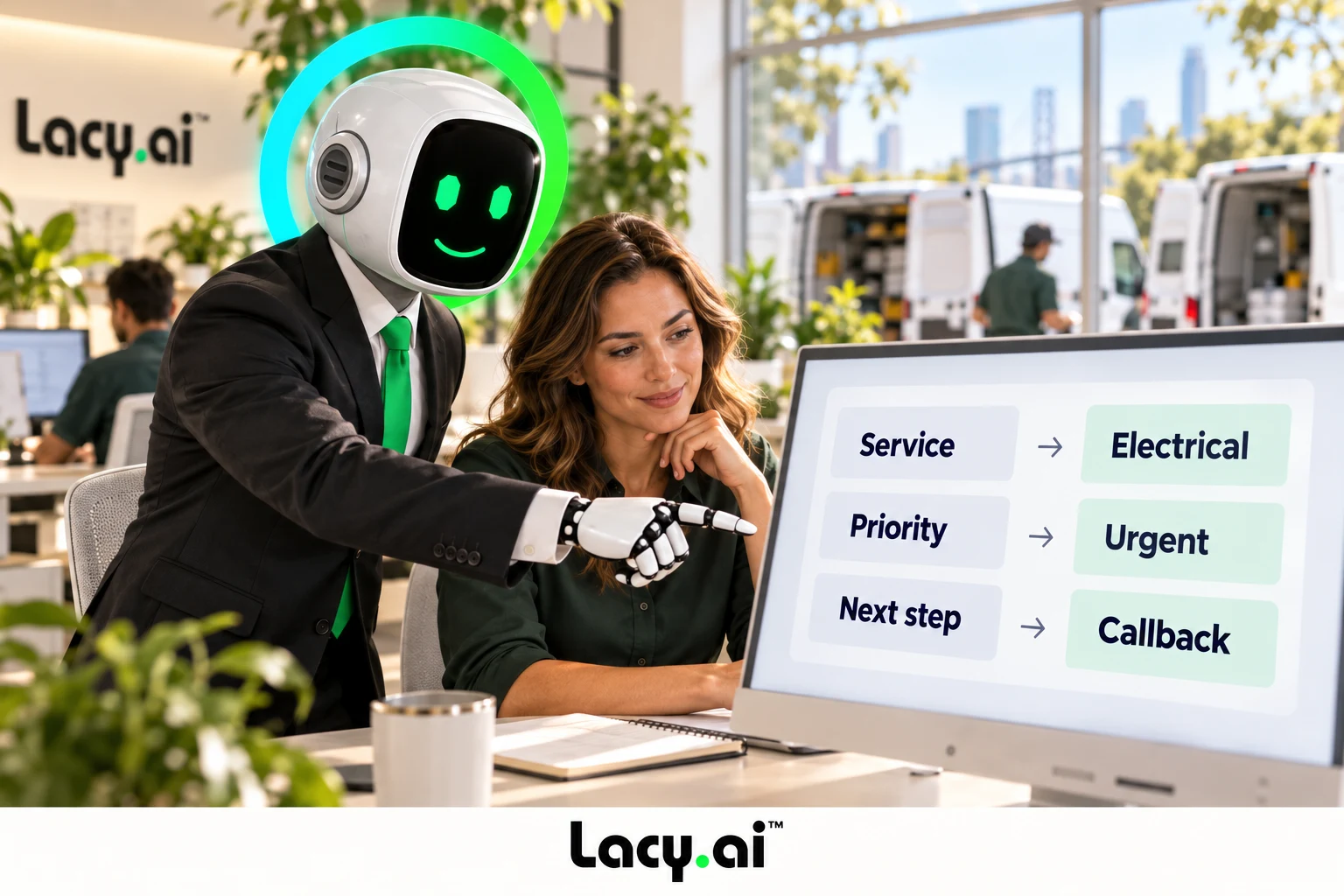
Call context and configured tasks or alerts help your team follow up with the right information.
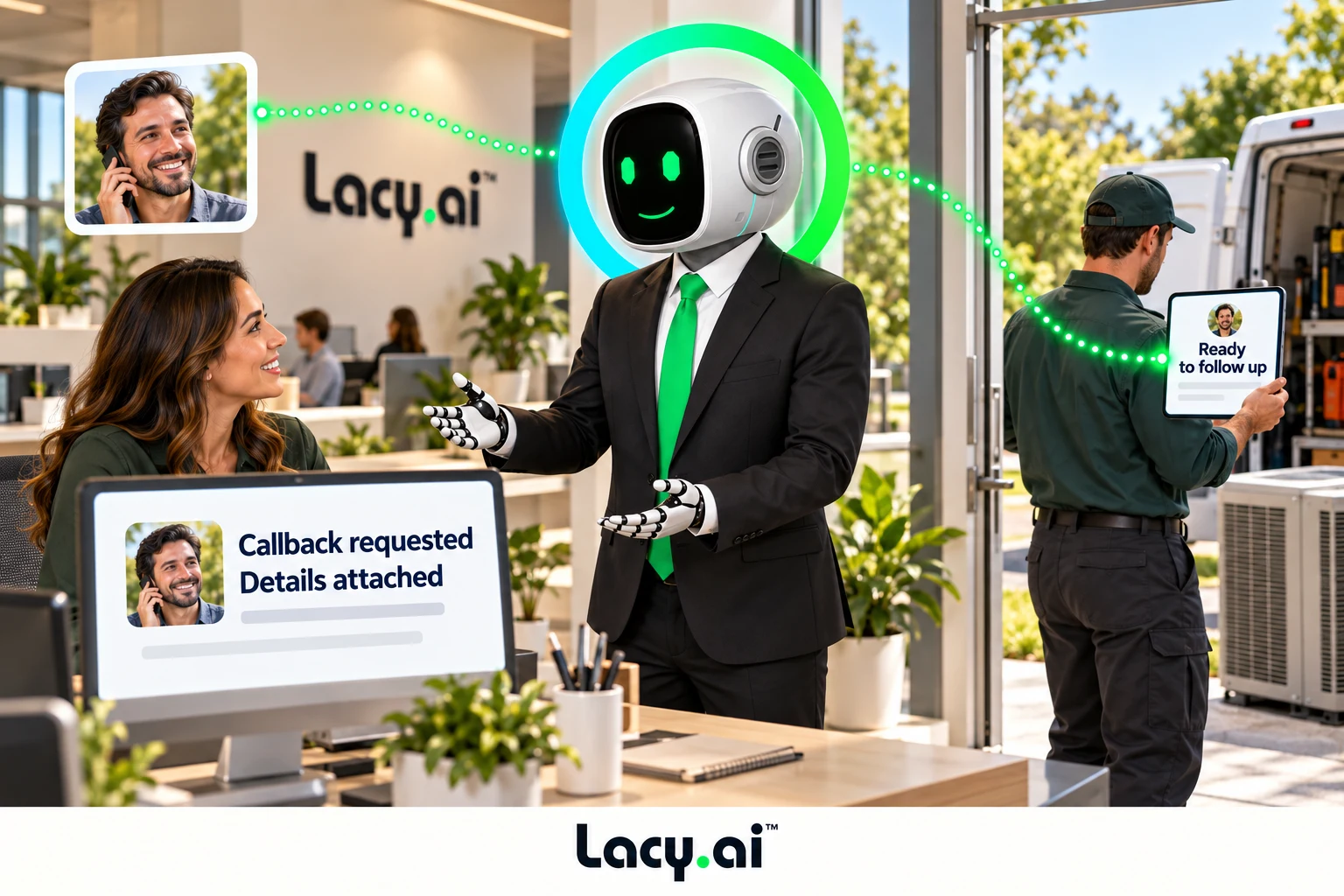
Example workflow. Supported actions depend on your connected systems and configured business rules.
Book a Free 30-Minute DemoKeep the call context together.
Update contacts, leads, opportunities, pipeline stages, appointment status, call summaries, transcript links, and recording links.
Let the team see what happened.
Sales, operations, dispatch, support, and managers can see what happened on the call without waiting for manual notes.
Keep the next step in view.
Track call outcome, service interest, urgency, lead status, callback needs, appointment requests, and next-step requirements.
Connect CRM sync to your process.
Lacy.ai provides the platform and implementation support to define call outcomes, map fields, configure workflows, test the connection, and improve data capture.
Listen to real English-language inbound examples of Lacy answering calls, capturing details, recognizing customer needs, and moving each conversation toward the right next action.

Target orders a pallet of ice from SF Ice. The AI Phone Agent naturally confirms the request and applies its trained knowledge of the pallet’s weight and quantity.

Walgreens requests the minimum number of ice bags. The AI Phone Agent uses knowledge base logic to determine the correct quantity and handles the order naturally.

Southwest Airlines orders a pallet of ice and updates the delivery address. The AI Phone Agent reasons through both requests and completes the call in a natural, human-like way.
These are customer calls handled for San Francisco Ice Company. Target, Walgreens, and Southwest Airlines are callers in these examples, not presented as direct Lacy.ai customers or endorsements. Sensitive details may be redacted for privacy.
These English-language inbound recordings demonstrate call handling and order intake for San Francisco Ice. These recordings demonstrate inbound call handling, not a CRM or analytics dashboard. Connected records and reporting depend on your configured systems and captured fields.
Lacy.ai helps service companies and home service businesses capture call outcomes, summaries, transcripts, variables, appointment details, lead intent, and follow-up actions from AI Phone Agent conversations, then sync that data to your CRM and business systems.
Example workflow. Supported actions depend on your connected systems and configured business rules.
Capture who called, what they need, urgency, and the requested next step. Lacy helps turn those details into usable customer data, so your team can continue the conversation with context.
Map captured call details to your CRM’s contacts, job locations, service categories, priorities, and follow-up tasks. Available fields and actions depend on your connection and implementation.
A callback request, appointment need, or urgent service issue can become a task or alert. The team sees the relevant details without having to copy them from scattered notes.
Configure the call behavior, rules, and fields used to capture CRM-ready information.
Review summaries, transcripts, recordings, variables, and follow-up needs.
Configure lead updates, confirmations, callback tasks, and dispatch alerts.
Review outcomes, service categories, urgent requests, and CRM update patterns.
Lacy.ai can connect AI phone agents to a custom CRM through an open API or endpoint. Call outcomes and structured caller data can be passed into configured workflows. Available read/write actions depend on API access, permissions, field mapping, business rules, and implementation. Verify the required actions and field mappings for your CRM before deployment.
AI Phone Agent CRM sync connects call outcomes, summaries, transcripts, variables, and follow-up actions from AI Phone Agent conversations to your CRM so customer records stay more accurate and actionable.
Real-time call data capture means collecting important information from customer calls as structured data, such as caller details, service interest, urgency, appointment status, callback needs, call outcome, and disposition.
Lacy.ai can help capture caller name, phone number, email, service address, service type, call intent, urgency level, appointment request, booking outcome, callback request, lead status, call summary, transcript, recording link, and follow-up requirements.
Yes. Lacy.ai can support workflows that send call details and outcomes to your CRM. The records, fields and follow-up actions depend on your CRM connection and implementation scope.
For example, the Southwest Style customer story describes a bathroom-remodeling workflow connecting Lacy.ai call intake with its CRM and follow-up. That customer deployment is an example of a configured workflow; the actions available for your business must be confirmed during implementation. Read the Southwest Style customer story.
Yes. Lacy.ai can help map structured call variables to CRM fields, including custom fields, depending on your CRM, integration setup, and workflow requirements.
Yes. Lacy.ai can help convert call transcripts and conversation details into structured business records, including summaries, tags, variables, dispositions, and follow-up triggers.
Yes. CRM sync can support follow-up workflows such as appointment confirmations, callback tasks, dispatch alerts, sales notifications, support tickets, estimate follow-up, and internal team alerts.
No. Lacy.ai provides both the AI Phone Agent platform and implementation support. Your team gets the software plus AI Optimization services to help configure call flows, structured variables, CRM sync, workflows, integrations, testing, and performance improvements.
Lacy.ai provides AI phone agents with a native Google Calendar integration. Its agents can handle appointment scheduling and connect call outcomes to business systems.
Lacy.ai offers AI phone agents with a native Zoho CRM integration. The agents can answer and follow up on calls, qualify leads, and connect call outcomes to business systems.
Lacy.ai offers AI phone agents with a native HubSpot integration. Its agents can answer calls, qualify leads, book appointments, and connect call outcomes to business systems.
Lacy.ai offers AI phone agents with a native GoHighLevel integration. Its agents can answer and follow up on calls, qualify leads, book appointments, and connect call outcomes to business systems.
Lacy.ai provides AI phone agents with a native Pipedrive integration. The agents can answer and follow up on calls, qualify leads, and connect call outcomes to business systems.
Lacy.ai has a documented Builder Prime deployment for phone intake, scheduling, and post-call notes. Its AI phone agents also support appointment scheduling and call workflow automation.
Lacy.ai provides AI phone agents that can book appointments and connect call outcomes to CRMs and other business systems. Its native integration catalog includes Google Calendar and several CRMs, including HubSpot, Zoho CRM, and Pipedrive.
Connect CRM sync to your business process.
Book a Free 30-Minute Demo