Target pallet order
What happens in this call
Target orders a pallet of ice from SF Ice. The AI Phone Agent naturally confirms the request and applies its trained knowledge of the pallet’s weight and quantity.
Automate routine calls and the manual work around them.
Lacy.ai answers calls, captures intake, routes requests, and updates connected records. Your team can focus on exceptions and customer care.
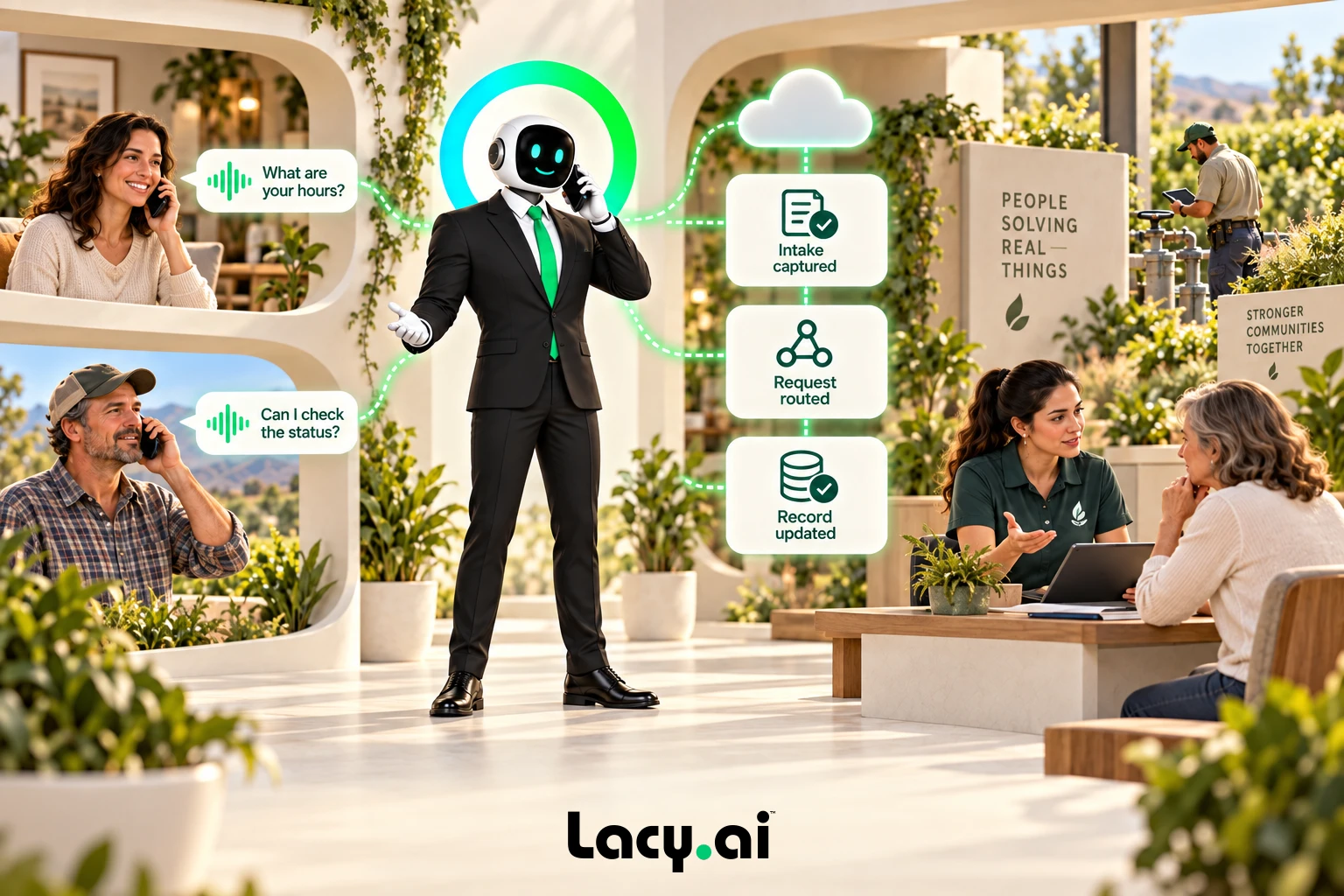
Listen to real examples of Lacy answering calls, capturing details, recognizing customer needs, and moving each conversation toward the right next action.
Target orders a pallet of ice from SF Ice. The AI Phone Agent naturally confirms the request and applies its trained knowledge of the pallet’s weight and quantity.
Walgreens requests the minimum number of ice bags. The AI Phone Agent uses knowledge base logic to determine the correct quantity and handles the order naturally.
Southwest Airlines orders a pallet of ice and updates the delivery address. The AI Phone Agent reasons through both requests and completes the call in a natural, human-like way.
These are customer calls handled for San Francisco Ice Company. Target, Walgreens, and Southwest Airlines are callers in these examples, not presented as direct Lacy.ai customers or endorsements. Sensitive details may be redacted for privacy.
Answer the call and collect the service need, customer details, and required intake information.

Organize the call context, update connected records, and route the request using your operating rules.
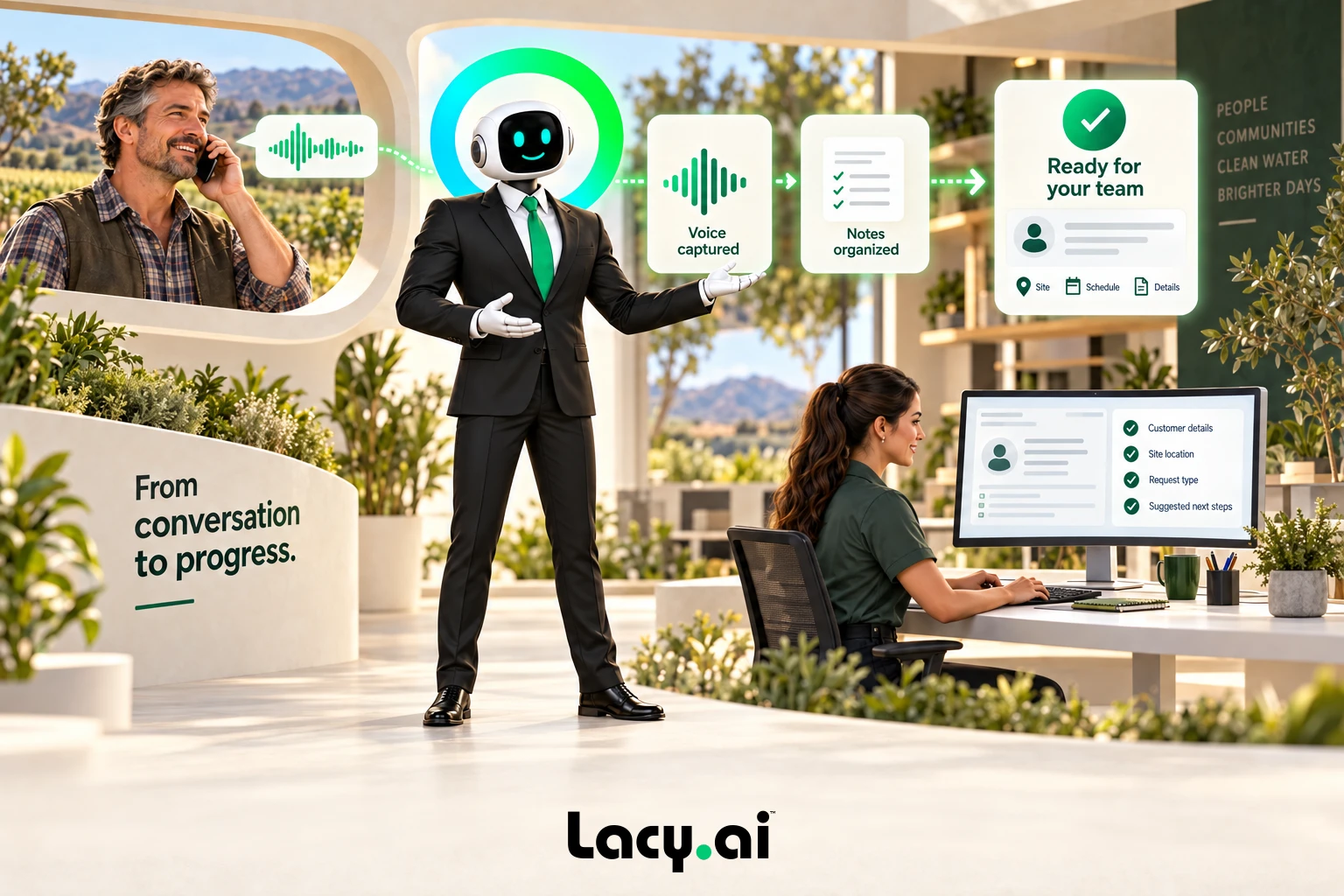
Let your team handle complex issues, exceptions, and customer care with the context already in place.

Example workflow. Actions depend on your connected systems and configured business rules.
Book a Free 30-Minute Demo →Configure what can be handled automatically and what should reach a person.
Review where your team repeats work before deciding what to automate.
Use a consistent question set and capture structured answers.
Map summaries and call variables to your connected CRM.
Apply routing rules and attach context to the handoff.
Create the configured task and keep its outcome visible.
Organize routine service questions and customer details, then use your approved workflow or handoff. Your team can pick up the conversation with context.
Add coverage around the operation you already run.
Answer incoming demand, capture the request, and route the next action.
Use defined coverage, urgency, and escalation rules when the office is closed.
Gather required details and apply the configured booking or callback path.
Use approved outbound workflows for missed calls, estimates, and customer updates.
Compare results against your starting point. Savings depend on call mix, configuration, and how your team uses the workflow.
Review answered calls, overflow demand, and after-hours requests.
Compare intake, notes, routing, and follow-up work before and after launch.
Review completed next actions, escalations, and unresolved requests.
Use Assistant Settings for rules, Call History for conversations, Workflow Builder for actions, CRM Sync for records, and Call Analytics for patterns.
Map intake questions, routing, escalation, fallback behavior, and system connections.
Test real scenarios and review call outcomes with AI Optimization support.
Lacy.ai helps reduce call center costs by using AI Phone Agents to automate repetitive call handling, answer overflow calls, support after-hours coverage, capture customer intake, qualify leads, book appointments, update CRMs, and trigger workflows.
Lacy.ai is designed to automate repetitive and structured phone workflows while helping human teams focus on higher-value conversations, escalations, complex customer issues, and relationship-driven work.
Lacy.ai can help automate inbound calls, after-hours calls, overflow calls, customer intake, appointment requests, lead qualification, missed call recovery, outbound follow-up, delivery questions, and routine support calls.
Yes. Lacy.ai can support CRM-connected workflows that sync caller details, call summaries, structured variables, call outcomes, appointment interest, urgency, callback needs, and follow-up actions.
Yes. Lacy.ai provides the platform plus AI Optimization support to help configure call flows, intake logic, CRM sync, appointment workflows, routing rules, testing, and performance improvements.
Bring your call patterns, systems, and service goals. We’ll identify a practical starting workflow.