Service fit
Apply appointment type, location, service area, and qualification rules.
Help qualified callers reach the right appointment while their interest is fresh.
Capture the service need, check your configured booking rules, and connect the outcome to the calendar and customer record.
Book a Free 30-Minute Demo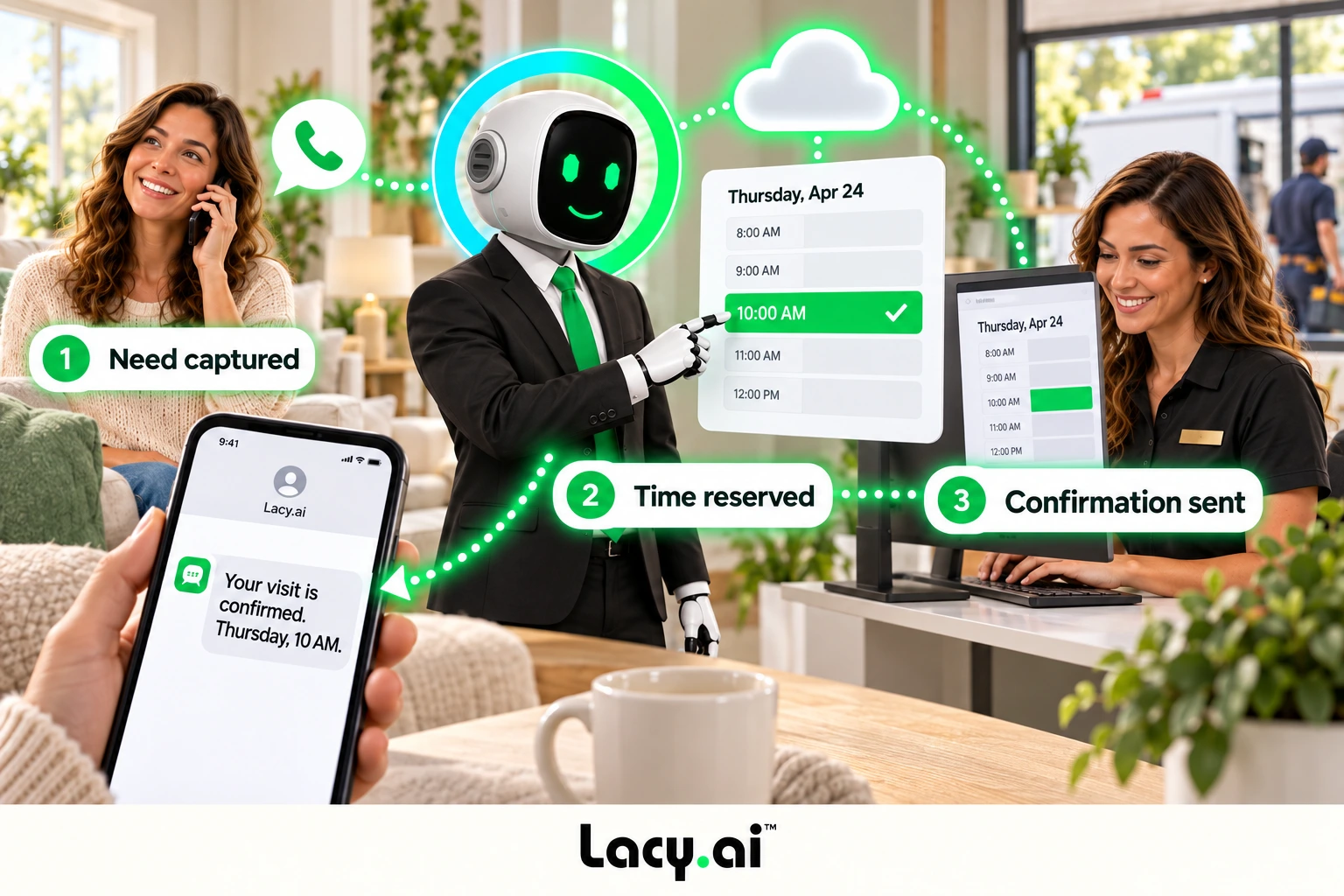
Apply appointment type, location, service area, and qualification rules.
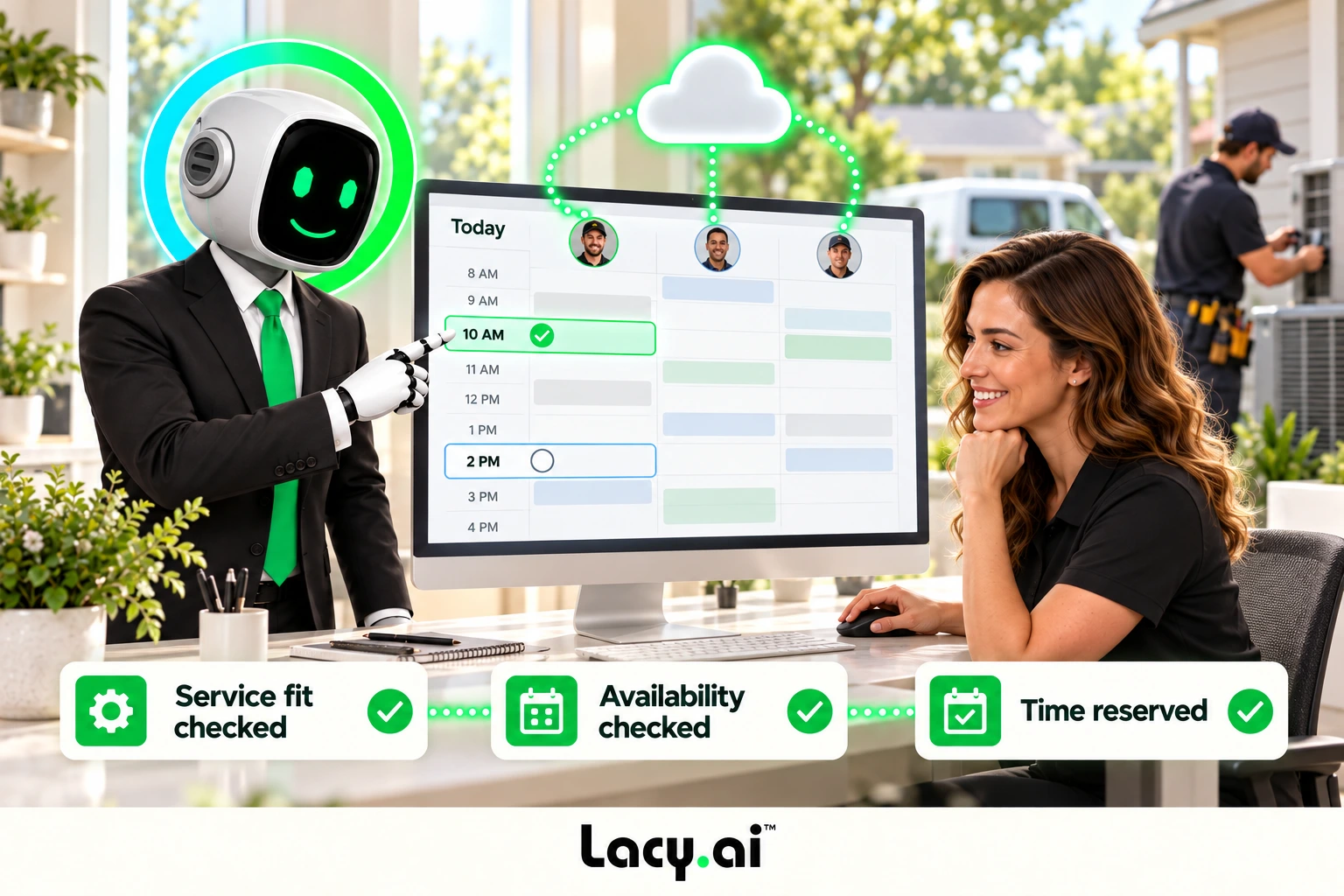
Use connected calendar availability and the capacity rules configured for your business.
Route to a callback, scheduling team, or follow-up when a suitable booking cannot be completed.
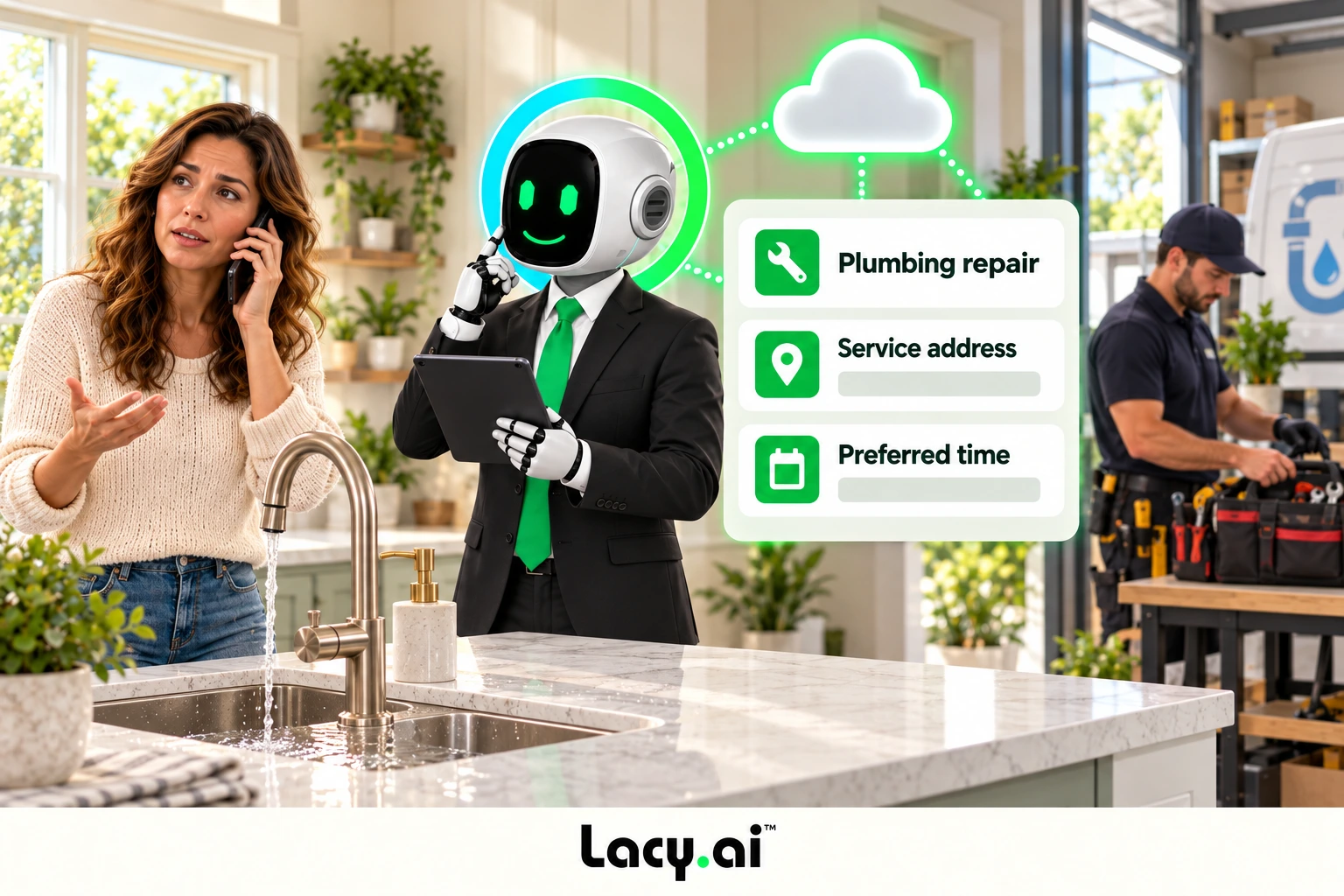
Capture the service type, location, urgency, and preferred timing before starting the booking workflow.
Check connected availability and configured service and capacity rules. Use a scheduling handoff when a suitable slot is not available.
Complete the approved booking path, share the appointment details, and connect the outcome to your calendar and customer record.
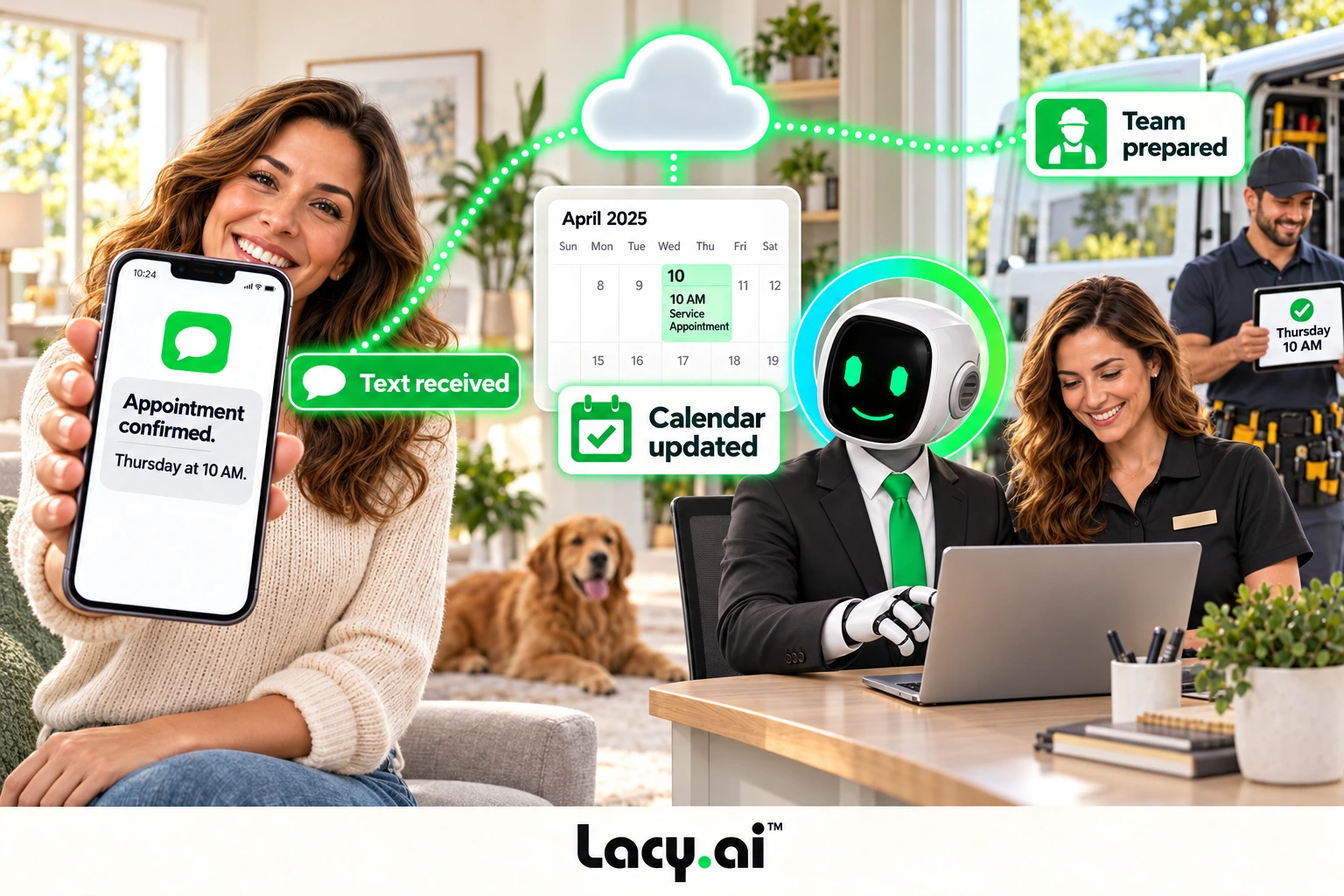
Example workflow. Actions depend on your connected systems and configured business rules.
Book a Free 30-Minute DemoExplore six connected views, from call handling to the work that follows.
Platform illustrations with sample data. Explore the live platform in your demo.
Listen to real examples of Lacy answering calls, capturing details, recognizing customer needs, and moving each conversation toward the right next action.

Target orders a pallet of ice from SF Ice. The AI Phone Agent naturally confirms the request and applies its trained knowledge of the pallet’s weight and quantity.

Walgreens requests the minimum number of ice bags. The AI Phone Agent uses knowledge base logic to determine the correct quantity and handles the order naturally.

Southwest Airlines orders a pallet of ice and updates the delivery address. The AI Phone Agent reasons through both requests and completes the call in a natural, human-like way.
These are customer calls handled for San Francisco Ice Company. Target, Walgreens, and Southwest Airlines are callers in these examples, not presented as direct Lacy.ai customers or endorsements. Sensitive details may be redacted for privacy.
These are inbound order-handling examples from San Francisco Ice. Your call and appointment workflows are configured around your business and connected systems.
Book a Free 30-Minute DemoExplore the details that matter to your team.
Not every caller belongs on the same scheduling path. Gather the details before the booking or handoff.
Understand what the customer needs before the scheduling workflow begins.
Collect address, service area status, urgency level, and timing details.
Give your team better context before they confirm, route, or dispatch.
Give the estimator or service team the reason for the visit, relevant customer details, and the requested next step.
When your scheduling setup supports it, multiple crews or team members can offer appointments in the same time window. Match capacity to service type and resources before confirming.
Capture the customer’s need while the call is still live.
Move prospects toward inspections, consultations, or quote workflows.
Classify urgency and start the right scheduling or dispatch path.
Capture the reason, preferred time, and next-step requirements.
Help customers confirm, cancel, move, or restart appointment workflows.
Turn repeat interest into a scheduled next step.
Capture the requested change and use your configured calendar or scheduling handoff. Keep the revised details with the customer record.
More qualified calls can move toward the calendar without increasing office headcount at the same pace.
Call outcomes, appointment status, and follow-up needs become more visible across the business.
The AI Phone Agent can capture service details, urgency, location, and scheduling needs before the handoff.
Define appointment types, required details, service areas, and qualification questions.
Configure calendar rules, capacity, CRM fields, confirmations, and exception handoffs.
Review calls and booking outcomes, test exceptions, and tune the workflow before expanding.
Appointment-ready intake
Calendar-connected workflows
Service and capacity rules
Confirmations and CRM sync
Book More Appointments means using AI Phone Agents to help turn more qualified phone calls into scheduled appointments, consultations, estimates, service visits, deliveries, or follow-up opportunities.
Lacy.ai can answer calls, qualify callers, collect service details, identify appointment needs, support booking paths, trigger confirmations, and sync appointment outcomes to business systems.
Yes. Lacy.ai can collect caller name, phone number, email, service address, service type, urgency, preferred appointment date, time window, and follow-up needs before the appointment workflow begins.
Yes. Lacy.ai can help answer after-hours booking calls, collect the appointment request, identify urgency, and trigger the right follow-up or scheduling workflow.
Yes. Lacy.ai can support CRM-connected workflows that sync call summaries, appointment outcomes, structured variables, callback requests, and follow-up actions.
Lacy.ai is built for service businesses and home service companies where appointments, estimates, visits, deliveries, consultations, and follow-ups create revenue.
Bring your calendars, appointment types, and booking rules. We’ll map a workflow that fits your service business.
Book a Free 30-Minute Demo