Call Performance
Track call volume, bookings, lead qualification, and AI phone agent outcomes from one executive performance view.
Connect every AI phone call to the systems that run your business.
Book a Free 30-Minute Demo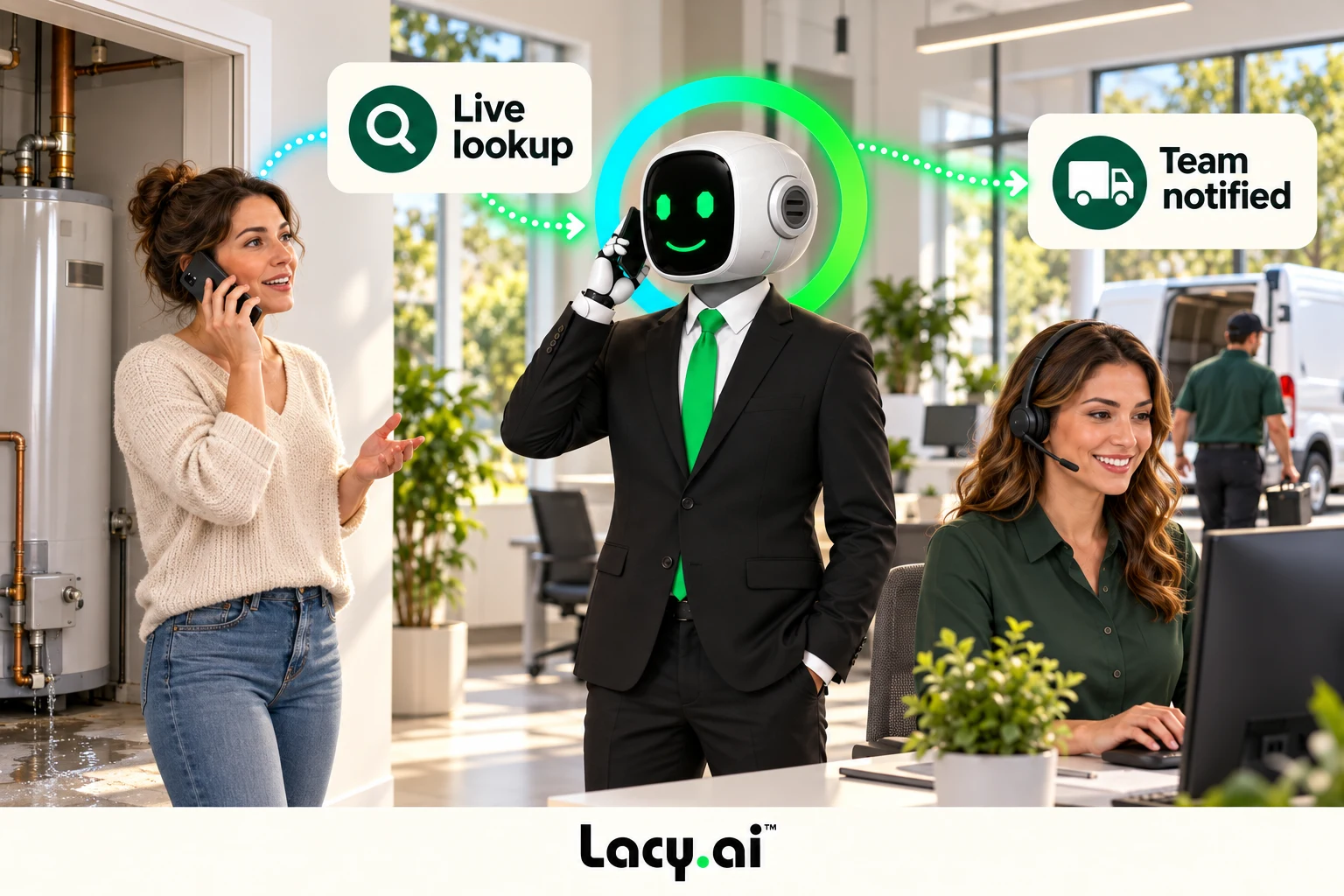
Explore six connected views, from call handling to the work that follows.
Platform illustrations with sample data. Explore the live platform in your demo.
Give the caller useful information and give operations the context to act.
Check appointment availability, look up a customer record, validate a service area, check order status, or trigger configured dispatch logic.
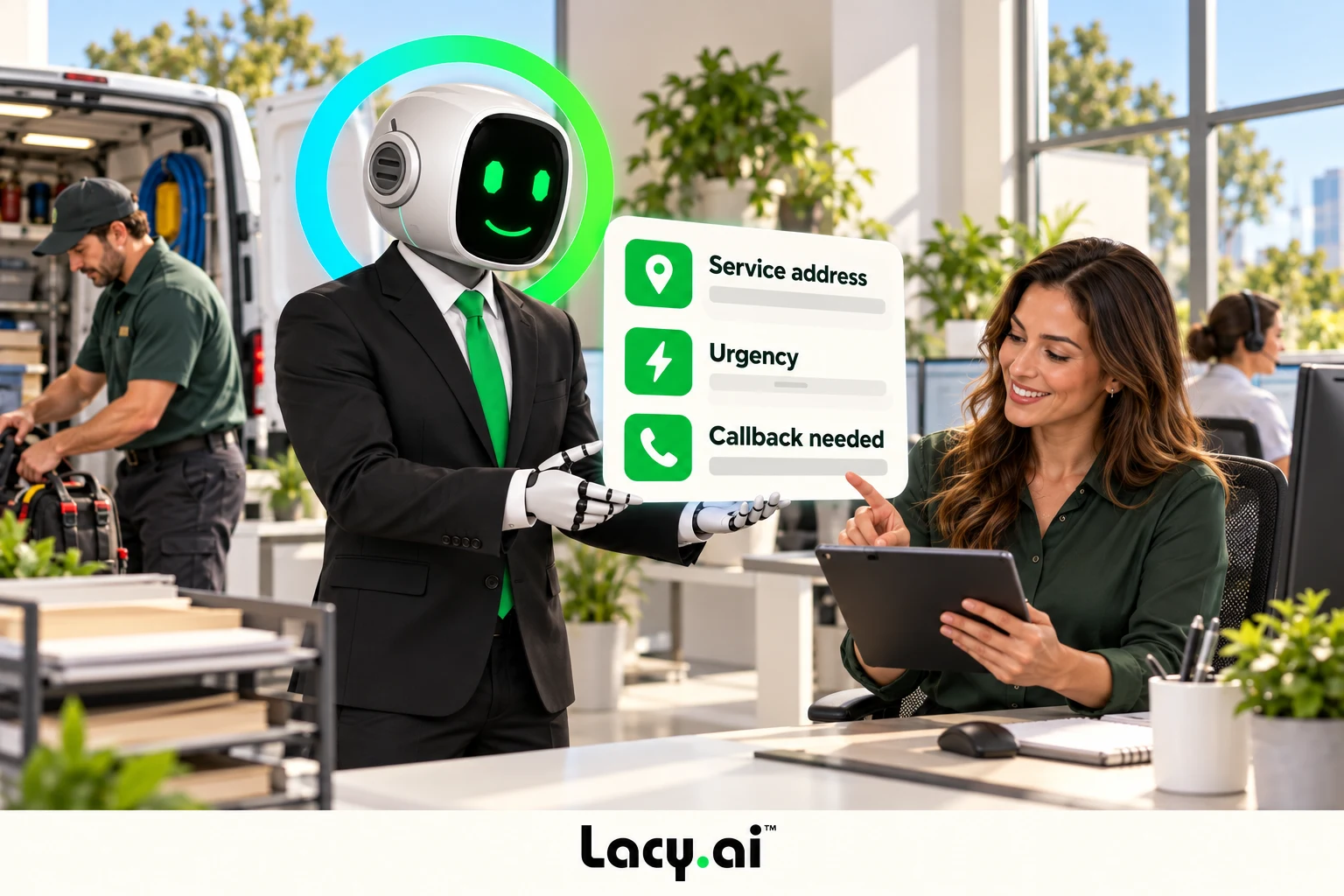
Send the call summary, urgency, service address, and next action into the tools your team uses. Less copying between systems; a clearer handoff to the dispatcher.
Configure the available APIs and webhooks, test the complete workflow, and review the result.
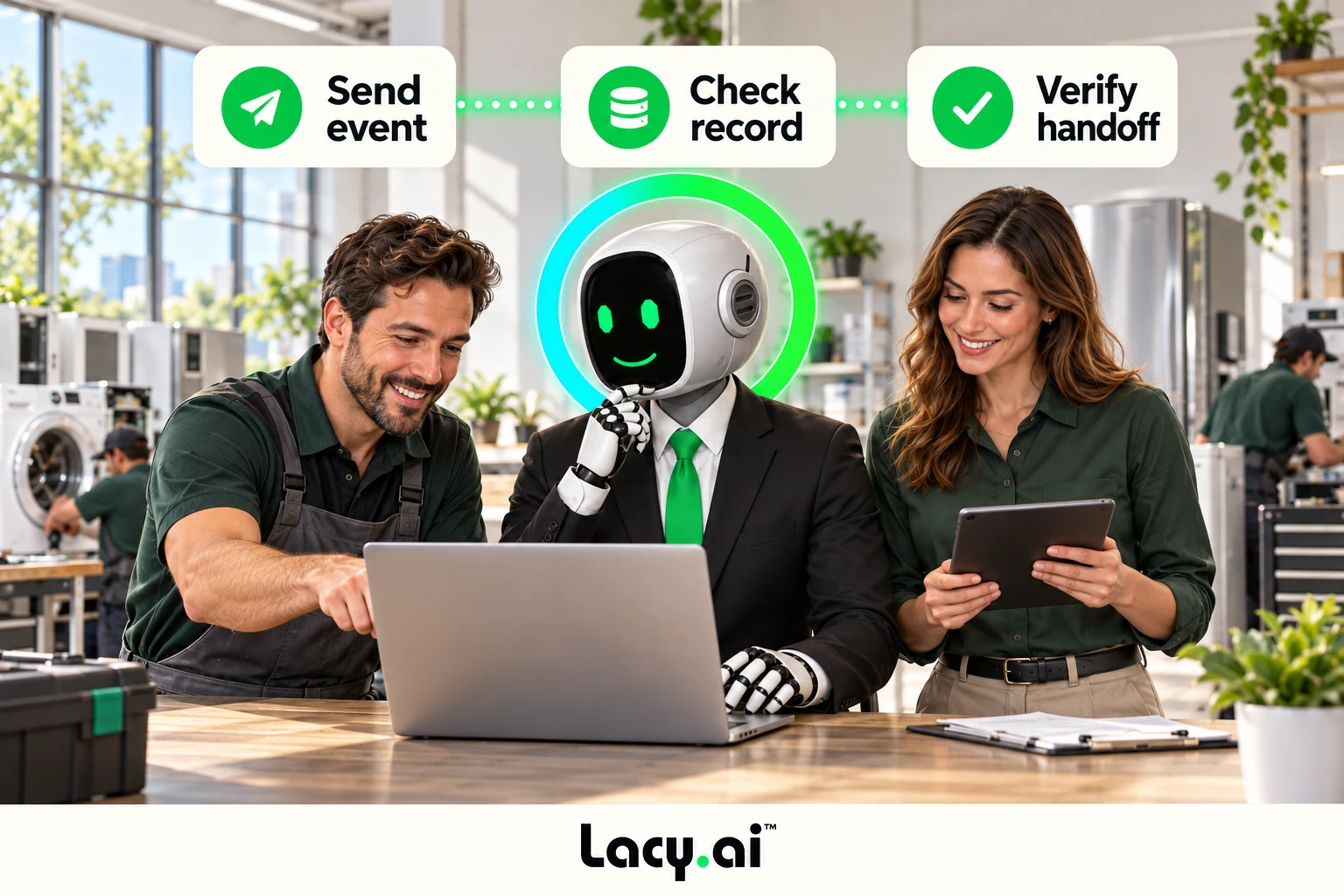
Illustrative examples. Actions depend on your configured systems, available APIs, and business rules.
Book a Free 30-Minute DemoReturn information while the caller is still there.
Check appointment availability, look up a customer record, validate a service area, check order status, or trigger configured dispatch logic.
Send the outcome where work happens.
Send a structured outcome, update the CRM, attach a summary or recording link, create a follow-up task, or notify dispatch.
Keep the important details structured.
Structure call data before sending it to systems.
Connect the event to your business rules.
Turn call outcomes into automated business actions.
Listen to real English-language inbound examples of Lacy answering calls, capturing details, recognizing customer needs, and moving each conversation toward the right next action.

Target orders a pallet of ice from SF Ice. The AI Phone Agent naturally confirms the request and applies its trained knowledge of the pallet’s weight and quantity.

Walgreens requests the minimum number of ice bags. The AI Phone Agent uses knowledge base logic to determine the correct quantity and handles the order naturally.

Southwest Airlines orders a pallet of ice and updates the delivery address. The AI Phone Agent reasons through both requests and completes the call in a natural, human-like way.
These are customer calls handled for San Francisco Ice Company. Target, Walgreens, and Southwest Airlines are callers in these examples, not presented as direct Lacy.ai customers or endorsements. Sensitive details may be redacted for privacy.
These English-language inbound recordings demonstrate call handling and order intake for San Francisco Ice. These recordings do not demonstrate a particular integration. Connected actions depend on your systems and configured workflow.
Lacy.ai helps service businesses and home service teams use APIs and webhooks to connect AI Phone Agents to CRMs, calendars, dispatch tools, field service platforms, workflow automation, reporting systems, and internal business applications.
Once the appointment details are ready, your configured workflow can send a confirmation and share the job details with the service team.
Illustrative example. Actions depend on your configured systems and business rules.
APIs and webhooks connect your AI Phone Agent to your business systems.
An API allows systems to exchange data and take actions. A webhook sends information from one system to another when something happens, such as a completed call, booked appointment, callback request, urgent issue, CRM update, or workflow trigger.
Some actions need to happen during the call. Others need to happen after. Lacy.ai supports the full call automation lifecycle through live actions, structured variables, webhooks, and workflow automation.
Run live API actions during active customer calls.
The value is not only that Lacy.ai can answer the phone. The value is that every conversation can become a structured event your business can act on.
A homeowner calls about HVAC repair, roofing, plumbing, electrical, windows, remodeling, or pest control. Lacy.ai captures the lead details and sends them into your CRM or scheduling workflow.
A customer reports water damage, no cooling, a broken garage door, a delivery issue, or a maintenance problem. Lacy.ai captures urgency and triggers dispatch or operations alerts.
A qualified caller requests an appointment. Lacy.ai captures the details and can help trigger calendar updates, confirmations, reminders, and CRM changes.
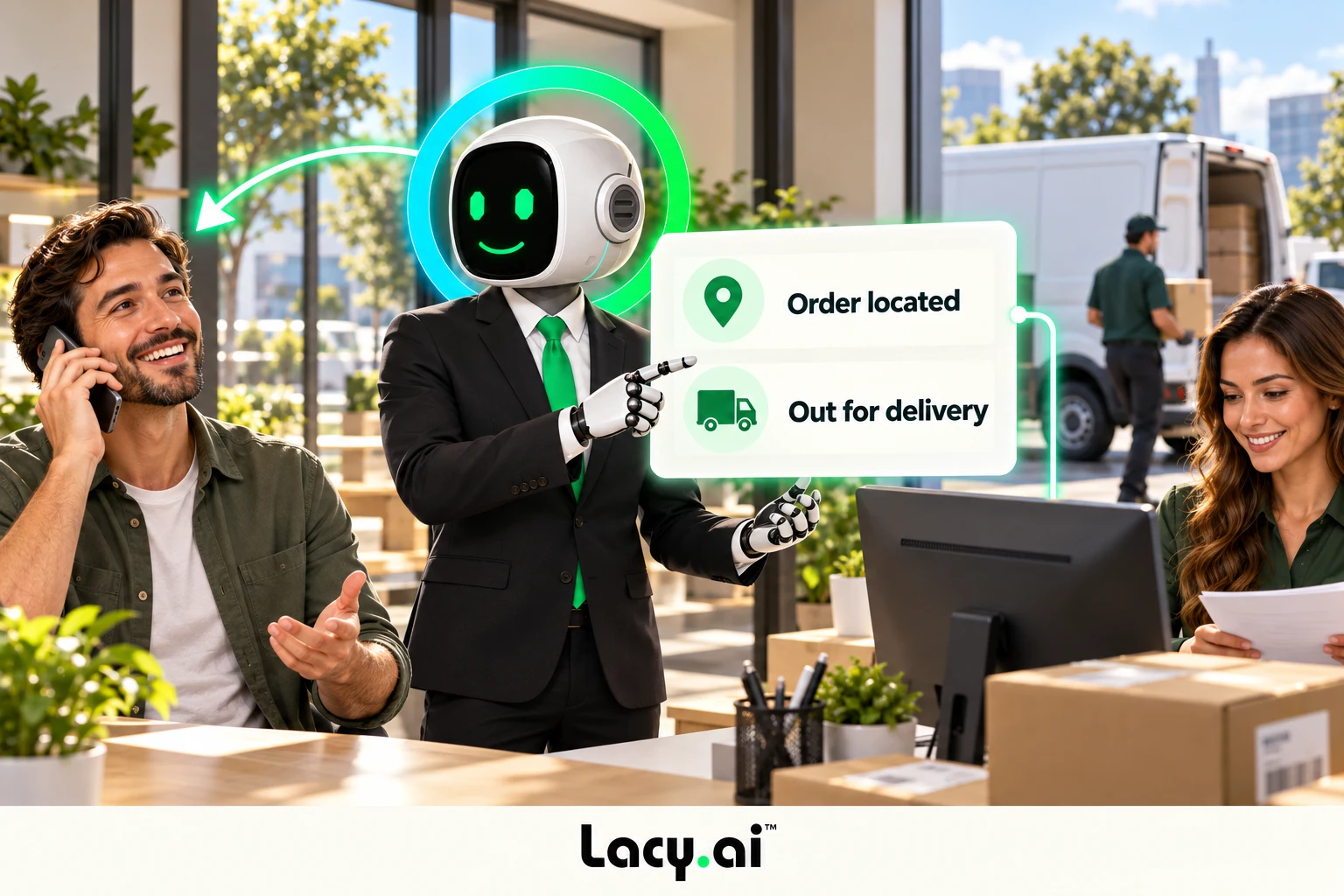
A customer calls about delivery status, order timing, service location, or an urgent update. Lacy.ai captures the request and connects it to the correct operations workflow.
A customer calls, shares new information, requests service, books an appointment, or needs support. Lacy.ai can help update the record, lead status, call outcome, and follow-up task.
A call is completed, qualified, booked, escalated, or flagged for follow-up. Lacy.ai can help send reporting events to dashboards, analytics tools, or internal systems.
Lacy.ai provides the platform and implementation support to plan what data should move, where it should go, and when it should trigger an action.
Define the service details, variables, and events each workflow needs.
APIs and webhooks allow AI Phone Agents to send, receive, and trigger data between phone conversations and business systems. They help connect call outcomes to CRMs, calendars, dispatch tools, workflow systems, reporting tools, and internal applications.
Lacy.ai can use APIs and webhooks to send structured call data, trigger workflows, update records, support mid-call actions, notify teams, create tasks, and connect conversations to business systems.
Yes. Lacy.ai can help connect AI Phone Agent workflows to systems like ServiceTitan, OnFleet, CRMs, calendars, dispatch tools, workflow platforms, and custom systems depending on available APIs, webhooks, and implementation scope.
Webhook payloads can include caller name, phone number, email, service address, service type, urgency, appointment status, callback request, call outcome, disposition, summary, transcript link, recording link, and workflow status.
Yes. APIs and webhooks can support customer lookup, appointment availability checks, service area validation, order status lookup, routing logic, dispatch alerts, and workflow triggers.
Yes. Lacy.ai can support CRM-connected workflows that update contacts, leads, opportunities, call notes, summaries, appointment statuses, follow-up tasks, and pipeline stages.
Some workflows can be configured with lighter setup, while more advanced use cases may require API, webhook, or custom integration planning. Lacy.ai provides implementation support to help design, configure, test, and optimize these workflows.
They are ideal for service businesses, home service companies, field service teams, delivery operations, dispatch teams, B2B service companies, support teams, and appointment-based businesses that need phone calls connected to systems.
No. Lacy.ai provides AI Phone Agents, APIs, webhooks, workflow automation, CRM sync, analytics, multilingual support, mid-call tools, integrations, and implementation support for service businesses.
Bring calls, customer records, scheduling, and follow-up together through APIs, webhooks, and implementation support from Lacy.ai.
Book a Free 30-Minute Demo