AI call analytics and call data

Understand Every Call.
See What Needs Action.

AI call analytics turns phone conversations into structured data your team can measure and act on.

Lacy.ai captures call outcomes, customer intent, service demand, appointments, urgent requests, and follow-up signals from AI Phone Agent conversations, then connects that information to the reporting and workflow tools your business uses.

  • Track call outcomes
  • Understand service demand
  • Monitor bookings and callbacks
  • Identify follow-up gaps
Customer conversation connected to the next service action
Real AI Phone Calls

Hear how Lacy handles real service business calls for San Francisco Ice.

Listen to real examples of Lacy answering calls, capturing details, recognizing customer needs, and moving each conversation toward the right next action.

Target logo

Target pallet order

Target orders a pallet of ice from SF Ice. The AI Phone Agent naturally confirms the request and applies its trained knowledge of the pallet’s weight and quantity.

Walgreens logo

Walgreens ice order

Walgreens requests the minimum number of ice bags. The AI Phone Agent uses knowledge base logic to determine the correct quantity and handles the order naturally.

Southwest Airlines logo

Southwest Airlines order

Southwest Airlines orders a pallet of ice and updates the delivery address. The AI Phone Agent reasons through both requests and completes the call in a natural, human-like way.

These are customer calls handled for San Francisco Ice Company. Target, Walgreens, and Southwest Airlines are callers in these examples, not presented as direct Lacy.ai customers or endorsements. Sensitive details may be redacted for privacy.

How it works

From a call to a useful insight.

01

Capture the call.

Lacy.ai captures call outcomes, customer intent, service demand, appointments, urgent requests, and follow-up signals from AI Phone Agent conversations.

Capture the call.
02

Review the outcome.

Understand what customers ask for, which calls become appointments, and where follow-up is still needed.
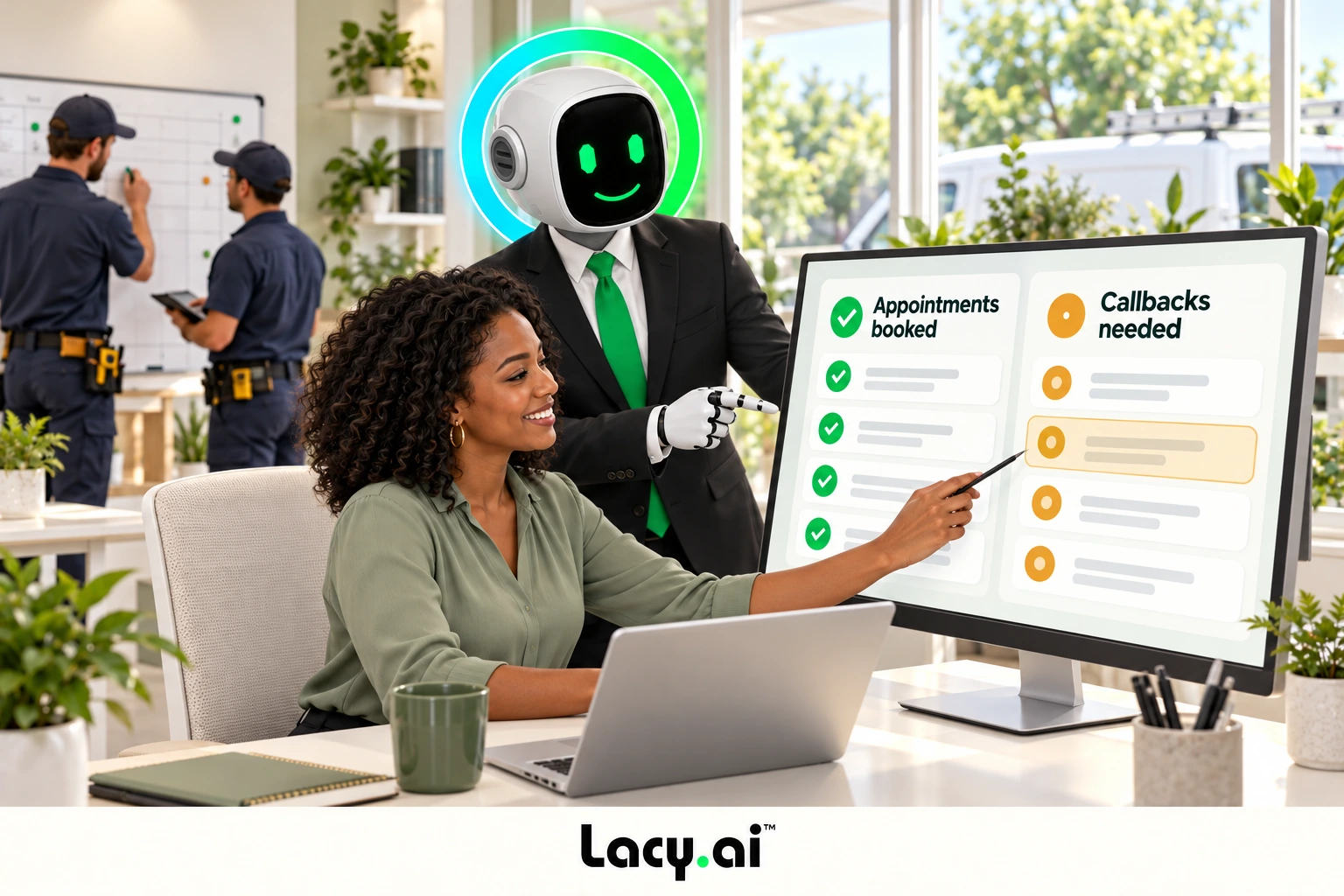
Review the outcome.
03

Act on the next step.

Give dispatch and operations the context they need to decide what should happen next.
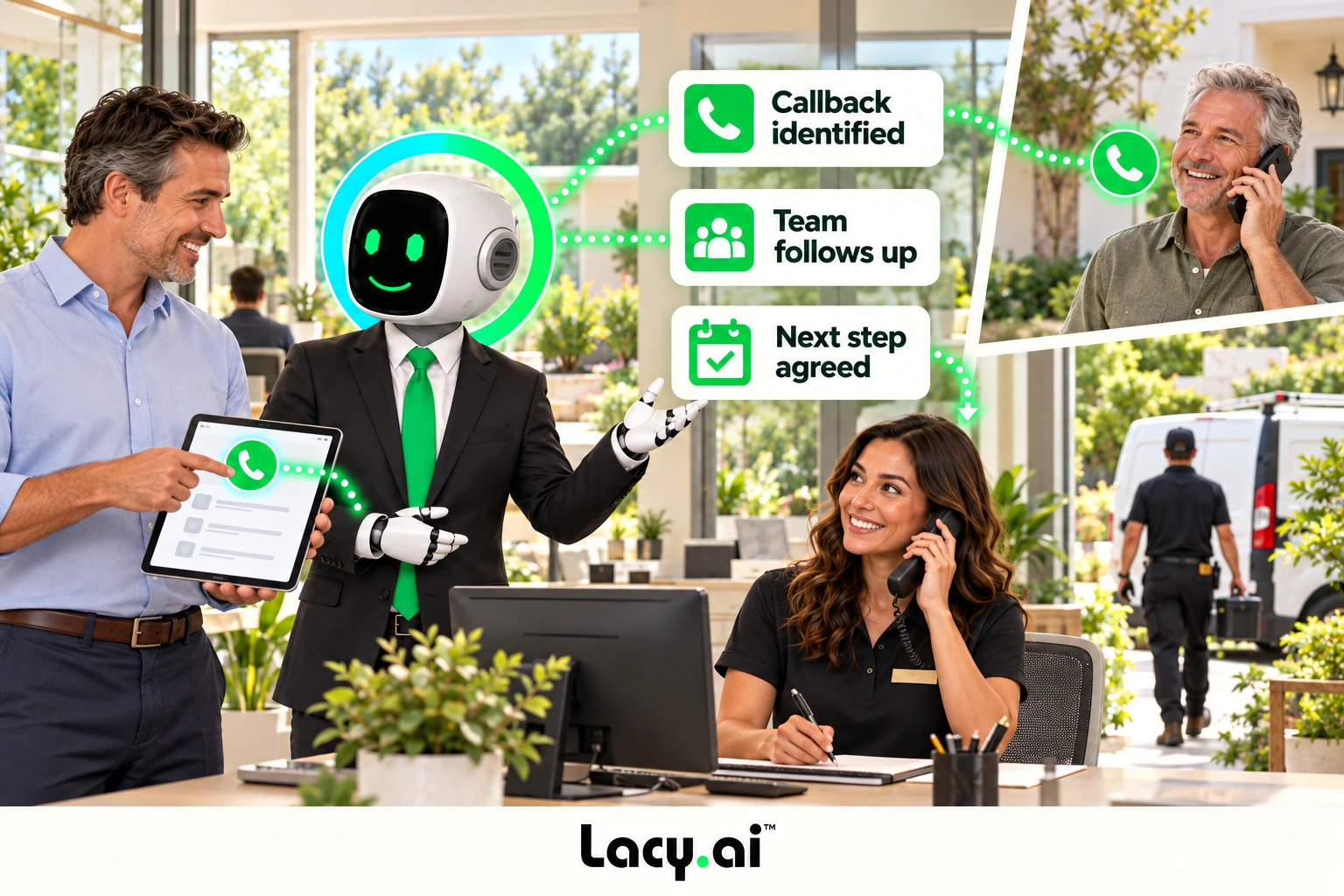
Act on the next step.

Illustrative example. Actions depend on your configured systems and business rules.

A clearer view of the work

See the story behind the call activity.

Understand what customers ask for, which calls become appointments, and where follow-up is still needed. Structured call data helps your team spot patterns that are difficult to find in recordings alone.

Signals your team can use

Understand demand.
Spot the next opportunity.

01

Demand patterns

See which service categories, customer issues, locations, campaign sources, and urgent requests are increasing across your call volume.

02

Operational bottlenecks

Understand where calls create follow-up tasks, callback requests, dispatch needs, unresolved issues, or missed next steps.

03

Conversion signals

Track which calls became appointments, qualified leads, estimates, support cases, sales opportunities, or lost opportunities.

Call data to reporting views

Measure the information that matters to your team.

Reporting depends on the variables, outcomes, and integrations configured for your business.

Service category
Demand by service
Call intent
Lead quality
Urgency
Dispatch priority
Appointment booked
Booking outcomes
Callback requested
Open follow-up
Campaign source
Attribution when connected
Disposition
Outcome tracking
Workflow triggered
Automation activity
From insight to service

Turn visibility into a better handoff.

Review urgent requests, callbacks, service locations, and unresolved next steps. Give dispatch and operations the context they need to decide what should happen next.

Inside the platform

Review the call.
Understand the outcome.

Call History

Review summaries, transcripts, recordings, variables, dispositions, and follow-up needs.

Call Performance

Monitor outcomes, service categories, appointment status, urgent requests, and follow-up gaps.

Workflow Activity

Review which calls triggered CRM updates, callback tasks, dispatch alerts, and reporting events.

AI Advisor

Use optimization recommendations to improve data capture, call handling, and reporting quality.

Platform plus implementation

Build reporting around your operation.

Define clean call variables, consistent outcomes, and reporting fields with implementation support. Connect the data to your CRM and workflows, then test and improve how your team uses it.

Call outcome definitionsStructured variablesCRM field planningWorkflow trackingCallback visibilityPerformance review
Responsible data handling

Privacy, recordings, and customer data.

Call analytics may involve recordings, transcripts, summaries, contact details, and information supplied by the caller. Businesses should decide what information they need, who may access it, how long it should be retained, and which systems may receive it.

Recording notice, consent, disclosure, privacy, and retention requirements can vary by jurisdiction, industry, call purpose, and workflow. Customers are responsible for reviewing their obligations with qualified counsel and approving the language and policies used in their deployment.

Lacy.ai can support customer-approved disclosure language, recording notices, access controls, structured data capture, workflow rules, and auditable call records. The final configuration should reflect the customer’s legal review, internal policies, connected systems, and authorized users.

Visit the Compliance Resource Center

Questions, answered

Frequently asked questions.

What is AI call analytics?

AI call analytics uses structured information from AI Phone Agent conversations to help a business understand call outcomes, customer intent, service demand, appointments, callbacks, urgent requests, and follow-up activity.

How does AI call analytics work?

The AI Phone Agent captures approved variables and outcomes during or after a conversation. Those fields can be organized in Lacy.ai and, when configured, sent to connected CRM, scheduling, workflow, or reporting systems.

Which call metrics can Lacy.ai track?

Lacy.ai can support tracking for call volume, outcomes, service categories, intent, urgency, qualification, appointment status, callbacks, dispositions, summaries, workflow activity, and CRM update status. Available reporting depends on the information and integrations configured for the business.

Can Lacy.ai connect call outcomes to a CRM?

Yes. Lacy.ai can support CRM-connected workflows that send call summaries, captured variables, appointment details, lead status, dispositions, and follow-up actions to customer or lead records. The implementation depends on the CRM, available APIs, field structure, and approved workflow.

Can call analytics identify booking and follow-up opportunities?

Yes. When appointment intent, booking status, callback requests, and follow-up requirements are captured as structured fields, teams can use them to identify conversations that need a next action.

How are recordings, transcripts, and customer data handled?

Handling depends on the customer’s configuration, permissions, connected systems, and policies. Businesses should define recording notices, access, retention, consent, and data-sharing requirements before launch. Lacy.ai helps configure the approved workflow but does not replace the customer’s legal or privacy review.

Can reporting be configured for different service lines or locations?

Yes. Service category, location, customer type, urgency, campaign source, and other approved variables can be captured and used as reporting dimensions when they are part of the configured call flow and connected data model.

See the demand.
Know the next step.

Turn customer conversations into useful reporting signals for sales, service, dispatch, and operations.

Lacy robot TM in black suit, green tie and thick halo