After-hours call handling

The Office Is Closed.
The Call Still Matters.

Give customers a clear next step when their problem happens outside your working day.

Lacy.ai captures the request, applies your urgency rules, and connects the outcome to the right callback, booking, or on-call workflow.
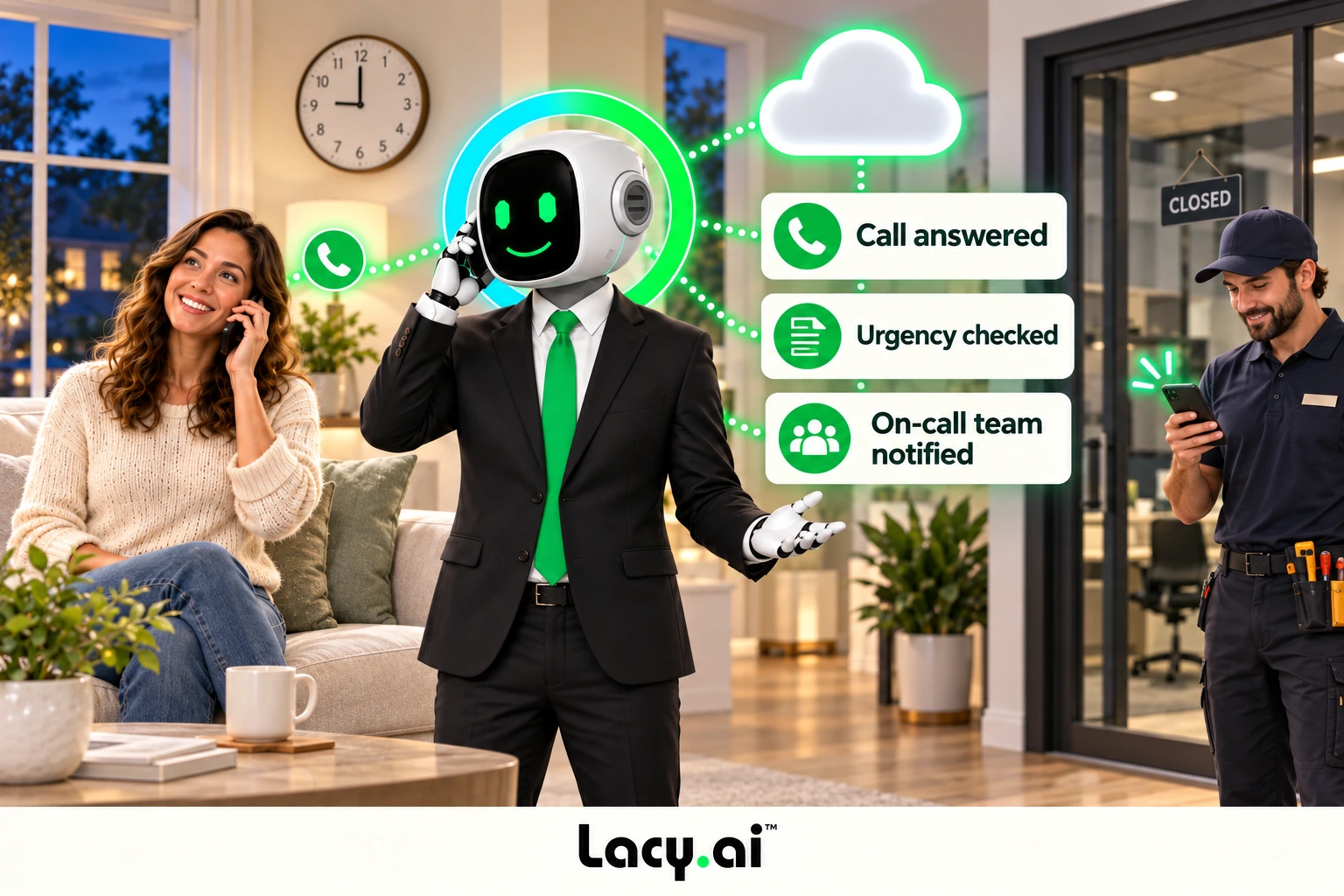
  • Evenings and weekends
  • Configured urgency paths
  • Appointment and callback requests
  • Context for your team
hours hero customer call and operational next step
Real AI Phone Calls

Hear how Lacy handles real service business calls for San Francisco Ice.

Listen to real examples of Lacy answering calls, capturing details, recognizing customer needs, and moving each conversation toward the right next action.

Target logo

Target pallet order

Target orders a pallet of ice from SF Ice. The AI Phone Agent naturally confirms the request and applies its trained knowledge of the pallet’s weight and quantity.

Walgreens logo

Walgreens ice order

Walgreens requests the minimum number of ice bags. The AI Phone Agent uses knowledge base logic to determine the correct quantity and handles the order naturally.

Southwest Airlines logo

Southwest Airlines order

Southwest Airlines orders a pallet of ice and updates the delivery address. The AI Phone Agent reasons through both requests and completes the call in a natural, human-like way.

These are customer calls handled for San Francisco Ice Company. Target, Walgreens, and Southwest Airlines are callers in these examples, not presented as direct Lacy.ai customers or endorsements. Sensitive details may be redacted for privacy.

See it happen · 4 simple steps

An evening call becomes a clear next action.

Step 1 of 4
After-hours customer

“Our garage door won’t close.”

Lacy.ai / configured coverage

Answer with your after-hours greeting and capture the request.

Caller heard

Illustrative example. Actions depend on your configured systems and business rules.

From closing time to the next shift

Coverage across the hours in between.

A customer response now. A clearer handoff for the team that follows.

OFFICE CLOSES

Your rules take over.

Use the after-hours greeting, service questions, and escalation instructions you define.
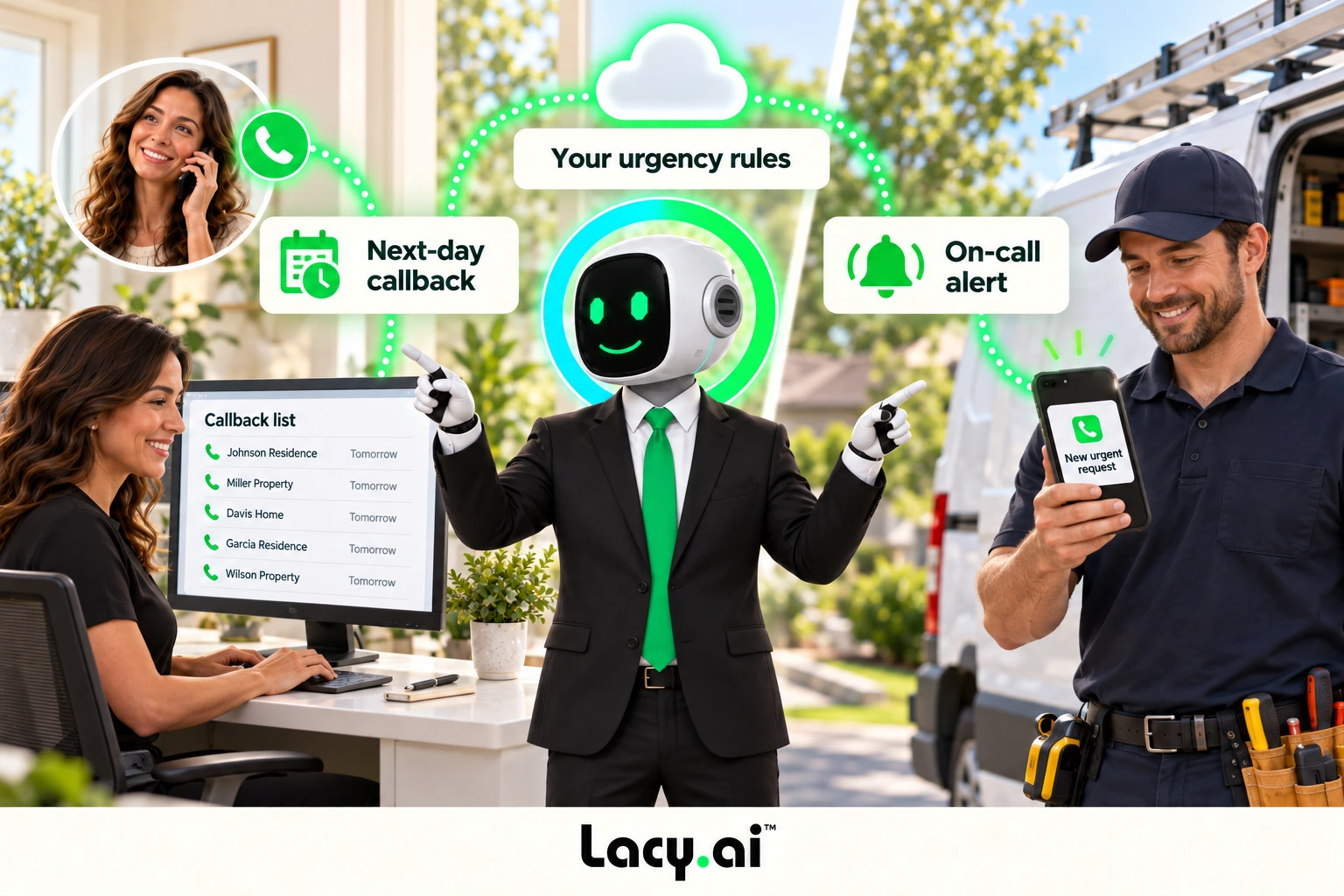
hours routing customer call and operational next step
A CUSTOMER CALLS

The request gets a path.

Capture what happened, where help is needed, and the appropriate next action.
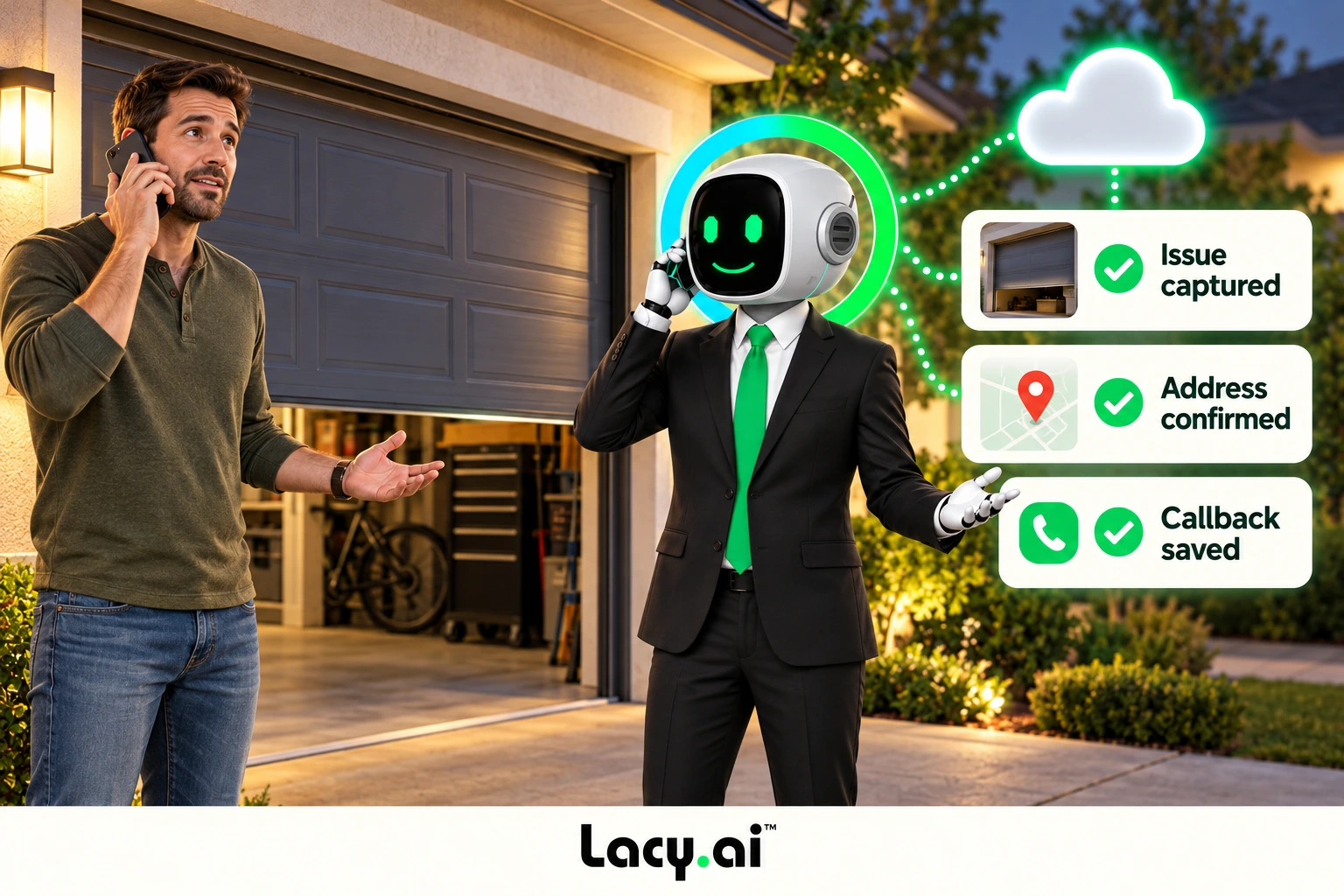
hours capture customer call and operational next step
THE TEAM RETURNS

The context is ready.

Review call summaries, callbacks, appointment interest, and outstanding follow-up.
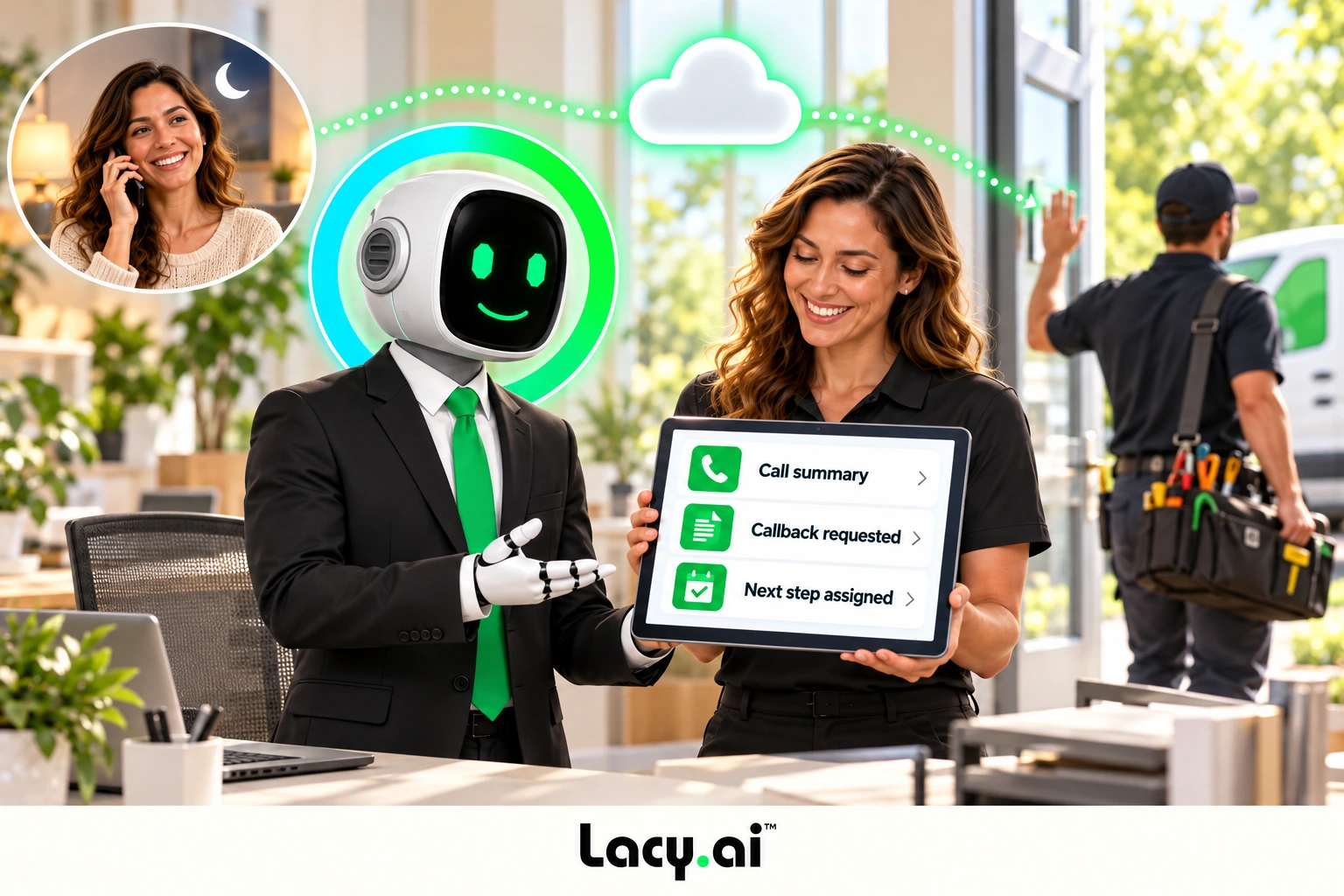
hours handoff customer call and operational next step
Set expectations clearly

An answer tonight.
The right next step.

After-hours answering follows your operating rules. The next action may be a booking, a callback, or an escalation to your on-call team.

Tell callers what happens next based on actual availability and your configured workflow.

Separate the paths

Some requests can wait.
Others need attention.

Define urgency questions, service areas, responsible teams, and fallback steps before launch.

ROUTINE

Prepare the next working day.

Capture estimates, appointment interest, account questions, and callbacks. Save the context for follow-through.

URGENT

Use the approved on-call path.

Capture the issue, location, and callback details. Apply your escalation and notification rules, including what to do if no one is available.

Service needs do not keep office hours

No cooling.
A call worth answering.

A homeowner notices a cooling problem in the evening. Capture the service need and urgency, then use the configured appointment, callback, or escalation path.

More than one kind of night call

Build around the requests you receive.

Give each type of customer a useful next step.

A homeowner needs service

Gather the issue, address, customer details, and urgency before booking or routing.

A commercial account needs help

Capture the site, account, access information, and responsible operations team.

A delivery customer has a question

Collect order or delivery details and route the request to your approved operations workflow.

Several customers call at once

Use configured overflow coverage and keep each request and outcome distinct.

Launch with clear rules

Plan the night shift.
Review the morning handoff.

Start with after-hours coverage, then expand to weekends, overflow, or business hours when the workflow is ready.

01

Define coverage

Set hours, greetings, intake questions, urgency rules, and fallback paths.

Call-flow design
02

Connect the team

Map CRM fields, notifications, callbacks, and booking actions.

Workflow setup
03

Test the exceptions

Review unanswered escalations, missing details, and call outcomes.

Ongoing optimization
Questions, answered

Frequently asked questions.

What is after-hours call handling with an AI Phone Agent?

After-hours call handling means using AI voice automation to answer customer calls when your team is closed, unavailable, or offline. The agent can capture details, classify urgency, route requests, and trigger follow-up workflows.

How does Lacy.ai handle after-hours calls?

Lacy.ai answers after-hours calls, understands caller intent, asks service-specific questions, captures structured data, identifies urgency, creates summaries, and can trigger CRM updates, callback tasks, appointment requests, dispatch alerts, and escalations.

Can Lacy.ai handle emergency service calls?

Yes. Lacy.ai can help classify urgent and emergency calls based on your business rules and trigger escalation, dispatch, callback, or notification workflows depending on your setup.

Can Lacy.ai book appointments after-hours?

Yes. Lacy.ai can support appointment workflows for after-hours callers, including appointment requests, confirmations, callback scheduling, and next-step routing based on your implementation.

Can Lacy.ai support both after-hours and business-hours calls?

Yes. Many teams start with after-hours AI Phone Agent coverage and later expand to 24/7 call handling, including operational hours, overflow calls, busy periods, weekends, and peak demand.

Does Lacy.ai provide implementation support?

Yes. Lacy.ai provides the platform plus AI Optimization support to configure after-hours call flows, urgency logic, escalation paths, CRM sync, workflows, testing, and performance improvements.

Close the office.
Keep the next step open.

Map your after-hours calls, urgency rules, and handoffs in a focused demo.